Chart position — tracked daily by LaunchShots
Screenshot changes — detected by LaunchShots
Screenshot style breakdown
Sampled from 6 of テキストエディタ LiquidLogic's App Store screenshots — background, accent and theme, measured by LaunchShots (not something Apple publishes).
#44A4F4 bg
#3B90D6
#0444AC accent
#111111 text
Screenshots
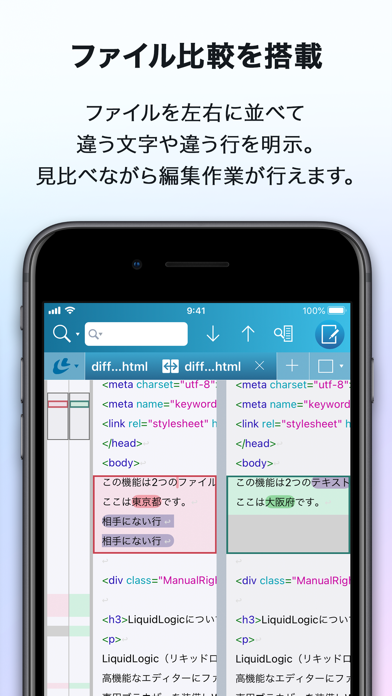
iPad screenshots


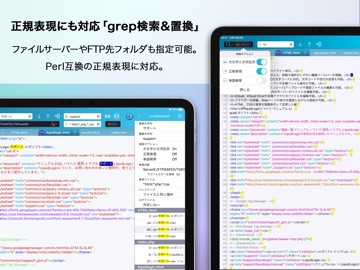
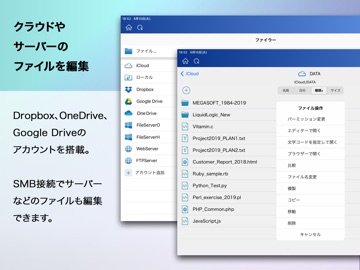


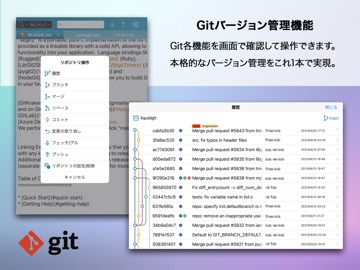

Icon palette
About this app
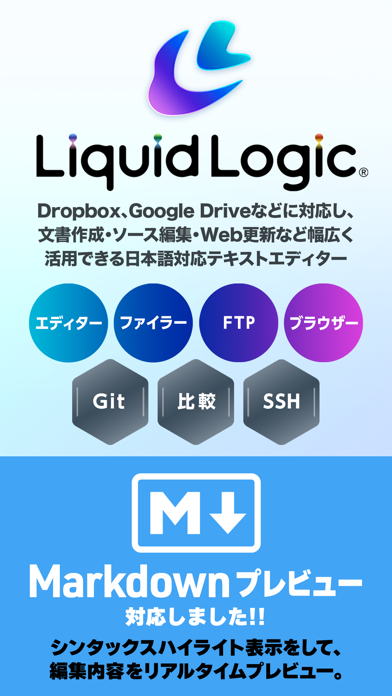
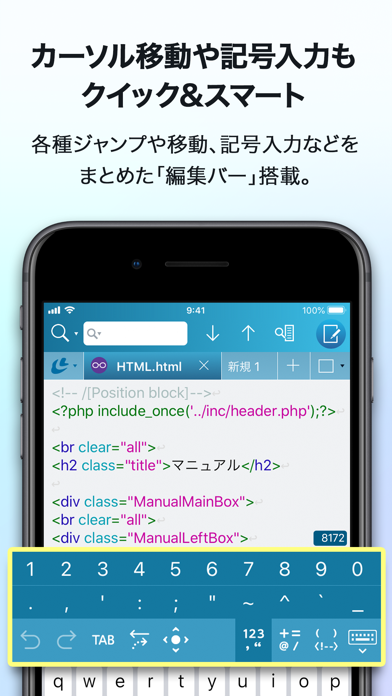
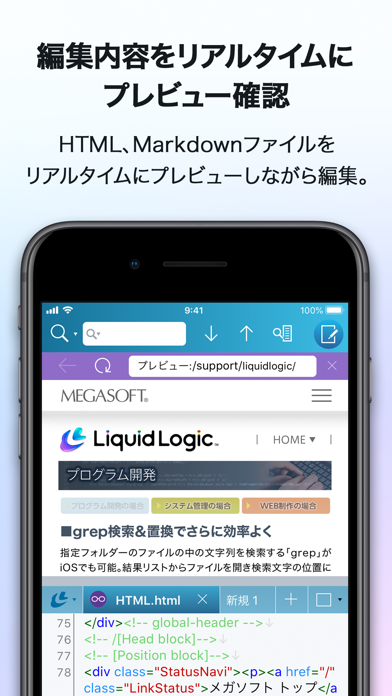
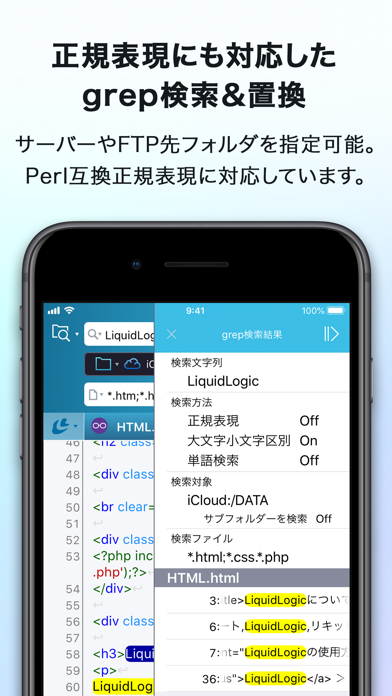
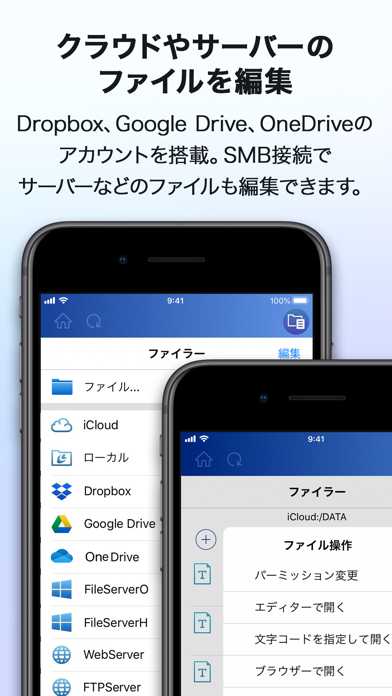
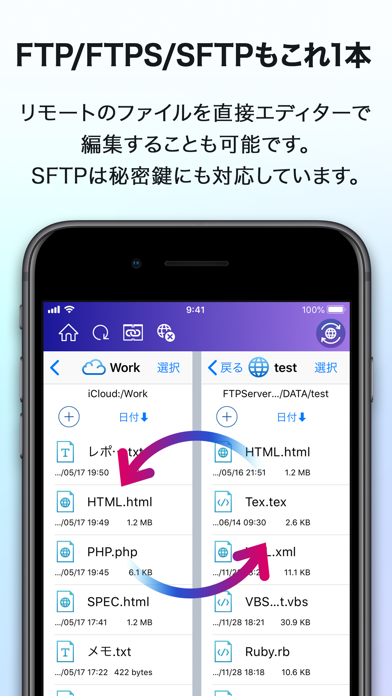
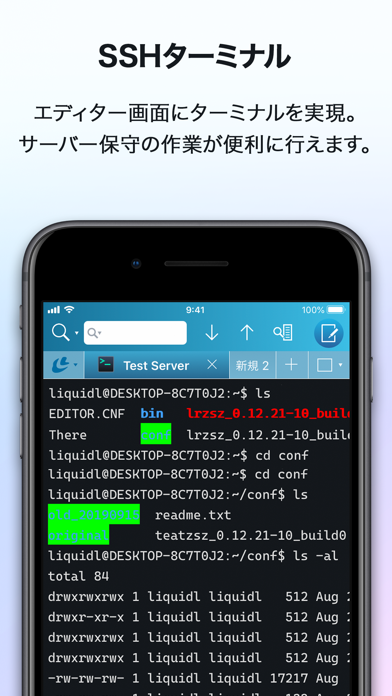
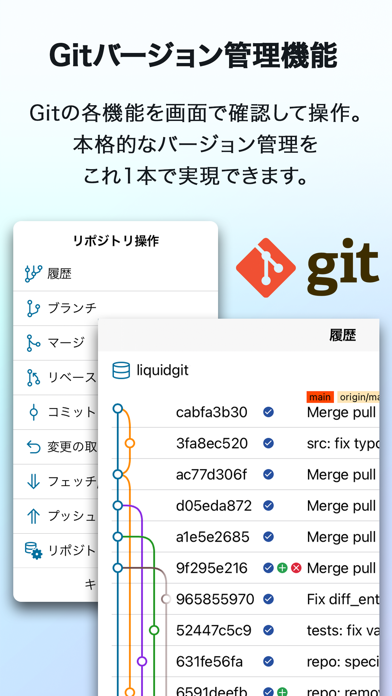
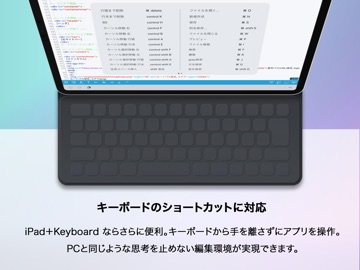
LiquidLogic(リキッドロジック)は、iPad/iPhoneでテキストファイル、Webページ、ソースコードを編集できるテキストエディターです。 高機能なエディターにファイラー、FTPを搭載しクラウドやサーバーのファイルを編集。 専用ブラウザーでWebページの確認やHTMLプレビューも可能。 SSHターミナル機能やGitバージョン管理機能を搭載。 これひとつで本格的なテキスト編集が可能です。 ■主な特長 複数ファイルをタブで切り替えて表示・編集。 マルチタスクに対応。LiquidLogicを複数起動できます。 画面を分割してファイル2つを見ながら編集可能。 Perl正規表現にも対応したリアルタイム検索。 grep検索に加えgrep置換を搭載。 HTML、Markdown、XML、CSS、JavaScript、PHP、Perl、Ruby、C++など15の言語に対応。 言語にそってシンタックスハイライト表示。 カーソル移動や記号、括弧、数字、全角スペースなどが入力できる編集バー。 Unicode、シフトJIS、EUCなど34種類の文字コードに対応し、文字コードや改行コードの変更が可能。 ファイラーを搭載。複数オープンや各…
App details
What you can learn from テキストエディタ LiquidLogic
Every shipping app on the App Store has gone through the same decisions you're working through right now: which screenshot goes first, what caption sits over it, which device frame to show, what color the background should be. The 19 screenshots above are テキストエディタ LiquidLogic's answers to those questions — they're public, they're real, and they made it through Apple's review.
What the numbers say: テキストエディタ LiquidLogic runs a light set where the background shifts from screenshot to screenshot (first shot #44A4F4) — each image has to stand on its own, so the captions carry more of the story. The accent colour we picked up, #0444AC, is the one to reuse for badges, arrows and highlighted words if you borrow this look. Hit Use this style to open the editor with these exact colours and drop your own screenshot in.
Notice the first screenshot in particular. It's the one users see in search results and on the product page, and it's where most apps spend their best caption and tightest design. Look at the proportion of background to phone, where the text sits, what one thing the image is trying to communicate.
Want to see how other Developer Tools apps approach the same problem? Browse more Developer Tools apps in the showcase.
Take what works into your own screenshots
Open LaunchShots and design your App Store & Google Play screenshots — pick a device frame, drop captions, ship in minutes. Free, in your browser.
Open the screenshot editor →Apps with a similar look
Closest background + accent colours among the listings we've analysed — useful when you want to see the same palette handled by a different team.