Screenshot style breakdown
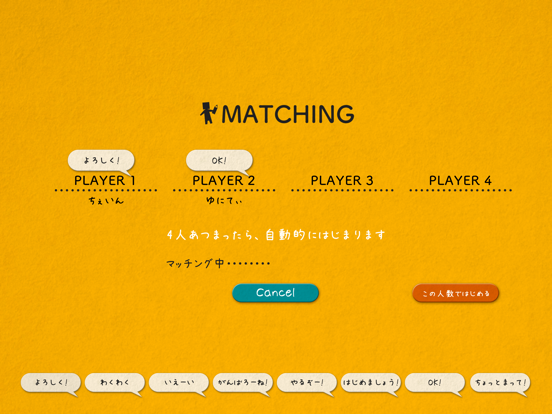
Sampled from 6 of イラストチェイナー - 絵しりとりオンラインお絵描きアプリ's App Store screenshots — background, accent and theme, measured by LaunchShots (not something Apple publishes).
#ECA404 bg
#CF9003
#048C94 accent
#111111 text
Screenshots

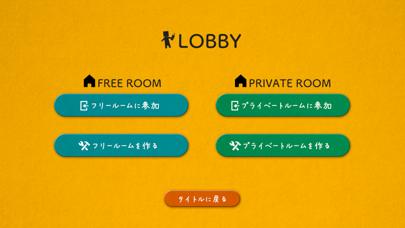
iPad screenshots
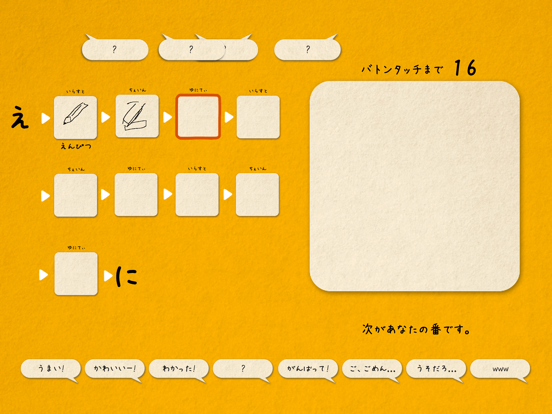
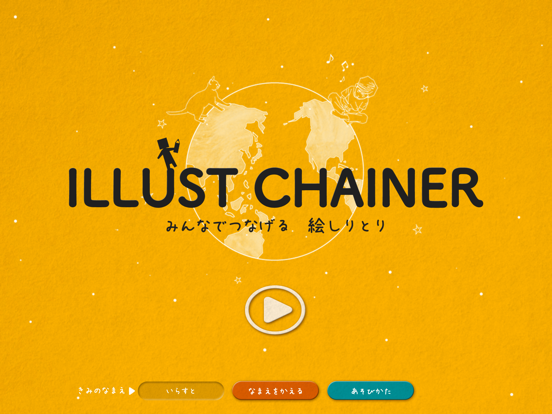
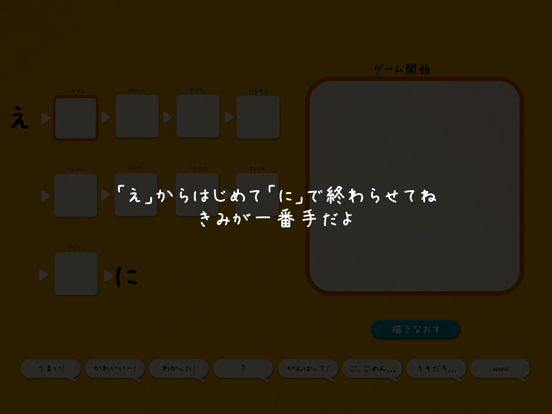
Icon palette
About this app
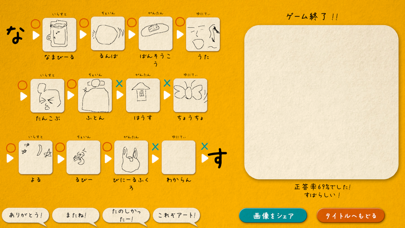
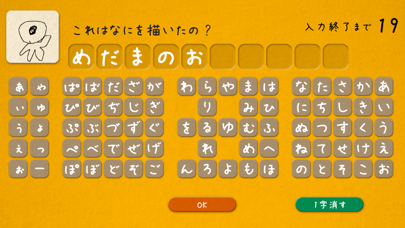
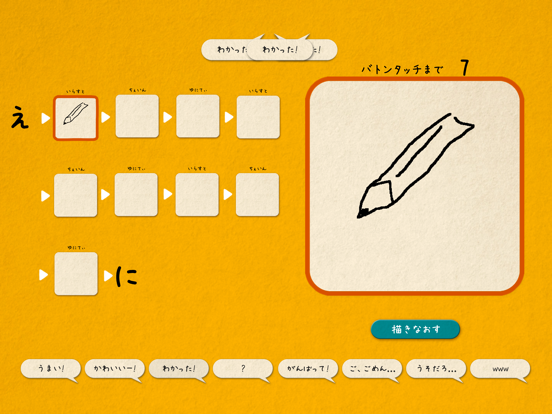
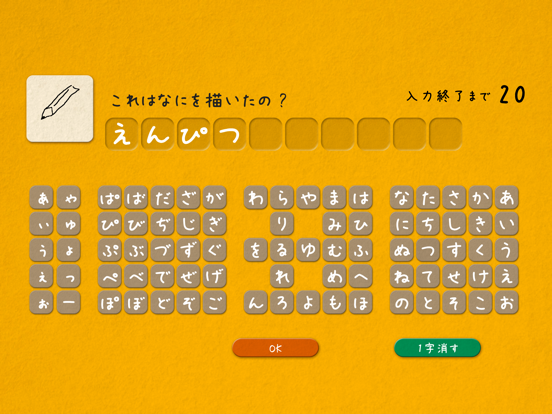
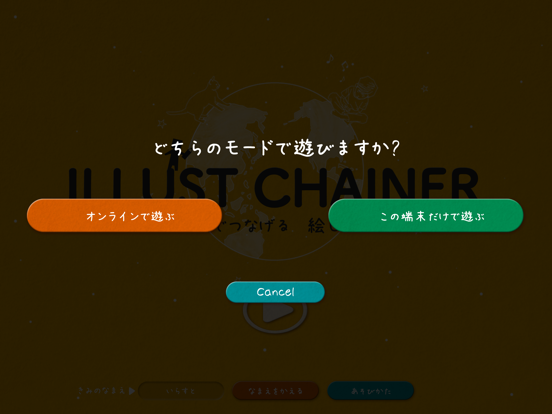
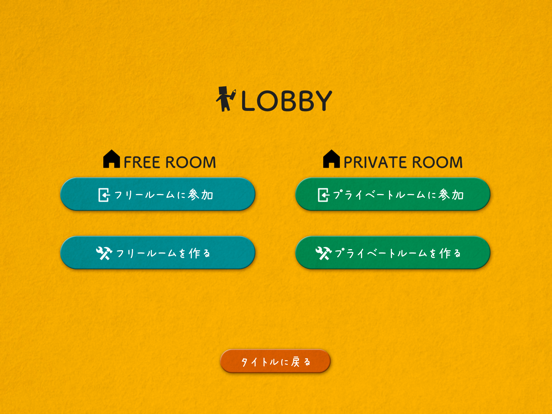
マルチプレイでも、オフラインでも遊べる。 お絵かきしりとりアプリの決定版! いつでもどこでも、だれとでも。 つながる、あそべる、たのしめる。 世代を問わず人気の絵しりとりを気軽に! 語尾が「ん」でおわってもだいじょうぶなやさしいルール採用で、お子様でも安心! パーティの盛り上げにも一役買います! あなた次第で、楽しみ方は無限大! Illust Chainer - みんなでつなげる絵しりとり - は、リアルタイムマルチプレイで、離れた相手と楽しめる絵しりとりアプリです。 <3つの特長> 1:マルチプレイでいつでも誰とでも遊べます 2:プライベートルームやオフラインモードなどの機能も搭載 3:最後に答え合わせがあるため、協力して高得点を目指すことになります 老若男女、世代を問わずに楽しく遊べます。 オフラインモードを一人で遊ぶだけでも、脳トレになるかも……? ともだち機能やいいね機能も搭載! 今後もどんどん遊びやすくしてきます! よろしくお願いします! m(_ _)m
App details
What you can learn from イラストチェイナー - 絵しりとりオンラインお絵描きアプリ
Every shipping app on the App Store has gone through the same decisions you're working through right now: which screenshot goes first, what caption sits over it, which device frame to show, what color the background should be. The 14 screenshots above are イラストチェイナー - 絵しりとりオンラインお絵描きアプリ's answers to those questions — they're public, they're real, and they made it through Apple's review.
What the numbers say: イラストチェイナー - 絵しりとりオンラインお絵描きアプリ runs a mixed light-and-dark set where the background shifts from screenshot to screenshot (first shot #ECA404) — each image has to stand on its own, so the captions carry more of the story. The accent colour we picked up, #048C94, is the one to reuse for badges, arrows and highlighted words if you borrow this look. Hit Use this style to open the editor with these exact colours and drop your own screenshot in.
Notice the first screenshot in particular. It's the one users see in search results and on the product page, and it's where most apps spend their best caption and tightest design. Look at the proportion of background to phone, where the text sits, what one thing the image is trying to communicate.
Want to see how other Games apps approach the same problem? Browse more Games apps in the showcase.
Take what works into your own screenshots
Open LaunchShots and design your App Store & Google Play screenshots — pick a device frame, drop captions, ship in minutes. Free, in your browser.
Open the screenshot editor →Apps with a similar look
Closest background + accent colours among the listings we've analysed — useful when you want to see the same palette handled by a different team.