Chart position — tracked daily by LaunchShots
Screenshot style breakdown
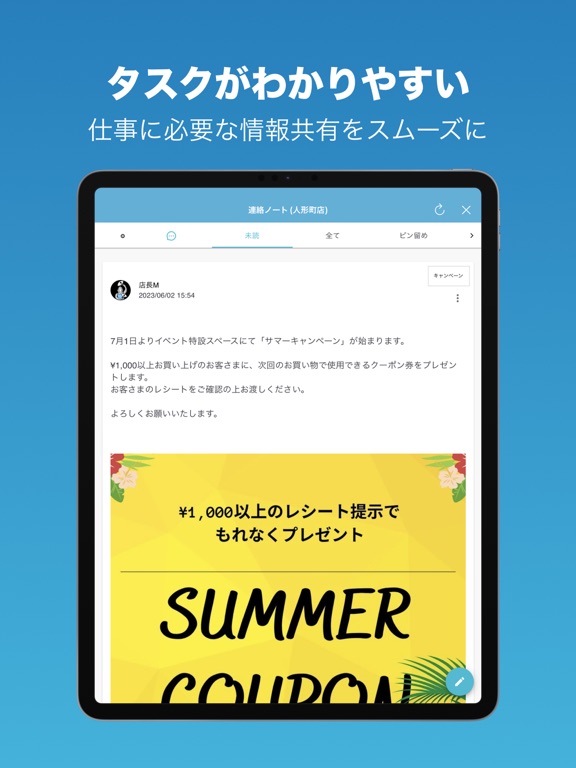
Sampled from 5 of はたLuck's App Store screenshots — background, accent and theme, measured by LaunchShots (not something Apple publishes).
#2C84BC bg
#4995C5
#84B4CC accent
#FFFFFF text
Screenshots

iPad screenshots



Icon palette
About this app
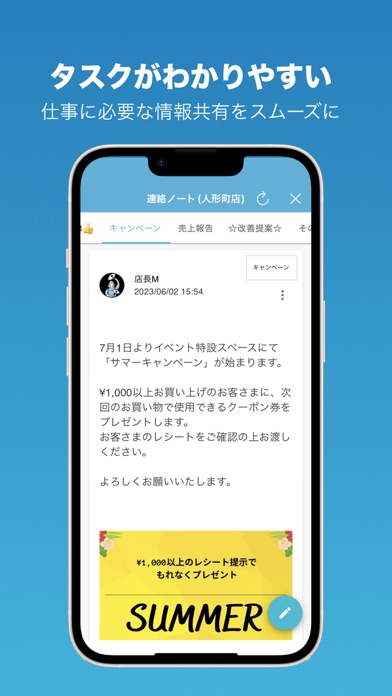
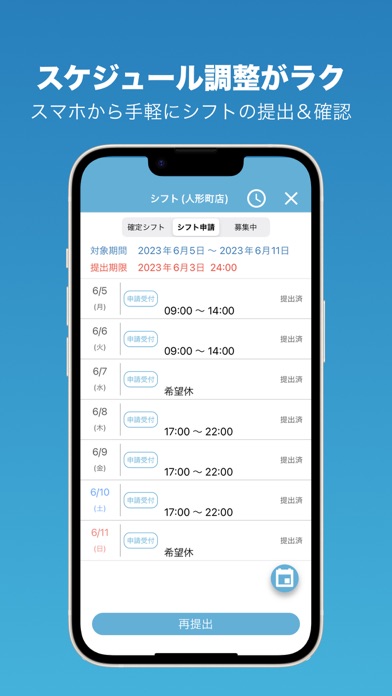
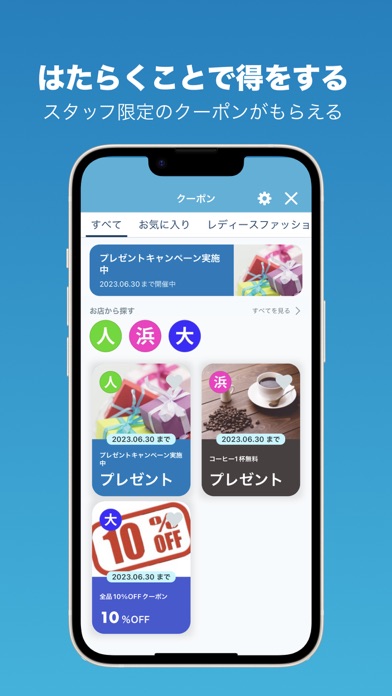
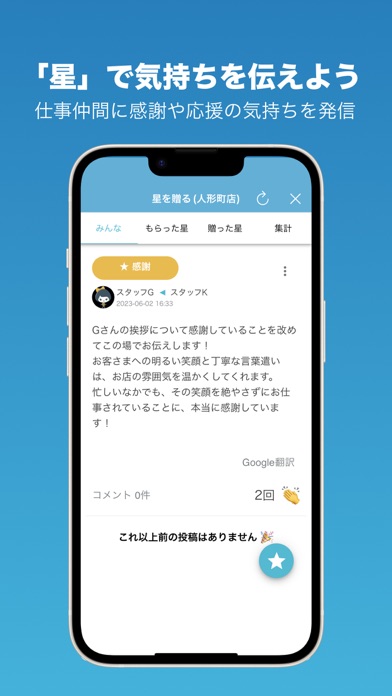
「はたLuck」はサービス業(小売・外食・宿泊・アミューズメント・対面販売等)の店舗を主力とした事業を展開している企業様向けのアプリです。組織内の情報伝達をスムーズすることを始め、従業員の働く環境を「ラクに」「楽しく」するためのツールです。 <「はたLuck」の機能> ①トーク機能 職場のコミュニケーションを活性化させ、従業員同士のコミュニケーションを行うことができます。スタンプや画像の送信によってコミュニケーションを円滑にします。 ②連絡ノート機能 店舗の中のお知らせや情報共有を行うためのノート機能です。キャンペーン、クレーム、その他のタグを付けて情報を共有することができます。 共有された情報に対し、個々人が「見ました」のチェックを行うことができます。 ③星を贈る機能 日々の業務の中での感謝を「星」を贈ることで伝えることができます。星には「感謝」「期待」「応援」「頑張った」の種類があり、コメントを添えて送信することができます。 ④学ぶ機能(オプション機能) 学習用のコンテン…
App details
What you can learn from はたLuck
Every shipping app on the App Store has gone through the same decisions you're working through right now: which screenshot goes first, what caption sits over it, which device frame to show, what color the background should be. The 10 screenshots above are はたLuck's answers to those questions — they're public, they're real, and they made it through Apple's review.
What the numbers say: はたLuck runs a dark set with one background colour (#2C84BC) carried across every screenshot — the listing reads as a single poster when the shots sit side by side in search results. The accent colour we picked up, #84B4CC, is the one to reuse for badges, arrows and highlighted words if you borrow this look. Hit Use this style to open the editor with these exact colours and drop your own screenshot in.
Notice the first screenshot in particular. It's the one users see in search results and on the product page, and it's where most apps spend their best caption and tightest design. Look at the proportion of background to phone, where the text sits, what one thing the image is trying to communicate.
Want to see how other Business apps approach the same problem? Browse more Business apps in the showcase.
Take what works into your own screenshots
Open LaunchShots and design your App Store & Google Play screenshots — pick a device frame, drop captions, ship in minutes. Free, in your browser.
Open the screenshot editor →Apps with a similar look
Closest background + accent colours among the listings we've analysed — useful when you want to see the same palette handled by a different team.