Chart position — tracked daily by LaunchShots
Screenshot style breakdown
Sampled from 3 of ListenRadio(リスラジ)'s App Store screenshots — background, accent and theme, measured by LaunchShots (not something Apple publishes).
#BC2C2C bg
#C54949
#D47C7C accent
#FFFFFF text
Screenshots
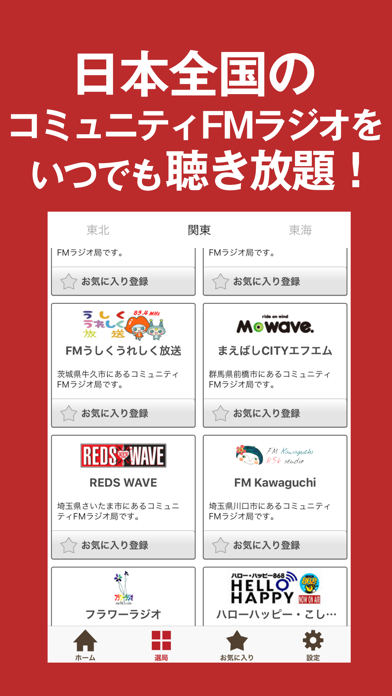
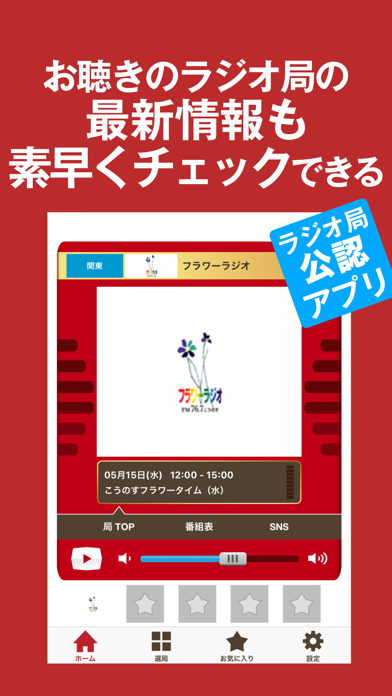
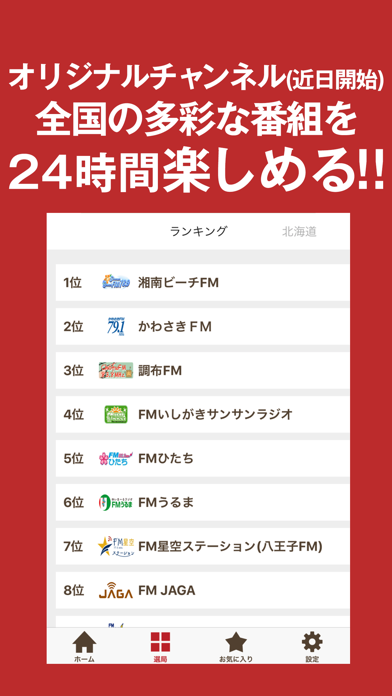
iPad screenshots
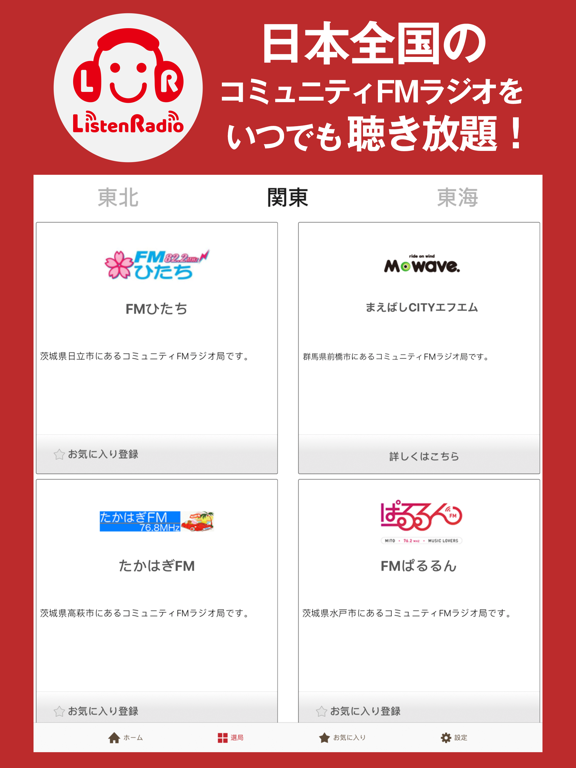
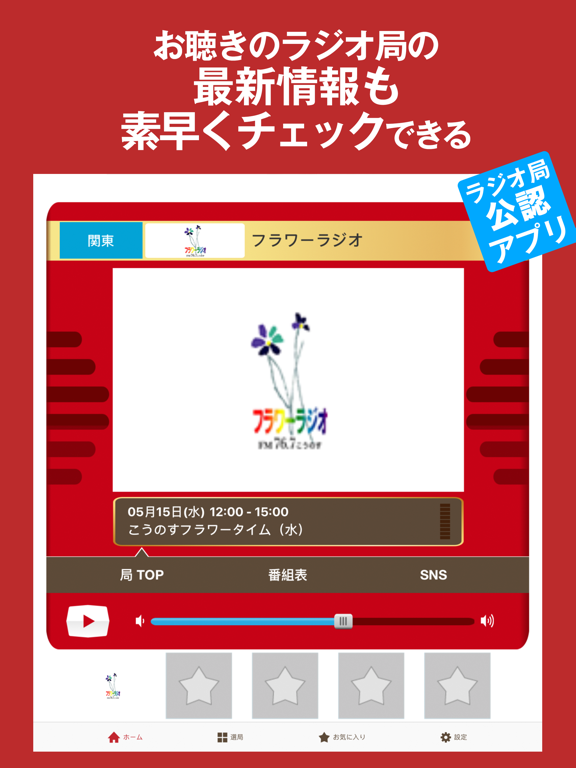
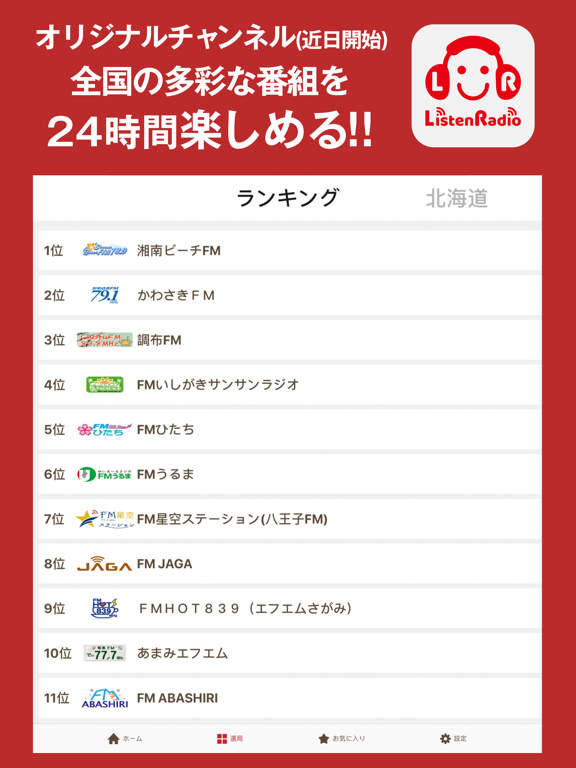
Icon palette
About this app
◇ ListenRadio(リスラジ)とは ◇ およそ100chから選び放題!聴き放題!日本全国のコミュニティFMラジオ局・ネット放送局の多彩なラジオ番組を楽しめる無料アプリです。 ◇ 配信コミュニティラジオ局一覧 ◇ 2026年7月現在 [北海道] FMわっぴー/FM ABASHIRI/FM G'Sky/FMねむろ/FMくしろ/FMはまなす/FM JAGA/FM WING/さっぽろ村ラジオ/RadioYAMASHO FMドラマシティ/三角山放送局/ラジオカロスサッポロ/FMアップル/FMおたる/FMメイプル/wi-radio [東北] BeFM/カシオペアFM/ラヂオもりおか/みやこハーバーラジオ/ラヂオ気仙沼/ラジオ石巻/BAY WAVE/RADIO3/fmいずみ/なとらじ801/鹿角きりたんぽFM/エフエム椿台/横手かまくらエフエム/FMゆーとぴあ/FM-MotCom/KOCOラジ/FMいわき [関東] FMひたち/FMぱるるん/FMうしくうれしく放送/まえばしCITYエフエム/FMふっかちゃん/FMわたらせ/REDS WAVE/FM Kawaguchi/フラワーラジオ/ハローハッピー・こしがやエフエム/775ライブリーFM/レインボータウンFM/エフエム世田谷/調布FM/FMたちかわ/Tokyo Star Radio(八王子FM)/FMカオン […
App details
What you can learn from ListenRadio(リスラジ)
Every shipping app on the App Store has gone through the same decisions you're working through right now: which screenshot goes first, what caption sits over it, which device frame to show, what color the background should be. The 6 screenshots above are ListenRadio(リスラジ)'s answers to those questions — they're public, they're real, and they made it through Apple's review.
What the numbers say: ListenRadio(リスラジ) runs a dark set with one background colour (#BC2C2C) carried across every screenshot — the listing reads as a single poster when the shots sit side by side in search results. The accent colour we picked up, #D47C7C, is the one to reuse for badges, arrows and highlighted words if you borrow this look. Hit Use this style to open the editor with these exact colours and drop your own screenshot in.
Notice the first screenshot in particular. It's the one users see in search results and on the product page, and it's where most apps spend their best caption and tightest design. Look at the proportion of background to phone, where the text sits, what one thing the image is trying to communicate.
Want to see how other Music apps approach the same problem? Browse more Music apps in the showcase.
Take what works into your own screenshots
Open LaunchShots and design your App Store & Google Play screenshots — pick a device frame, drop captions, ship in minutes. Free, in your browser.
Open the screenshot editor →Apps with a similar look
Closest background + accent colours among the listings we've analysed — useful when you want to see the same palette handled by a different team.