Screenshots


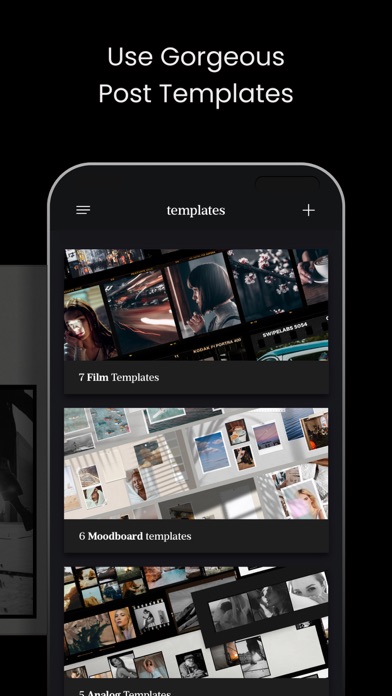
iPad screenshots


Icon palette
About this app
SwipeMix – Carousel, Panorama & Collage Maker for Instagram. Take your Instagram to the next level with SwipeMix — the all-in-one tool for creating swipeable carousel posts, seamless panoramas, layouts, and collages that stop the scroll. WHAT YOU CAN CREATE - Swipeable carousel posts for Instagram feed - Seamless panoramic images that span multiple slides - Photo collages and grid layouts - Story templates designed to grab attention - Custom post designs built entirely from scratch TEMPLATES SwipeMix includes dozens of professionally designed templates — for both feed posts and stories — that are ready to use and easy to customize: - Feed carousel templates for a polished, cohesive look - Story templates optimized for vertical format - Layouts and collage frames for every style and occasion - Regularly updated template library with fresh designs Simply pick a template, swap in your p…
App details
What you can learn from Carousel Collage: Layout Maker
Every shipping app on the App Store has gone through the same decisions you're working through right now: which screenshot goes first, what caption sits over it, which device frame to show, what color the background should be. The 7 screenshots above are Carousel Collage: Layout Maker's answers to those questions — they're public, they're real, and they made it through Apple's review.
Notice the first screenshot in particular. It's the one users see in search results and on the product page, and it's where most apps spend their best caption and tightest design. Look at the proportion of background to phone, where the text sits, what one thing the image is trying to communicate.
Want to see how other Photo & Video apps approach the same problem? Browse more Photo & Video apps in the showcase.
Take what works into your own screenshots
Open LaunchShots and design your App Store & Google Play screenshots — pick a device frame, drop captions, ship in minutes. Free, in your browser.
Open the screenshot editor →