Chart position — tracked daily by LaunchShots
Screenshot style breakdown
Sampled from 6 of クスリのアオキ公式アプリ's App Store screenshots — background, accent and theme, measured by LaunchShots (not something Apple publishes).
#FC0404 bg
#FC2727
#FCFC04 accent
#FFFFFF text
Screenshots


Icon palette
About this app
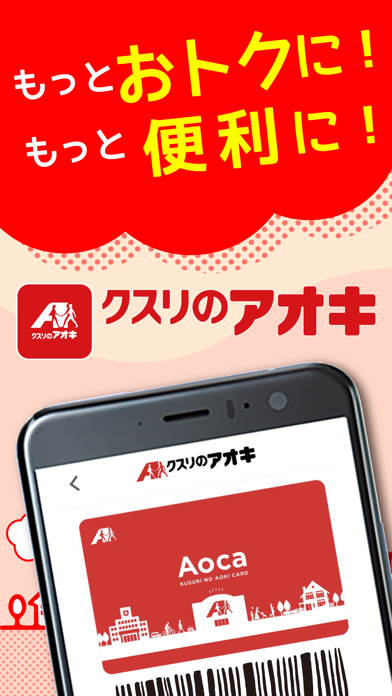
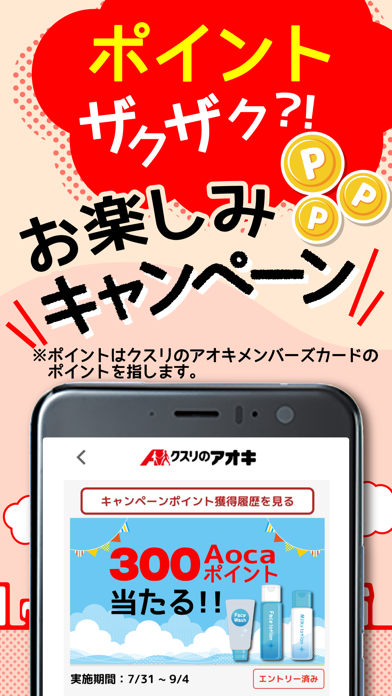
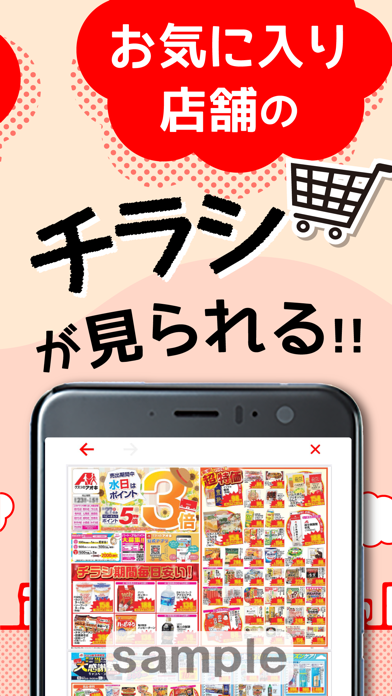
クスリのアオキ公式アプリは、クスリのアオキでのお買物を、もっと便利に、もっとお得に楽しめるアプリです。 ■会員バーコード アプリの会員バーコードを提示で、Aocaポイントがたまります。また、Aocaにチャージすれば、決済もアプリで完結!ポイント残高やプリカの履歴や残高の確認も可能です。 ■おトクなクーポン アプリ会員様限定クーポンが届くので、おトクにお買い物をお楽しみいただけます。 店頭でクーポン画面を提示するだけで簡単にご利用いただけます。 ■抽選キャンペーン、おすすめ情報 アプリ会員様限定で、お得な抽選キャンペーンを実施。キャンペーンに当選すると、ポイントがもらえます! また、おすすめ商品やクスリのアオキからのお知らせをいち早く確認することができます。 ■Vポイント アプリからVポイントを連携することで、VポイントとAocaポイントがたまります。 たまったVポイントは、Aoca残高としてお支払いにご利用が可能です。 ■処方箋受付 アプリを使えば、スマホで撮影した処方箋画像を、ご自宅や外出先から送信が可能です。 …
App details
What you can learn from クスリのアオキ公式アプリ
Every shipping app on the App Store has gone through the same decisions you're working through right now: which screenshot goes first, what caption sits over it, which device frame to show, what color the background should be. The 6 screenshots above are クスリのアオキ公式アプリ's answers to those questions — they're public, they're real, and they made it through Apple's review.
What the numbers say: クスリのアオキ公式アプリ runs a mixed light-and-dark set where the background shifts from screenshot to screenshot (first shot #FC0404) — each image has to stand on its own, so the captions carry more of the story. The accent colour we picked up, #FCFC04, is the one to reuse for badges, arrows and highlighted words if you borrow this look. Hit Use this style to open the editor with these exact colours and drop your own screenshot in.
Notice the first screenshot in particular. It's the one users see in search results and on the product page, and it's where most apps spend their best caption and tightest design. Look at the proportion of background to phone, where the text sits, what one thing the image is trying to communicate.
Want to see how other Lifestyle apps approach the same problem? Browse more Lifestyle apps in the showcase.
Take what works into your own screenshots
Open LaunchShots and design your App Store & Google Play screenshots — pick a device frame, drop captions, ship in minutes. Free, in your browser.
Open the screenshot editor →Apps with a similar look
Closest background + accent colours among the listings we've analysed — useful when you want to see the same palette handled by a different team.