Chart position — tracked daily by LaunchShots
Screenshot style breakdown
Sampled from 5 of 写真翻訳's App Store screenshots — background, accent and theme, measured by LaunchShots (not something Apple publishes).
#242424 bg
#424242
#6CBCE4 accent
#FFFFFF text
Screenshots


iPad screenshots


Icon palette
About this app
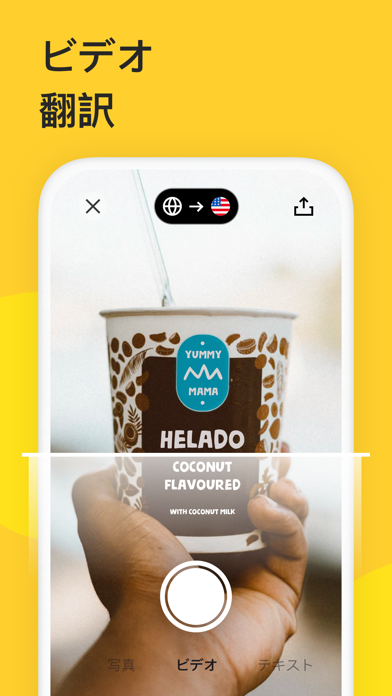
AR翻訳アプリを今すぐ入手!AIによる瞬時の翻訳を体験しましょう。 会話、写真撮影、テキスト入力、そしてAR(拡張現実)を通じて、100以上の言語に対応した翻訳が可能です。コミュニケーションが、これまで以上にスムーズになります。今日から、どんな言語でも理解できるようになりましょう! 主な機能: ● 写真翻訳:入力不要で、画像内のテキストをあなたの言語に瞬時に置き換えます。 ● 音声翻訳:自然に話すだけで、AIによるリアルタイム翻訳を利用できます。 ● AR翻訳:カメラをかざすだけで、画面上に単語がライブで翻訳されます。 ● リアルタイムカメラ翻訳:段落全体をスキャンし、カメラを動かすと翻訳が瞬時に表示されます。 ● テキスト入力:どんなフレーズでも入力すれば、素早く正確に翻訳します。 ● AIチャット:テキストや翻訳について質問すると、文脈を理解したスマートな回答が得られます。 ● AI要約:長い記事や書類、スキャンしたページを、数秒で分かりやすい簡潔な要約に変換します。 ● 100以上の言語:100以上の言語間でスムーズに翻訳で…
App details
What you can learn from 写真翻訳
Every shipping app on the App Store has gone through the same decisions you're working through right now: which screenshot goes first, what caption sits over it, which device frame to show, what color the background should be. The 10 screenshots above are 写真翻訳's answers to those questions — they're public, they're real, and they made it through Apple's review.
What the numbers say: 写真翻訳 runs a mixed light-and-dark set where the background shifts from screenshot to screenshot (first shot #242424) — each image has to stand on its own, so the captions carry more of the story. The accent colour we picked up, #6CBCE4, is the one to reuse for badges, arrows and highlighted words if you borrow this look. Hit Use this style to open the editor with these exact colours and drop your own screenshot in.
Notice the first screenshot in particular. It's the one users see in search results and on the product page, and it's where most apps spend their best caption and tightest design. Look at the proportion of background to phone, where the text sits, what one thing the image is trying to communicate.
Want to see how other Reference apps approach the same problem? Browse more Reference apps in the showcase.
Take what works into your own screenshots
Open LaunchShots and design your App Store & Google Play screenshots — pick a device frame, drop captions, ship in minutes. Free, in your browser.
Open the screenshot editor →Apps with a similar look
Closest background + accent colours among the listings we've analysed — useful when you want to see the same palette handled by a different team.