Chart position — tracked daily by LaunchShots
Screenshot changes — detected by LaunchShots
Screenshot style breakdown
Sampled from 4 of WESPO's App Store screenshots — background, accent and theme, measured by LaunchShots (not something Apple publishes).
#FCFCFC bg
#DDDDDD
#74BCFC accent
#111111 text
Screenshots

Icon palette
About this app
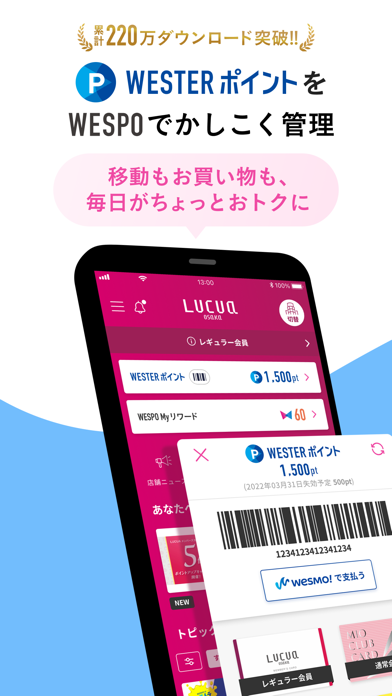
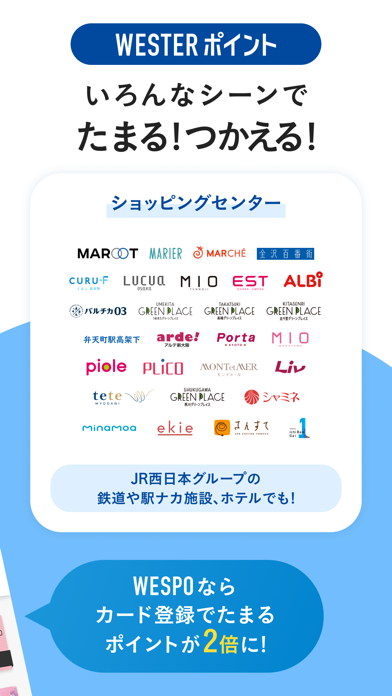
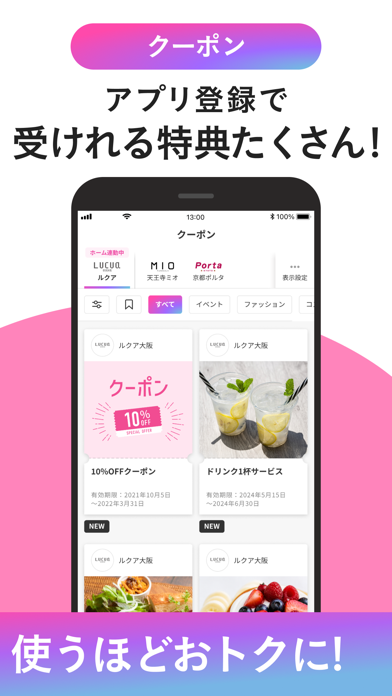
JR西日本グループのショッピングセンターのご利用をはじめ、JR西日本グループのお店や施設でのお買い物やお食事、サービスのご利用など、様々なシーンでWESTERポイントが「たまる」「つかえる」! 賢くお得にショッピングするなら、WESPOアプリ! 【ポイントカードをスマホの中に】 お買い物の際は、WESPOアプリを見せるだけ! お財布からカードを取り出す必要はありません。 お持ちのポイントカードをスマホに入れて 、スマートにお買い物しよう! 【いろんなシーンで たまる!つかえる!】 JR西日本グループのショッピングセンターをはじめ、駅ナカのお店でのお買い物やお食事、ホテルの宿泊でもWESTERポイントがたまる! たまったポイントは1ポイント=1円としてご利用いただけます! 【WESPOアプリだけのサービスがいっぱい】 WESPOアプリ限定クーポンの配信や、条件達成でポイントがもらえるキャンペーンも開催! 普段のショッピングでもっと賢くお得にポイントをためよう! 【イベントやお得な情報をキャッチ】 ポイントアップキャンペーンやイベン…
App details
What you can learn from WESPO
Every shipping app on the App Store has gone through the same decisions you're working through right now: which screenshot goes first, what caption sits over it, which device frame to show, what color the background should be. The 4 screenshots above are WESPO's answers to those questions — they're public, they're real, and they made it through Apple's review.
What the numbers say: WESPO runs a light set with one background colour (#FCFCFC) carried across every screenshot — the listing reads as a single poster when the shots sit side by side in search results. The accent colour we picked up, #74BCFC, is the one to reuse for badges, arrows and highlighted words if you borrow this look. Hit Use this style to open the editor with these exact colours and drop your own screenshot in.
Notice the first screenshot in particular. It's the one users see in search results and on the product page, and it's where most apps spend their best caption and tightest design. Look at the proportion of background to phone, where the text sits, what one thing the image is trying to communicate.
Want to see how other Shopping apps approach the same problem? Browse more Shopping apps in the showcase.
Take what works into your own screenshots
Open LaunchShots and design your App Store & Google Play screenshots — pick a device frame, drop captions, ship in minutes. Free, in your browser.
Open the screenshot editor →Apps with a similar look
Closest background + accent colours among the listings we've analysed — useful when you want to see the same palette handled by a different team.