Chart position — tracked daily by LaunchShots
Screenshot style breakdown
Sampled from 5 of 雀魂 -じゃんたま-'s App Store screenshots — background, accent and theme, measured by LaunchShots (not something Apple publishes).
#449CF4 bg
#3B89D6
#744C7C accent
#111111 text
Screenshots
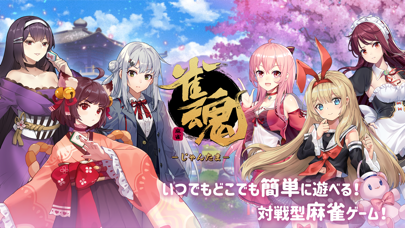
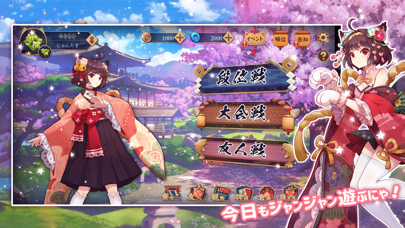
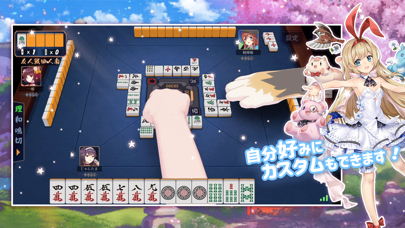
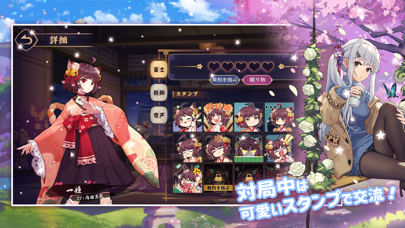
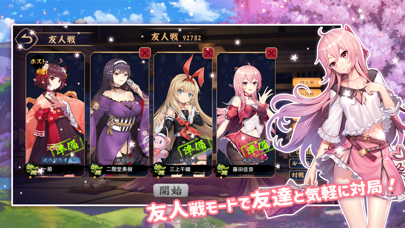
iPad screenshots

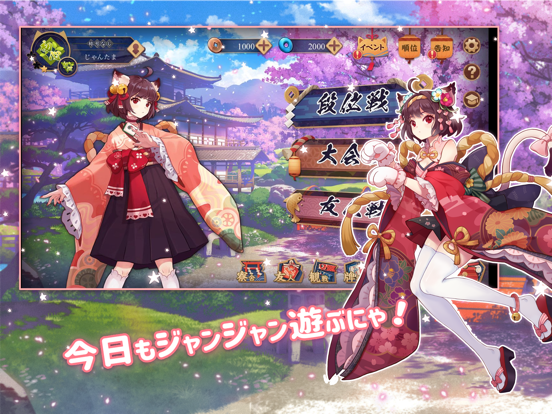
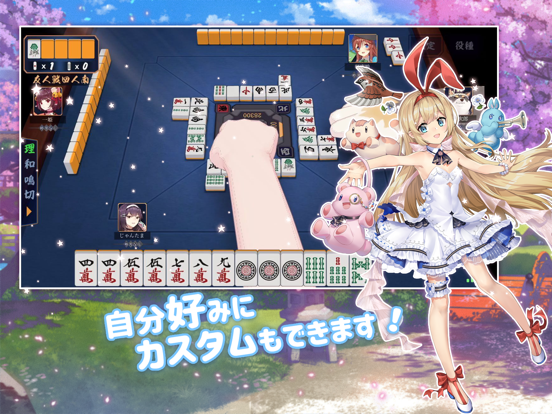
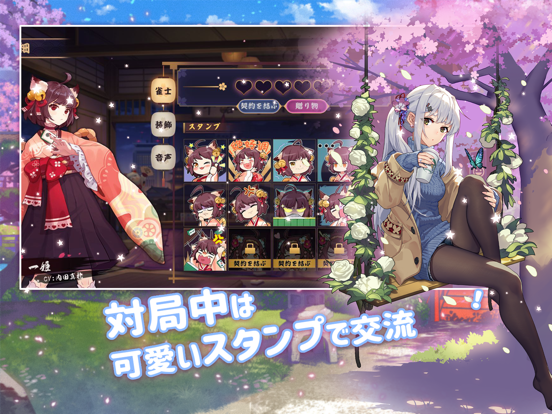
Icon palette
About this app
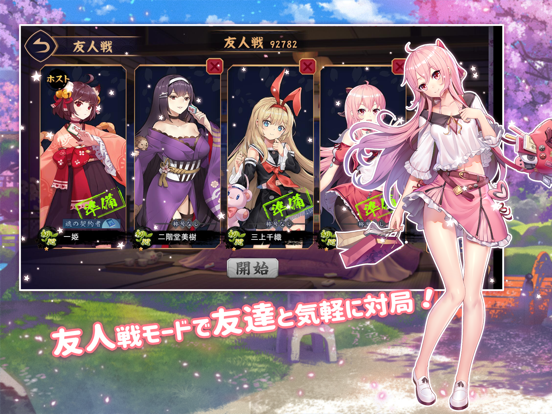
かわいいキャラクターと共に派手な演出が楽しめる基本無料のオンライン麻雀ゲームが登場! 対局で白熱の体験ができる《雀魂 じゃんたま》を体験しよう! 【雀魂の特徴】 雀魂の大きな特徴でもある、可愛らしく描かれたキャラクター達と共に対戦しよう! 対局中のコミュニケーションツールとして、キャラクターの様々な感情をかたどった愛らしいスタンプが使用可能! 好感度を高めることで、新たなスタンプやボイスが開放! キャラクターや麻雀牌などの装飾品を派手に彩る演出で、試合はさらに白熱! 今後も続々と新たなキャラクターや特殊演出が追加予定! 対戦モードは、全世界のプレイヤーと対戦を行うことができる「段位戦」、チャットを送れる友人と好きなルールで対戦できる「友人戦」、プレイヤー同士で開催/参加できる「大会戦」の3種類から選べる。 それぞれ四人麻雀のほか三麻も遊ぶことができるぞ。 「友人戦」ではCPU対戦も選べるから、対人戦が苦手でも楽しく遊べる! 対局終了後に対局内容を振り返ることができる「牌譜」が閲覧可能! 自分の牌譜や…
App details
What you can learn from 雀魂 -じゃんたま-
Every shipping app on the App Store has gone through the same decisions you're working through right now: which screenshot goes first, what caption sits over it, which device frame to show, what color the background should be. The 10 screenshots above are 雀魂 -じゃんたま-'s answers to those questions — they're public, they're real, and they made it through Apple's review.
What the numbers say: 雀魂 -じゃんたま- runs a light set with one background colour (#449CF4) carried across every screenshot — the listing reads as a single poster when the shots sit side by side in search results. The accent colour we picked up, #744C7C, is the one to reuse for badges, arrows and highlighted words if you borrow this look. Hit Use this style to open the editor with these exact colours and drop your own screenshot in.
Notice the first screenshot in particular. It's the one users see in search results and on the product page, and it's where most apps spend their best caption and tightest design. Look at the proportion of background to phone, where the text sits, what one thing the image is trying to communicate.
Want to see how other Games apps approach the same problem? Browse more Games apps in the showcase.
Take what works into your own screenshots
Open LaunchShots and design your App Store & Google Play screenshots — pick a device frame, drop captions, ship in minutes. Free, in your browser.
Open the screenshot editor →Apps with a similar look
Closest background + accent colours among the listings we've analysed — useful when you want to see the same palette handled by a different team.