Chart position — tracked daily by LaunchShots
Screenshot style breakdown
Sampled from 6 of サムワン:カップルアプリ&記念日(SumOne)'s App Store screenshots — background, accent and theme, measured by LaunchShots (not something Apple publishes).
#ECECE4 bg
#CFCFC8
#FC8C8C accent
#111111 text
Reading the caption text from the screenshots in your browser…
Screenshots


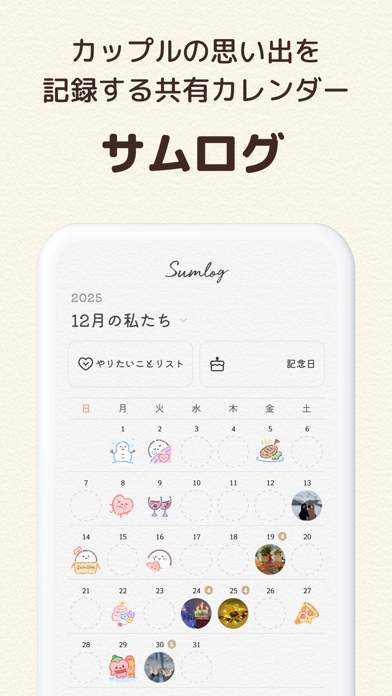
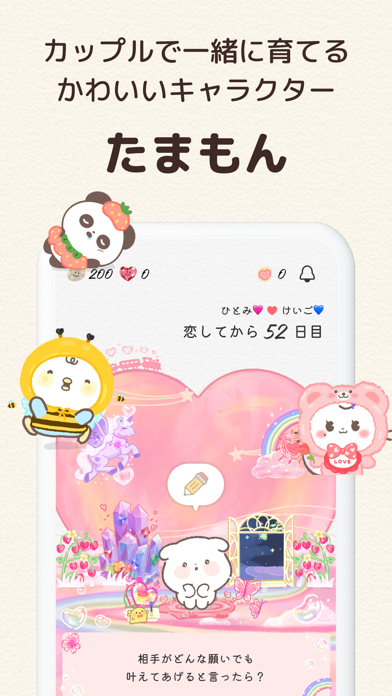
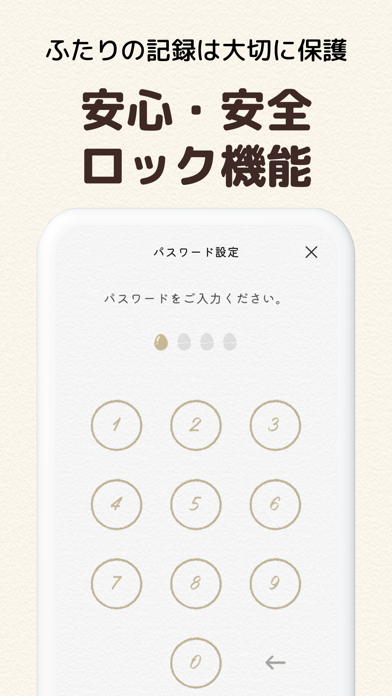
Icon palette
About this app
\ カップル累計ダウンロード数2,000万+ / .。.:・恋の記録アプリ、サムワン SumOne・:.。. サムワンは、 1日1つの質問に答えるだけで恋が深まるカップルアプリです。 相手の好みや恋愛タイプ、価値観など お互いのことをもっとよく知ることができます。 さらに、普段なかなか言えなかった本音を伝えられるきっかけになり、 カップルの仲がより深まります。 【”1日1つの質問”に答え関係を深める】 毎日1回、カップルが設定した「サムワンタイム」に カップルの関係と恋愛に関する質問が届きます。 お互いの気持ちを知るきっかけになり、 会えない時間もカップルの仲が深まります。 【ゲーム感覚で楽しむ選択式”質問パック”】 複雑な入力は不要で、タップひとつで楽しめる選択式質問! 日常から特別な瞬間まで幅広いテーマの質問に答えながら、 ゲーム感覚で相手の考えや性格を知っていくことができます。 【カップルの関係をずっと見守ってくれる“ウィジェット”】 カップルの付き合った日数を秒までカウントしてくれるウィジェット、 そして、相手の答え状態を確認で…
App details
What you can learn from サムワン:カップルアプリ&記念日(SumOne)
Every shipping app on the App Store has gone through the same decisions you're working through right now: which screenshot goes first, what caption sits over it, which device frame to show, what color the background should be. The 6 screenshots above are サムワン:カップルアプリ&記念日(SumOne)'s answers to those questions — they're public, they're real, and they made it through Apple's review.
What the numbers say: サムワン:カップルアプリ&記念日(SumOne) runs a light set with one background colour (#ECECE4) carried across every screenshot — the listing reads as a single poster when the shots sit side by side in search results. The accent colour we picked up, #FC8C8C, is the one to reuse for badges, arrows and highlighted words if you borrow this look. Hit Use this style to open the editor with these exact colours and drop your own screenshot in.
Notice the first screenshot in particular. It's the one users see in search results and on the product page, and it's where most apps spend their best caption and tightest design. Look at the proportion of background to phone, where the text sits, what one thing the image is trying to communicate.
Want to see how other Lifestyle apps approach the same problem? Browse more Lifestyle apps in the showcase.
Take what works into your own screenshots
Open LaunchShots and design your App Store & Google Play screenshots — pick a device frame, drop captions, ship in minutes. Free, in your browser.
Open the screenshot editor →Apps with a similar look
Closest background + accent colours among the listings we've analysed — useful when you want to see the same palette handled by a different team.