Screenshot style breakdown
Sampled from 6 of メッシュWi-Fi's App Store screenshots — background, accent and theme, measured by LaunchShots (not something Apple publishes).
#E4E4E4 bg
#C8C8C8
#5C2C64 accent
#111111 text
Screenshots
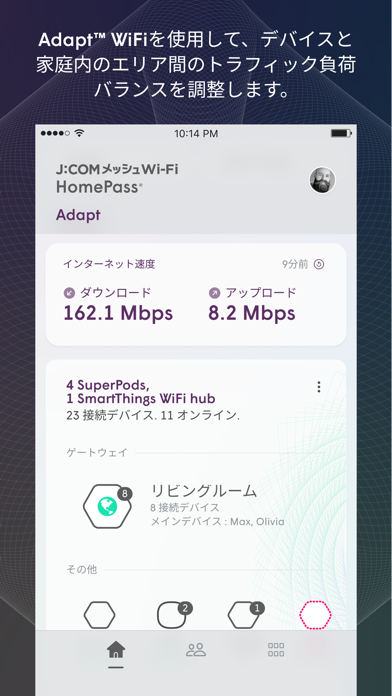
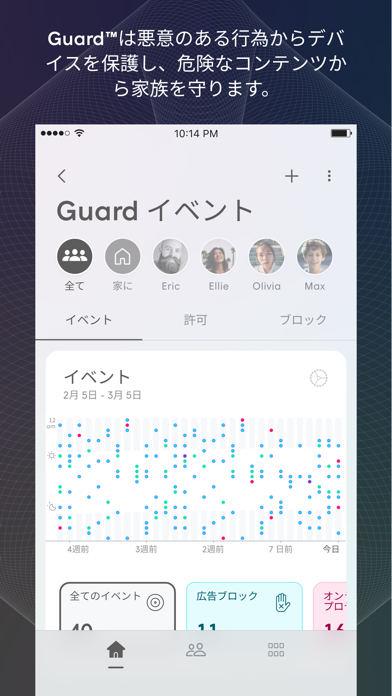
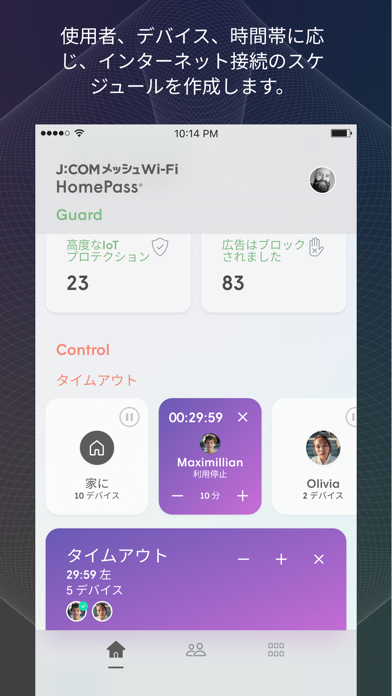
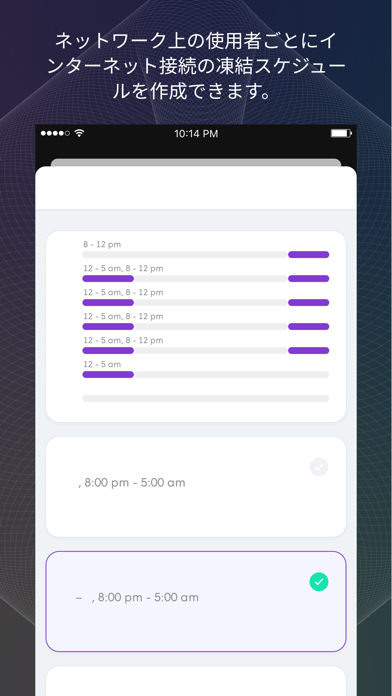
Icon palette
About this app
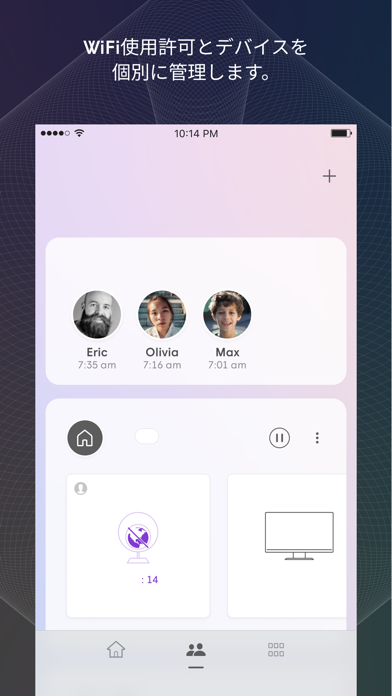
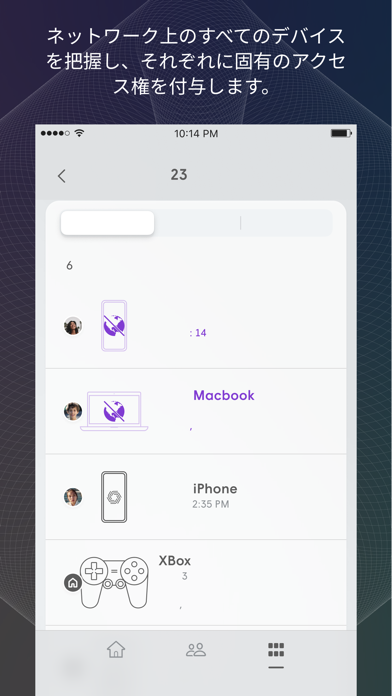
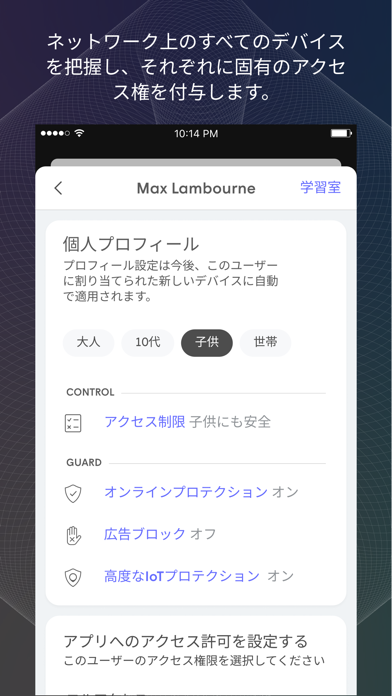
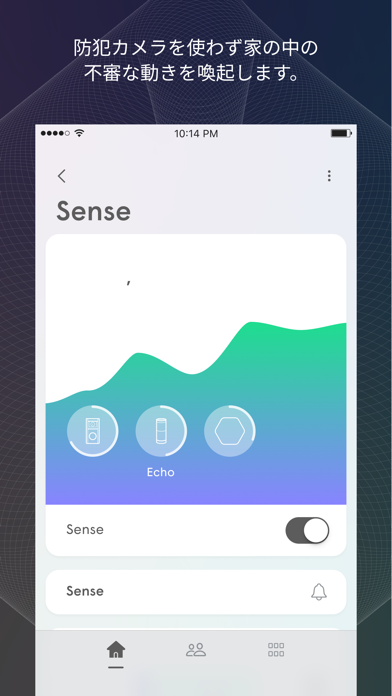
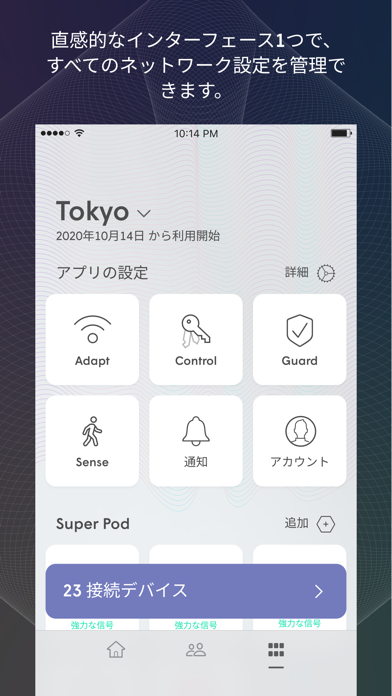
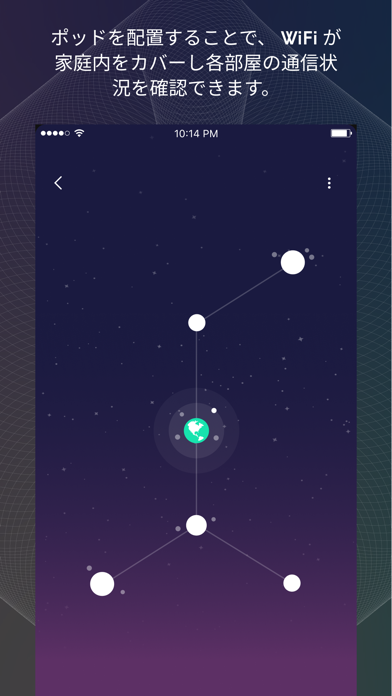
このアプリは「J:COMメッシュWi-Fi」に加入中のお客さま向けの専用アプリです。宅内Wi-Fiの利用状況の確認やSSIDの変更ができます。 J:COMメッシュWi-Fiアプリは、家庭内のWiFiネットワークを簡単に管理できます。自動最適化機能により各部屋、各端末に対して信頼性が高いWi-Fiネットワークの接続を提供します。 他のメッシュネットワークシステムと異なり、J:COMメッシュWi-FiではCloudと連携する事で、より良い、スムーズな接続が得られ、日々、改善が図られます。 ・簡単なセットアップ J:COMメッシュWi-Fiは、全ての端末を認識し、端末に応じた通信フローを最適化します。 ・HomePass&ペアレンタル制御 J:COMメッシュWi-Fiアプリで簡単にゲストアクセス用のパスワードを設定できます。また年齢に応じたコンテンツフィルタ、Webサイトアクセスの管理、インターネットの一時停止が制御可能です。 ・AIセキュリティ J:COMメッシュWi-Fiアプリで家庭内ネットワークと-ネットワークに接続された端末をハッカーやサイバー犯罪から保護します。AIを活用した最先端のセ…
App details
What you can learn from メッシュWi-Fi
Every shipping app on the App Store has gone through the same decisions you're working through right now: which screenshot goes first, what caption sits over it, which device frame to show, what color the background should be. The 10 screenshots above are メッシュWi-Fi's answers to those questions — they're public, they're real, and they made it through Apple's review.
What the numbers say: メッシュWi-Fi runs a light set with one background colour (#E4E4E4) carried across every screenshot — the listing reads as a single poster when the shots sit side by side in search results. The accent colour we picked up, #5C2C64, is the one to reuse for badges, arrows and highlighted words if you borrow this look. Hit Use this style to open the editor with these exact colours and drop your own screenshot in.
Notice the first screenshot in particular. It's the one users see in search results and on the product page, and it's where most apps spend their best caption and tightest design. Look at the proportion of background to phone, where the text sits, what one thing the image is trying to communicate.
Want to see how other Utilities apps approach the same problem? Browse more Utilities apps in the showcase.
Take what works into your own screenshots
Open LaunchShots and design your App Store & Google Play screenshots — pick a device frame, drop captions, ship in minutes. Free, in your browser.
Open the screenshot editor →Apps with a similar look
Closest background + accent colours among the listings we've analysed — useful when you want to see the same palette handled by a different team.