Chart position — tracked daily by LaunchShots
Screenshot style breakdown
Sampled from 6 of my RAS – Emploi et Intérim's App Store screenshots — background, accent and theme, measured by LaunchShots (not something Apple publishes).
#441454 bg
#5E346B
#8C5494 accent
#FFFFFF text
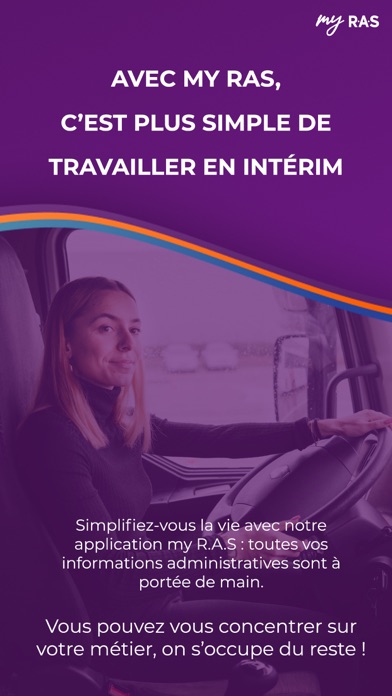
- #1AVEC MY RAS, C’EST PLUS SIMPLE DE TRAVAILLER EN INTÉRIM
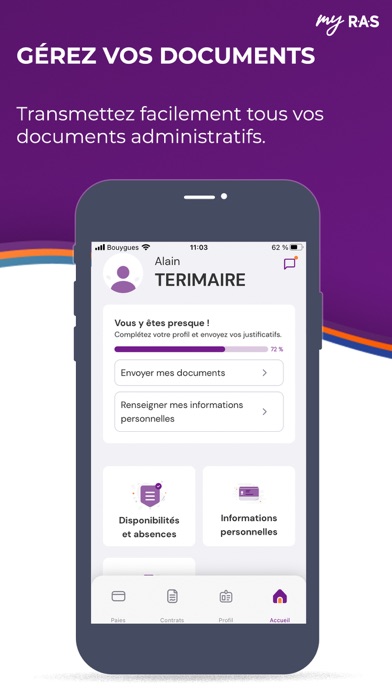
- #2GEREZ VOS DOCUMENTS Transmettez facilement tous vos documents administratifs.
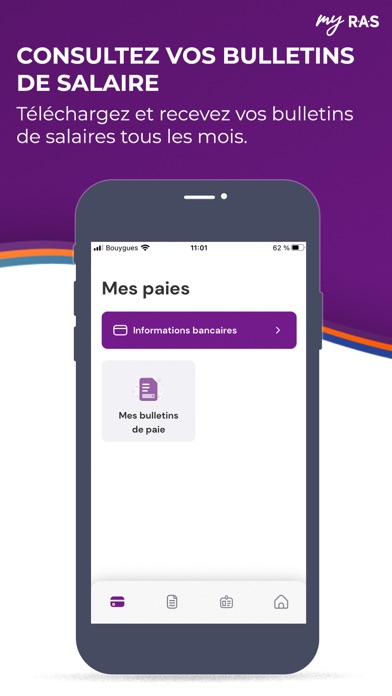
- #3CONSULTEZ VOS BULLETINS DE SALAIRE Téléchargez et recevez vos bulletins
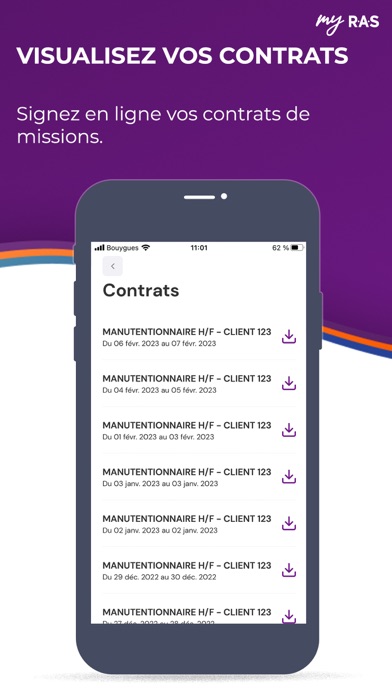
- #4VISUALISEZ VOS CONTRATS Signez en ligne vos contrats de missions.
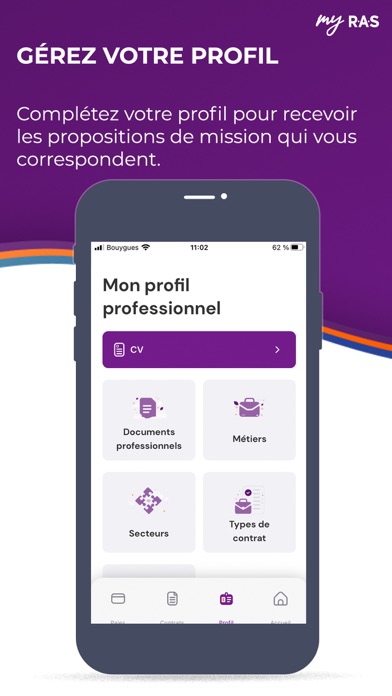
- #5GEREZ VOTRE PROFIL Complétez votre profil pour recevoir les propositions de mission qui vo
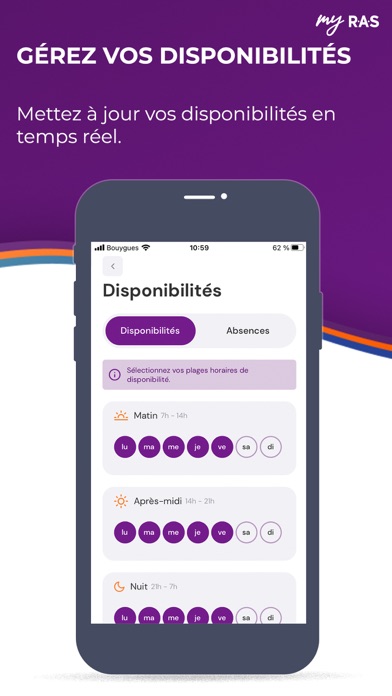
- #6GEREZ VOS DISPONIBILITES Mettez a jour vos disponibilités en temps réel.
Captions read from the screenshots (OCR, may contain small errors): 6 headlines, 10.7 words on average (longest 14).
Screenshots
Icon palette
About this app
Avec my RAS, c’est plus simple de travailler en intérim ! Simplifiez-vous la vie avec notre application my R.A.S : toutes vos informations administratives sont à portée de main. Vous pouvez vous concentrer sur votre métier, on s’occupe du reste. Envoyez-nous votre candidature en quelques clics pour vous inscrire et recevoir des propositions d’emploi adaptées à votre profil tout en bénéficiant d’un accompagnement personnalisé de nos experts en recrutement. En plus, l’application est totalement gratuite ! Plus de 60 000 intérimaires nous font confiance, pourquoi pas vous ? Spécialiste des métiers du transport (chauffeur poids lourds, routier) et de la logistique (cariste), nous avons également des annonces d’emploi dans de nombreux autres secteurs d’activité. Nous proposons des missions dans la grande distribution, le retail, le déménagement, les espaces verts, les services, le …
App details
What you can learn from my RAS – Emploi et Intérim
Every shipping app on the App Store has gone through the same decisions you're working through right now: which screenshot goes first, what caption sits over it, which device frame to show, what color the background should be. The 6 screenshots above are my RAS – Emploi et Intérim's answers to those questions — they're public, they're real, and they made it through Apple's review.
What the numbers say: my RAS – Emploi et Intérim runs a mixed light-and-dark set where the background shifts from screenshot to screenshot (first shot #441454) — each image has to stand on its own, so the captions carry more of the story. The accent colour we picked up, #8C5494, is the one to reuse for badges, arrows and highlighted words if you borrow this look. Hit Use this style to open the editor with these exact colours and drop your own screenshot in.
Notice the first screenshot in particular. It's the one users see in search results and on the product page, and it's where most apps spend their best caption and tightest design. Look at the proportion of background to phone, where the text sits, what one thing the image is trying to communicate.
Want to see how other Business apps approach the same problem? Browse more Business apps in the showcase.
Take what works into your own screenshots
Open LaunchShots and design your App Store & Google Play screenshots — pick a device frame, drop captions, ship in minutes. Free, in your browser.
Open the screenshot editor →Apps with a similar look
Closest background + accent colours among the listings we've analysed — useful when you want to see the same palette handled by a different team.