Chart position — tracked daily by LaunchShots
Screenshot style breakdown
Sampled from 6 of 解忧娃娃's App Store screenshots — background, accent and theme, measured by LaunchShots (not something Apple publishes).
#FCFCFC bg
#DDDDDD
#4C8CFC accent
#111111 text
Screenshots




iPad screenshots



Icon palette
About this app
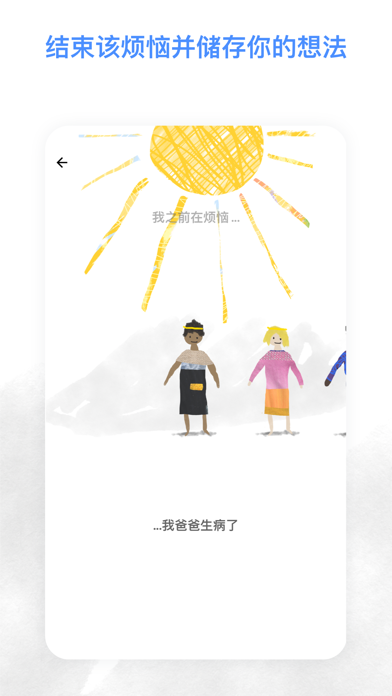
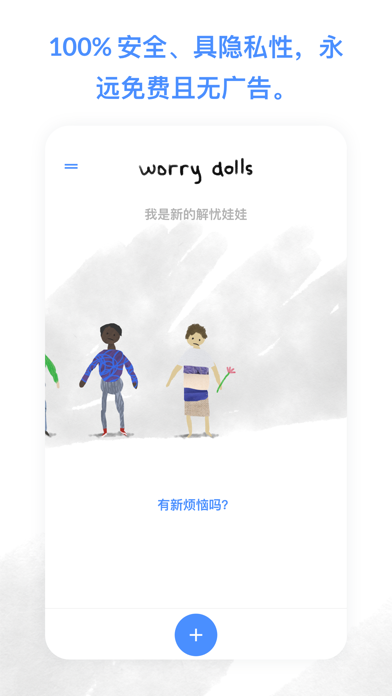
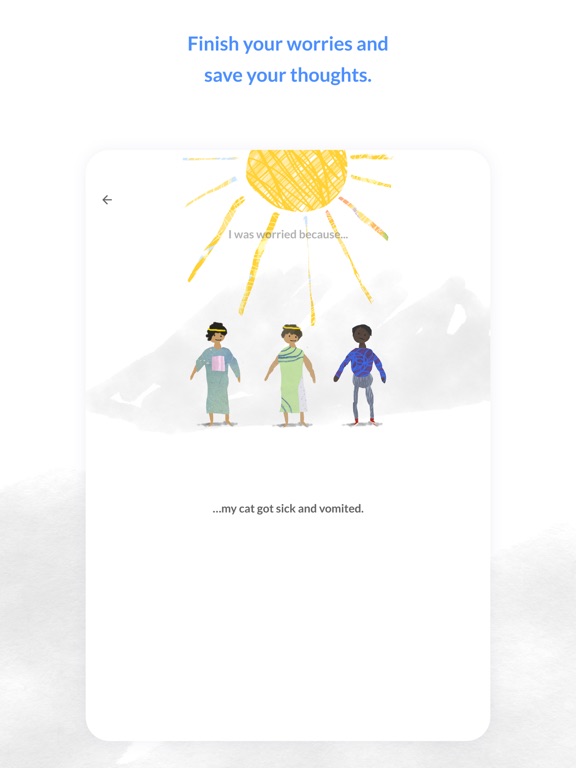
当我还很小的时候,我外婆送我一个娃娃,名字是解忧娃娃。她跟我说如果我把烦恼都告诉他,那麽他就会替我烦恼了。而在这个 App 裡面,只要你告诉解忧娃娃你的烦恼,他就会帮你分担。 你可以学习觉察你的烦恼,当有什麽事情发生时,试着跟解忧娃娃倾诉,让他成为理解你的美好存在。 当你的烦恼解决了,解忧娃娃就会被戴上黄冠。 在 App 内你也能回顾之前纪录的所有烦恼们,这是一个经过证实能减少焦虑的好方法! 我也曾经深受焦虑与忧鬱的困扰,为了帮助跟我一样的人们,因此做了这个 App。解忧娃娃的概念涵盖了认知行为疗法、正念技巧以及一些神奇的小魔术。 Terms of Use: https://www.apple.com/legal/internet-services/itunes/dev/stdeula/
App details
What you can learn from 解忧娃娃
Every shipping app on the App Store has gone through the same decisions you're working through right now: which screenshot goes first, what caption sits over it, which device frame to show, what color the background should be. The 11 screenshots above are 解忧娃娃's answers to those questions — they're public, they're real, and they made it through Apple's review.
What the numbers say: 解忧娃娃 runs a mixed light-and-dark set where the background shifts from screenshot to screenshot (first shot #FCFCFC) — each image has to stand on its own, so the captions carry more of the story. The accent colour we picked up, #4C8CFC, is the one to reuse for badges, arrows and highlighted words if you borrow this look. Hit Use this style to open the editor with these exact colours and drop your own screenshot in.
Notice the first screenshot in particular. It's the one users see in search results and on the product page, and it's where most apps spend their best caption and tightest design. Look at the proportion of background to phone, where the text sits, what one thing the image is trying to communicate.
Want to see how other Health & Fitness apps approach the same problem? Browse more Health & Fitness apps in the showcase.
Take what works into your own screenshots
Open LaunchShots and design your App Store & Google Play screenshots — pick a device frame, drop captions, ship in minutes. Free, in your browser.
Open the screenshot editor →Apps with a similar look
Closest background + accent colours among the listings we've analysed — useful when you want to see the same palette handled by a different team.