Chart position — tracked daily by LaunchShots
Screenshot style breakdown
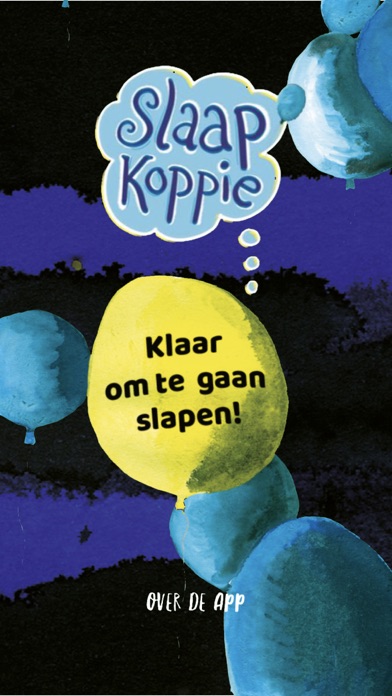
Sampled from 3 of Slaapkoppie's App Store screenshots — background, accent and theme, measured by LaunchShots (not something Apple publishes).
#0C0C04 bg
#2E2E27
#34348C accent
#FFFFFF text
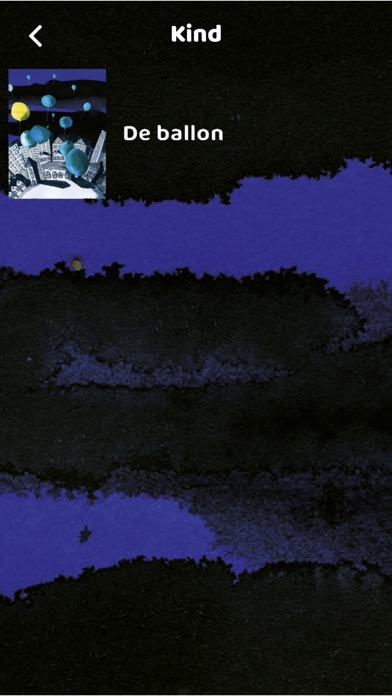
- #2< Kind De ballon
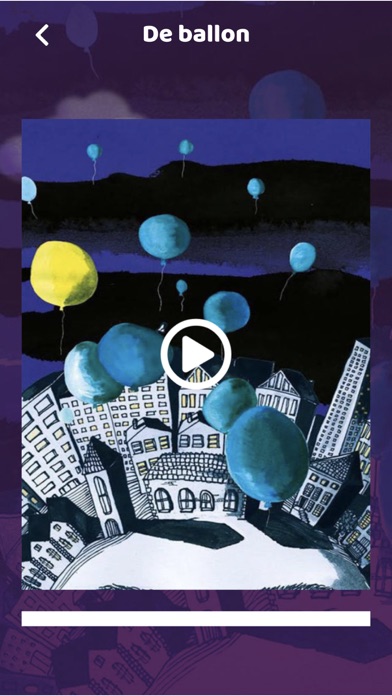
- #3< De ballon
Captions read from the screenshots (OCR, may contain small errors): 2 headlines, 3.5 words on average (longest 4).
Screenshots
iPad screenshots


Icon palette
About this app
Help je kind de prikkels van de dag te verwerken en lekker te slapen met Slaapkoppie. Kinderen vinden de overgang van de dag naar de nacht soms lastig. Samen tot rust komen voor het slapengaan kan helpen om alle prikkels van een drukke dag te verwerken. Met Slaapkoppie maken kinderen op een laagdrempelige manier kennis met meditatie. De ontspanningsoefeningen zorgen ervoor dat ze beter met stress om kunnen gaan en makkelijker in slaap komen. Vul samen een ballon met alle leuke en minder leuke dingen van de dag en laat hem wegzweven, oefen de leeuwenadem, stap in een achtbaan die je hoofd leeg roetsjt of doe de bodyscan. Dankzij de aansprekende verhalen en prachtige illustraties zorgt dit boek niet alleen voor een ontspannen nachtrust, maar ook voor veel fijne momenten voor het slapengaan. Kies een verhaaltje uit en sluit samen de dag af!
App details
What you can learn from Slaapkoppie
Every shipping app on the App Store has gone through the same decisions you're working through right now: which screenshot goes first, what caption sits over it, which device frame to show, what color the background should be. The 6 screenshots above are Slaapkoppie's answers to those questions — they're public, they're real, and they made it through Apple's review.
What the numbers say: Slaapkoppie runs a dark set where the background shifts from screenshot to screenshot (first shot #0C0C04) — each image has to stand on its own, so the captions carry more of the story. The accent colour we picked up, #34348C, is the one to reuse for badges, arrows and highlighted words if you borrow this look. Hit Use this style to open the editor with these exact colours and drop your own screenshot in.
Notice the first screenshot in particular. It's the one users see in search results and on the product page, and it's where most apps spend their best caption and tightest design. Look at the proportion of background to phone, where the text sits, what one thing the image is trying to communicate.
Want to see how other Book apps approach the same problem? Browse more Book apps in the showcase.
Take what works into your own screenshots
Open LaunchShots and design your App Store & Google Play screenshots — pick a device frame, drop captions, ship in minutes. Free, in your browser.
Open the screenshot editor →Apps with a similar look
Closest background + accent colours among the listings we've analysed — useful when you want to see the same palette handled by a different team.