Chart position — tracked daily by LaunchShots
Screenshot style breakdown
Sampled from 3 of 電子マネーICカード残高確認's App Store screenshots — background, accent and theme, measured by LaunchShots (not something Apple publishes).
#FCFCFC bg
#DDDDDD
#84BC04 accent
#111111 text
Screenshots
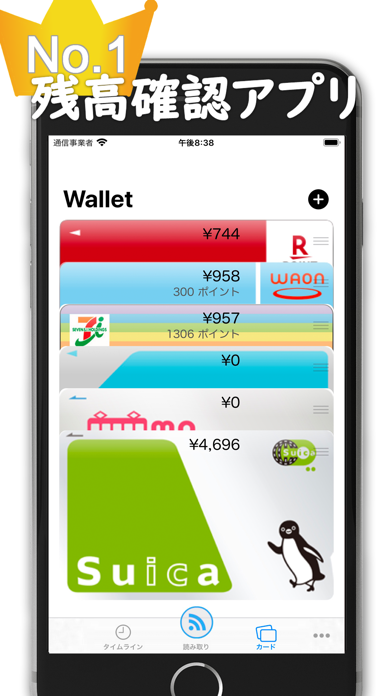
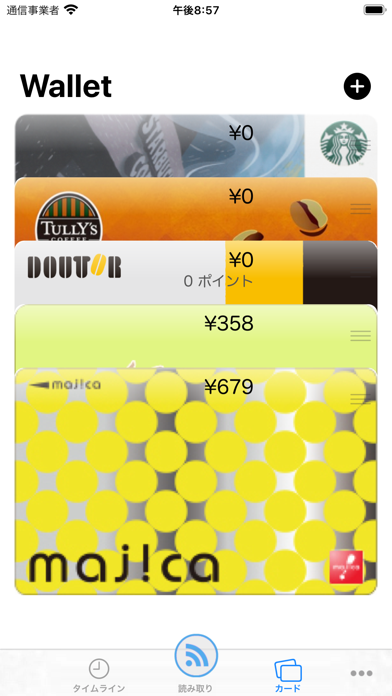
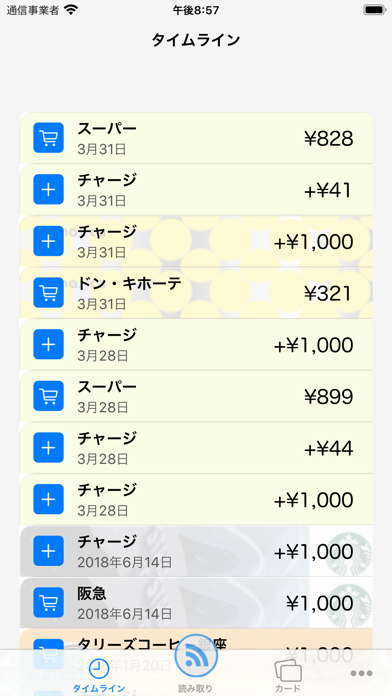
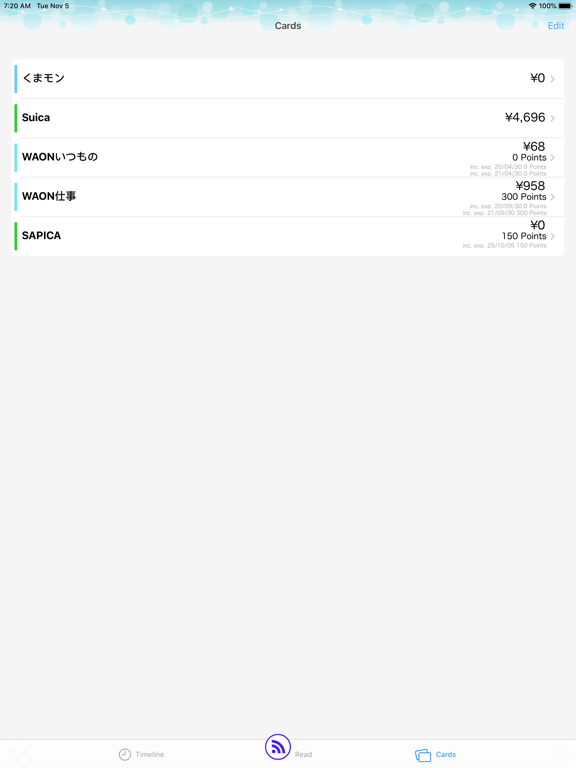
iPad screenshots
Icon palette
About this app
累計1000万ダウンロード!スイカやパスモなどのICカードやモバイルSuicaなどに対応した電子マネー残高確認アプリ!このアプリで全ての電子マネーの残高を今すぐ確認しましょう。 【特長1】対応電子マネー 業界最大級 全国で使用されている主要な交通系ICカードはもちろん、地域限定のICカードにも対応しています。また、ICカードでないモバイルスイカ・パスモ・イコカ、飲食店やスーパーの電子マネーカードやスマホ決済PayPay、ポイントカードなどにも対応しています。 未対応のものがありましたらご要望をいただきましたら対応を検討いたします。 【特長2】業界初!一部ICカードの残高自動更新 Edy、nanaco、WAONやICカード以外の多くの電子マネーの残高を自動更新することができます。 ※リアルタイムでは更新されません。 ※Edy、nanaco、WAON以外のICカードは自動では残高は更新されません。 【特長3】家計簿としても利用できる! 読み取った全てのカードの利用履歴をまとめて時系列順に表示できますので、家計簿としても利用することが可能です。 ■残高自…
App details
What you can learn from 電子マネーICカード残高確認
Every shipping app on the App Store has gone through the same decisions you're working through right now: which screenshot goes first, what caption sits over it, which device frame to show, what color the background should be. The 4 screenshots above are 電子マネーICカード残高確認's answers to those questions — they're public, they're real, and they made it through Apple's review.
What the numbers say: 電子マネーICカード残高確認 runs a light set with one background colour (#FCFCFC) carried across every screenshot — the listing reads as a single poster when the shots sit side by side in search results. The accent colour we picked up, #84BC04, is the one to reuse for badges, arrows and highlighted words if you borrow this look. Hit Use this style to open the editor with these exact colours and drop your own screenshot in.
Notice the first screenshot in particular. It's the one users see in search results and on the product page, and it's where most apps spend their best caption and tightest design. Look at the proportion of background to phone, where the text sits, what one thing the image is trying to communicate.
Want to see how other Utilities apps approach the same problem? Browse more Utilities apps in the showcase.
Take what works into your own screenshots
Open LaunchShots and design your App Store & Google Play screenshots — pick a device frame, drop captions, ship in minutes. Free, in your browser.
Open the screenshot editor →Apps with a similar look
Closest background + accent colours among the listings we've analysed — useful when you want to see the same palette handled by a different team.