Chart position — tracked daily by LaunchShots
Screenshot style breakdown
Sampled from 4 of 小学英语-人教小学英语点读(高音质版)'s App Store screenshots — background, accent and theme, measured by LaunchShots (not something Apple publishes).
#FCFCFC bg
#DDDDDD
#349C94 accent
#111111 text
Screenshots

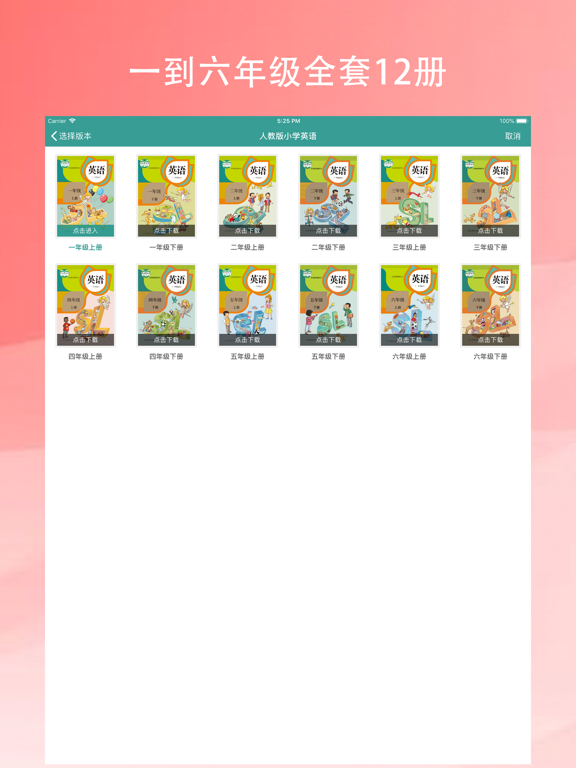
iPad screenshots
Icon palette
About this app
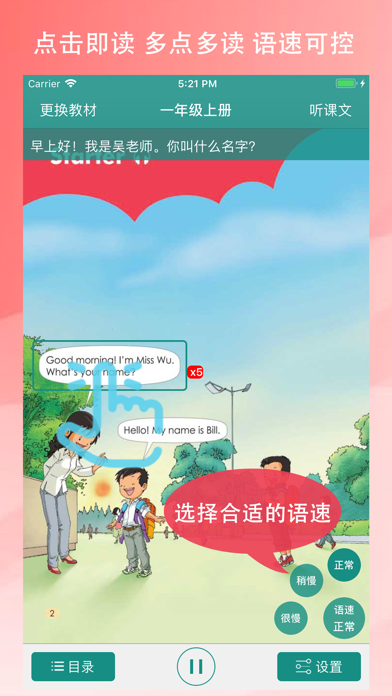
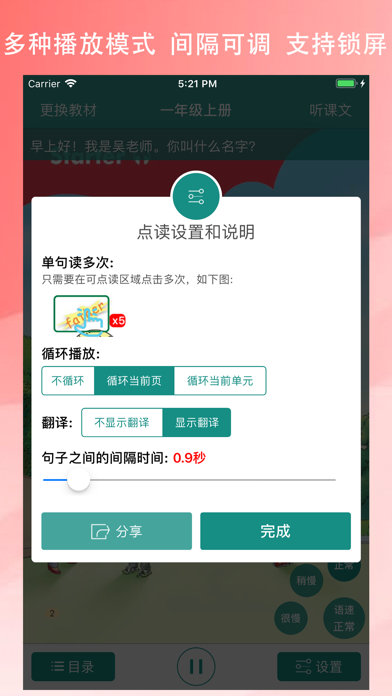
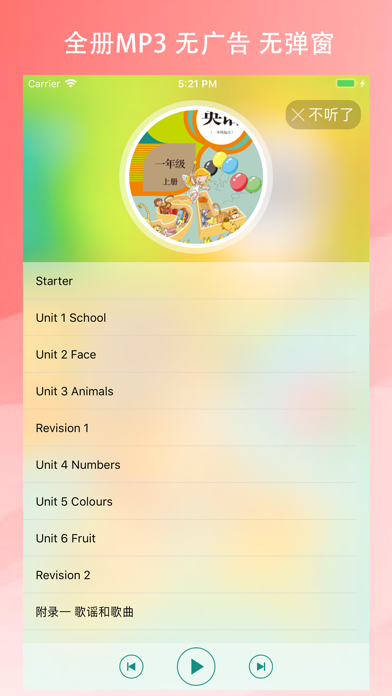
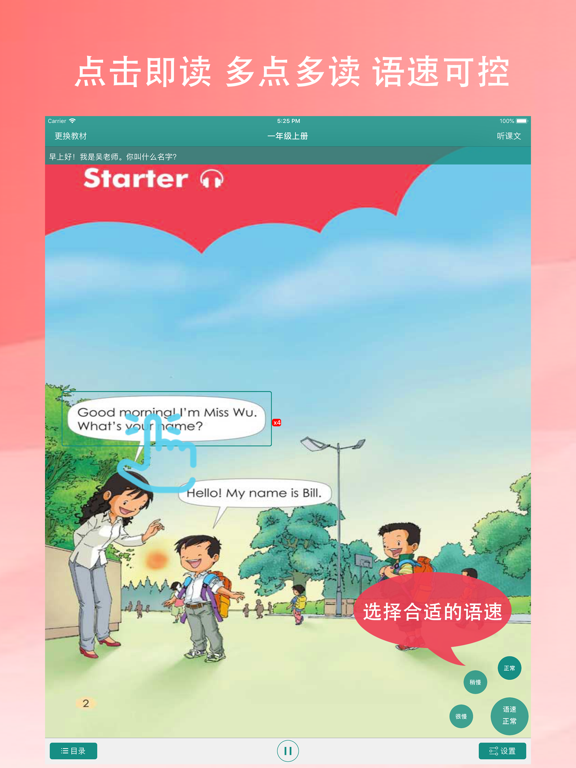
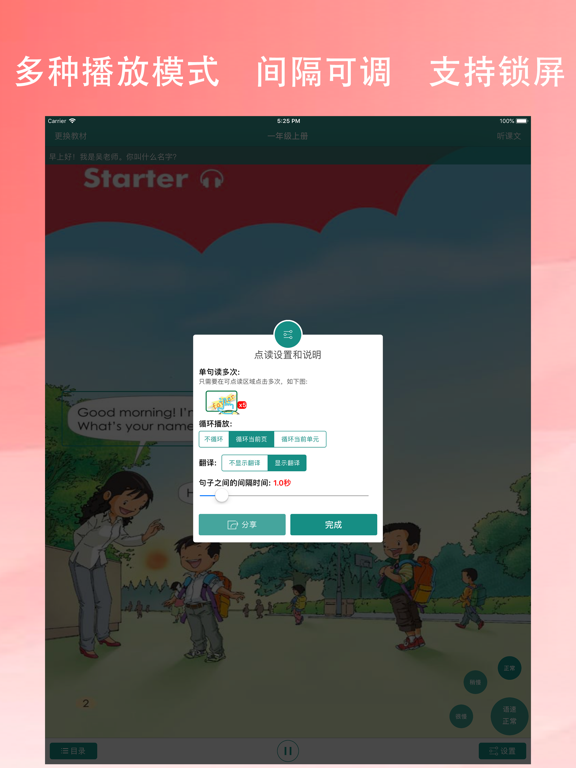
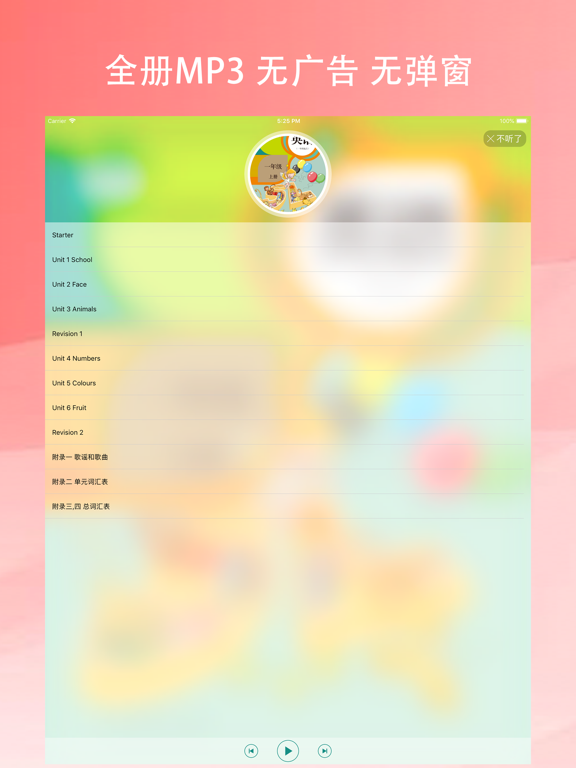
【高音质】 高音质、高清晰度,让孩子更好的跟读。 【界面简洁】 打开即是课本,点一下就开始学习,滑动翻页,兼容iPhone、iPad。 【点读功能】 哪里不会点哪里,多次点击多次听读。 【语速调整】 根据孩子的学习阶段可以将语速调整为:正常、稍慢、很慢。 【跟读功能】 自由设置句子和句子之间的播放间隔,可以让孩子更好的跟读 【多种播放模式】 读一句、读一页、读一单元都可以,支持锁屏播放 【全书MP3免费】 全书高音质mp3免费收听,没有广告,支持锁屏播放 【中文翻译】 支持显示中文翻译,默认关闭显示,可在设置中打开 【恢复解锁】 如遇到内购后消失的问题,请在APP内点击“恢复购买”
App details
What you can learn from 小学英语-人教小学英语点读(高音质版)
Every shipping app on the App Store has gone through the same decisions you're working through right now: which screenshot goes first, what caption sits over it, which device frame to show, what color the background should be. The 8 screenshots above are 小学英语-人教小学英语点读(高音质版)'s answers to those questions — they're public, they're real, and they made it through Apple's review.
What the numbers say: 小学英语-人教小学英语点读(高音质版) runs a mixed light-and-dark set where the background shifts from screenshot to screenshot (first shot #FCFCFC) — each image has to stand on its own, so the captions carry more of the story. The accent colour we picked up, #349C94, is the one to reuse for badges, arrows and highlighted words if you borrow this look. Hit Use this style to open the editor with these exact colours and drop your own screenshot in.
Notice the first screenshot in particular. It's the one users see in search results and on the product page, and it's where most apps spend their best caption and tightest design. Look at the proportion of background to phone, where the text sits, what one thing the image is trying to communicate.
Want to see how other Reference apps approach the same problem? Browse more Reference apps in the showcase.
Take what works into your own screenshots
Open LaunchShots and design your App Store & Google Play screenshots — pick a device frame, drop captions, ship in minutes. Free, in your browser.
Open the screenshot editor →Apps with a similar look
Closest background + accent colours among the listings we've analysed — useful when you want to see the same palette handled by a different team.