Screenshots

Icon palette
About this app
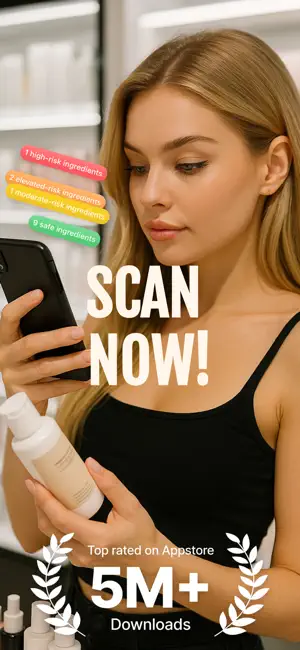
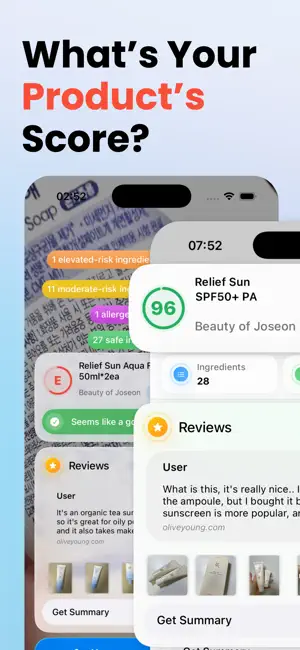
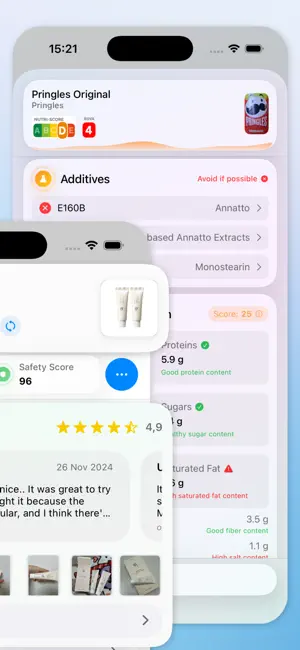
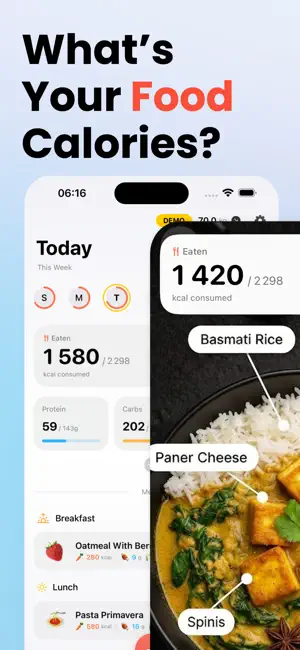
CIBOUSCAN: Scan Your BEAUTY & FOOD Products Health Score, Nutri-Score, NOVA, Calories & Recipes CIBOUSCAN is the all-in-one app to take care of your health, skin, nutrition, and the planet. Scan beauty products and food in seconds to understand what you use and eat - ingredients, health scores, Nutri-Score, NOVA, calories - and make better choices effortlessly. Beauty: your bathroom under control - Scan cosmetics (skincare, body care, hair care, makeup, perfume). - Get a complete health score: ingredients, controversial substances, potential impacts. - Check skin compatibility, allergies, and specific needs. - Read real user reviews before buying. - Build your personalized beauty routine and track your routine score over time. Food: scan, decode, track & cook - Scan food products to see Nutri-Score, NOVA, additives, and nutritional values. - Calorie & nutrient tracking to better u…
App details
What you can learn from CibouScan
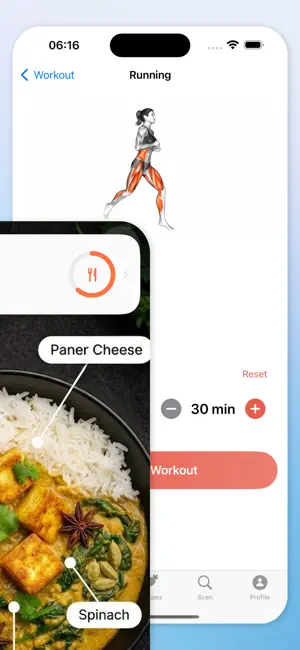
Every shipping app on the App Store has gone through the same decisions you're working through right now: which screenshot goes first, what caption sits over it, which device frame to show, what color the background should be. The 6 screenshots above are CibouScan's answers to those questions — they're public, they're real, and they made it through Apple's review.
Notice the first screenshot in particular. It's the one users see in search results and on the product page, and it's where most apps spend their best caption and tightest design. Look at the proportion of background to phone, where the text sits, what one thing the image is trying to communicate.
Want to see how other Food & Drink apps approach the same problem? Browse more Food & Drink apps in the showcase.
Take what works into your own screenshots
Open LaunchShots and design your App Store & Google Play screenshots — pick a device frame, drop captions, ship in minutes. Free, in your browser.
Open the screenshot editor →