Chart position — tracked daily by LaunchShots
Screenshot style breakdown
Sampled from 6 of U-FRET-ギターコードの楽譜、ギター練習のギターアプリ's App Store screenshots — background, accent and theme, measured by LaunchShots (not something Apple publishes).
#040404 bg
#272727
#BC2C1C accent
#FFFFFF text
Screenshots
iPad screenshots
Icon palette
About this app
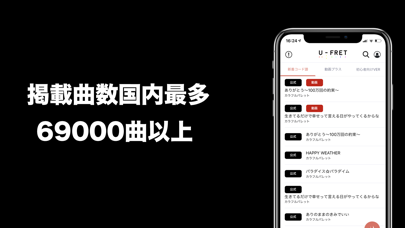
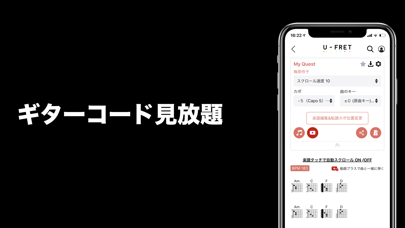
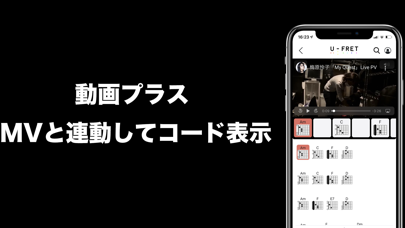
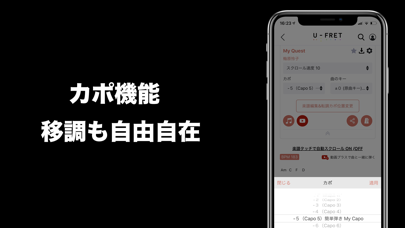
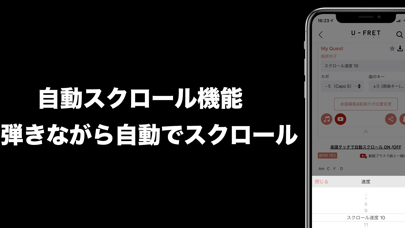
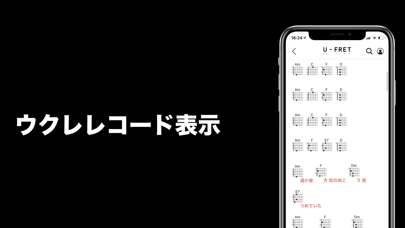
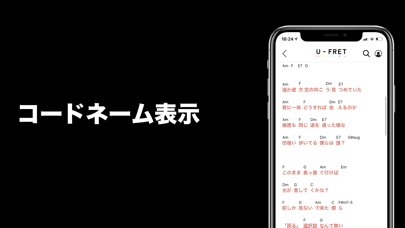
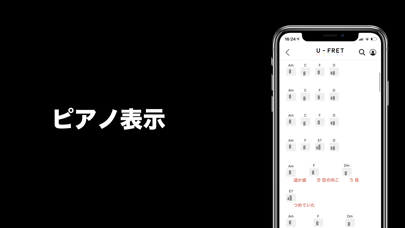
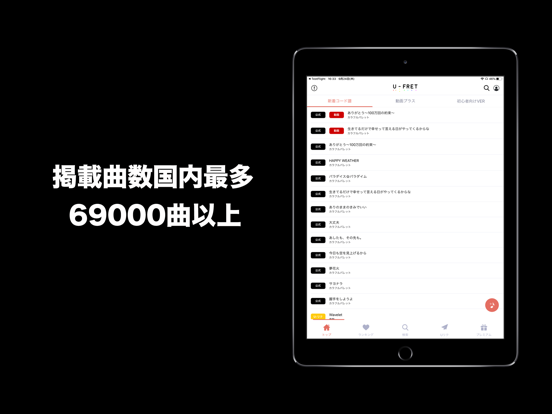
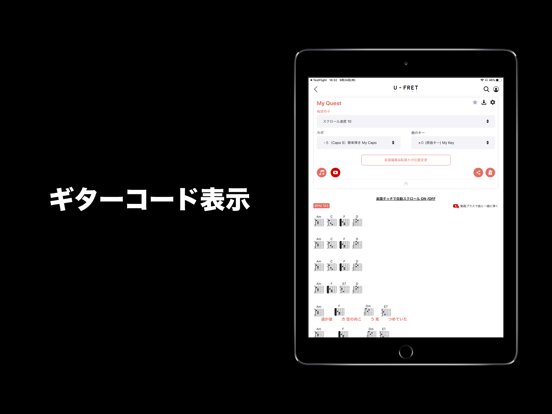
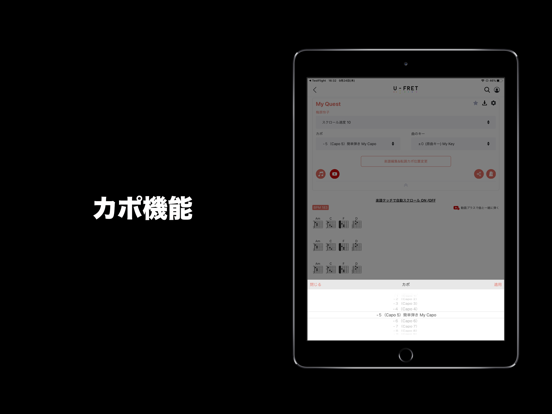
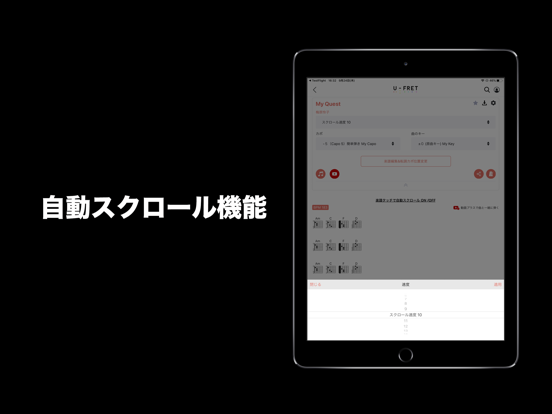
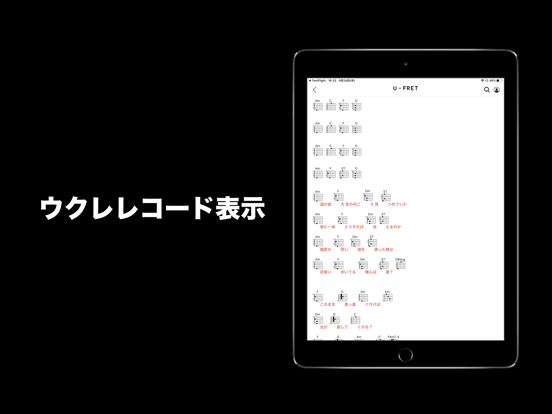
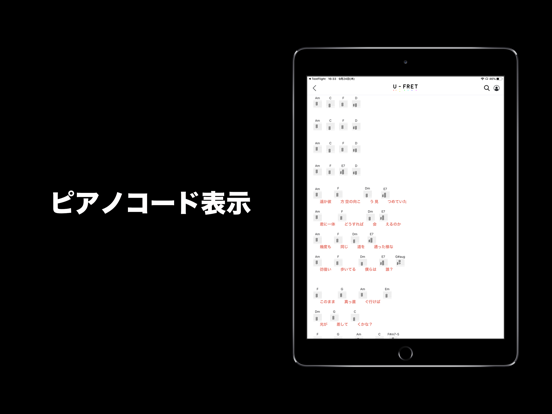
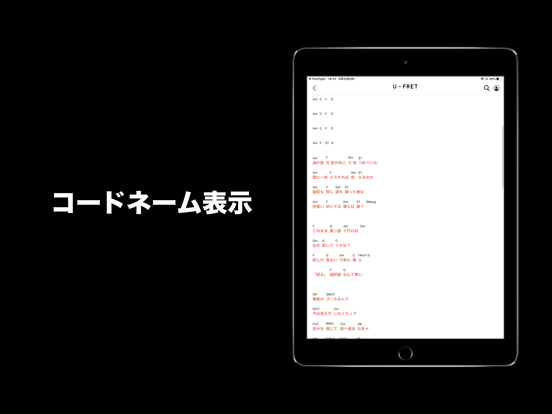
140000曲以上のギター、ウクレレ、ピアノコード、楽譜が見放題!ベース、パワーコードにも対応! 新曲も即掲載!懐かしの曲、邦楽、洋楽、アニソン、ボカロまで弾きたい曲が見つかります。 初心者にやさしい押さえ方TAB譜付きでギターを買ったその日から弾けちゃいます。 『カポ機能』 キーの変更自由自在! 『自動スクロール機能』 楽器を弾きながらでも自動でスクロールします! 『動画プラス』 YouTubeの公式ミュージックビデオとコード譜がリアルタイムで連動して表示されます! 『お気に入り機能』 お気に入りの曲、アーティストに簡単にアクセスできます! 『閲覧履歴機能』 過去に自分が見た曲にすぐにアクセスできます! アプリ限定『U-リク』開始! リクエストが最短即日U-FRETに掲載されます! ■『U-FRETプレミアム』でもっと便利に! ・広告なし:広告なしでサクサク表示 ・コード譜の編集機能 ・オリジナルコード譜作成機能 ・オフライン閲覧:お気に入りの曲を保存しておけば、ネットに繋がっていなくても利用可能 ・お気に入りのフォルダ分け&並…
App details
What you can learn from U-FRET-ギターコードの楽譜、ギター練習のギターアプリ
Every shipping app on the App Store has gone through the same decisions you're working through right now: which screenshot goes first, what caption sits over it, which device frame to show, what color the background should be. The 15 screenshots above are U-FRET-ギターコードの楽譜、ギター練習のギターアプリ's answers to those questions — they're public, they're real, and they made it through Apple's review.
What the numbers say: U-FRET-ギターコードの楽譜、ギター練習のギターアプリ runs a dark set with one background colour (#040404) carried across every screenshot — the listing reads as a single poster when the shots sit side by side in search results. The accent colour we picked up, #BC2C1C, is the one to reuse for badges, arrows and highlighted words if you borrow this look. Hit Use this style to open the editor with these exact colours and drop your own screenshot in.
Notice the first screenshot in particular. It's the one users see in search results and on the product page, and it's where most apps spend their best caption and tightest design. Look at the proportion of background to phone, where the text sits, what one thing the image is trying to communicate.
Want to see how other Music apps approach the same problem? Browse more Music apps in the showcase.
Take what works into your own screenshots
Open LaunchShots and design your App Store & Google Play screenshots — pick a device frame, drop captions, ship in minutes. Free, in your browser.
Open the screenshot editor →Apps with a similar look
Closest background + accent colours among the listings we've analysed — useful when you want to see the same palette handled by a different team.