Chart position — tracked daily by LaunchShots
Screenshot style breakdown
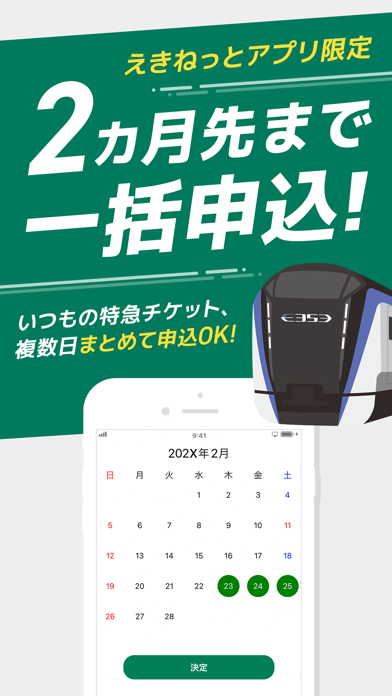
Sampled from 5 of えきねっとチケットレスアプリ 新幹線・特急の予約's App Store screenshots — background, accent and theme, measured by LaunchShots (not something Apple publishes).
#FCFCFC bg
#DDDDDD
#047C5C accent
#111111 text
Reading the caption text from the screenshots in your browser…
Screenshots
Icon palette
About this app
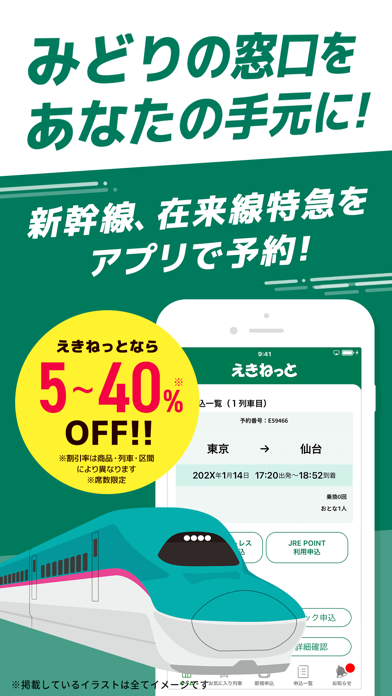
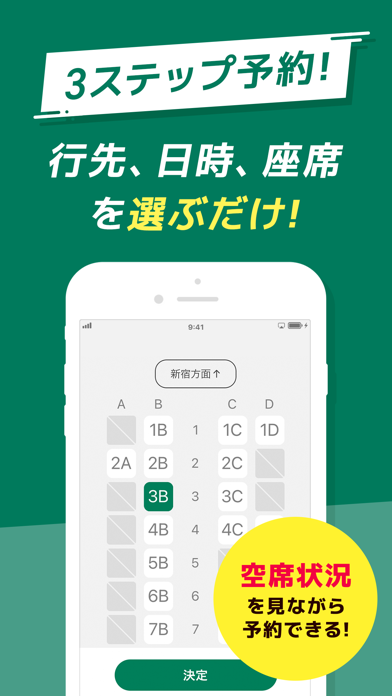
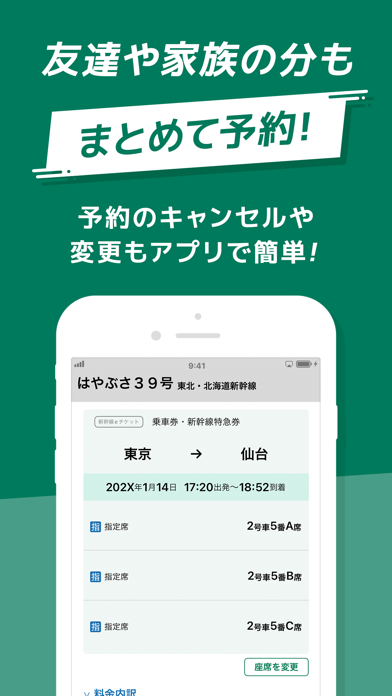
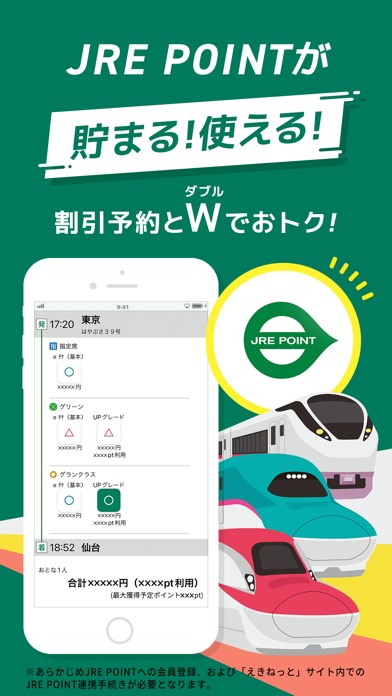
窓口に並ばず、アプリで予約、予約内容の変更、払い戻しが可能です。 モバイルSuicaで新幹線eチケットの利用が可能。 ビューカード ゴールドでのお支払いなら、JRE POINTがさらに貯まる。 Suica エリア外でも利用可能な「えきねっとQチケ」で、シームレスにチケットレス乗車が可能。 【お申込みいただける対象商品】 ・新幹線eチケット(大休ミドル、大休ジパング等) ・新幹線eチケット(トクだ値、JRE POINT特典、JRE POINTアップグレード) ・在来線チケットレス特急券 ・在来線チケットレス特急券(トク割) ・在来線チケットレス座席指定券 ・在来線チケットレス特急券(JRE POINT特典) ・えきねっとQチケ(大休ミドル、大休ジパング等) ※乗車日の3ヶ月前の14時00分から、1ヶ月と8日前の23時50分まで、新幹線eチケット(基本商品)をお申込みいただける「早期予約」サービスもございます。 ■□ 新幹線の予約(新幹線eチケットでのご利用) □■ 乗車券と特急券がセットになった「新幹線eチケット」をお申込みいただけます。Suicaなど…
App details
What you can learn from えきねっとチケットレスアプリ 新幹線・特急の予約
Every shipping app on the App Store has gone through the same decisions you're working through right now: which screenshot goes first, what caption sits over it, which device frame to show, what color the background should be. The 5 screenshots above are えきねっとチケットレスアプリ 新幹線・特急の予約's answers to those questions — they're public, they're real, and they made it through Apple's review.
What the numbers say: えきねっとチケットレスアプリ 新幹線・特急の予約 runs a mixed light-and-dark set where the background shifts from screenshot to screenshot (first shot #FCFCFC) — each image has to stand on its own, so the captions carry more of the story. The accent colour we picked up, #047C5C, is the one to reuse for badges, arrows and highlighted words if you borrow this look. Hit Use this style to open the editor with these exact colours and drop your own screenshot in.
Notice the first screenshot in particular. It's the one users see in search results and on the product page, and it's where most apps spend their best caption and tightest design. Look at the proportion of background to phone, where the text sits, what one thing the image is trying to communicate.
Want to see how other Travel apps approach the same problem? Browse more Travel apps in the showcase.
Take what works into your own screenshots
Open LaunchShots and design your App Store & Google Play screenshots — pick a device frame, drop captions, ship in minutes. Free, in your browser.
Open the screenshot editor →Apps with a similar look
Closest background + accent colours among the listings we've analysed — useful when you want to see the same palette handled by a different team.