Screenshots

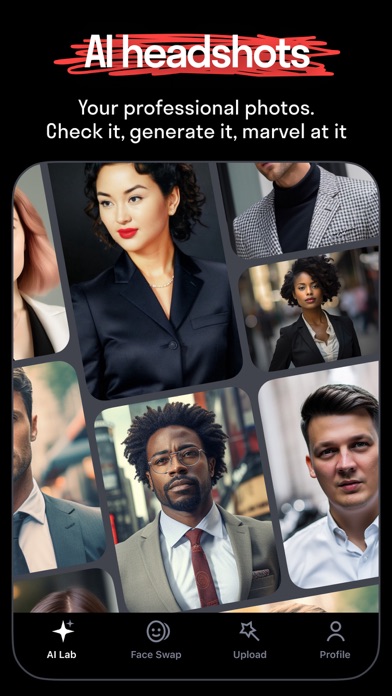


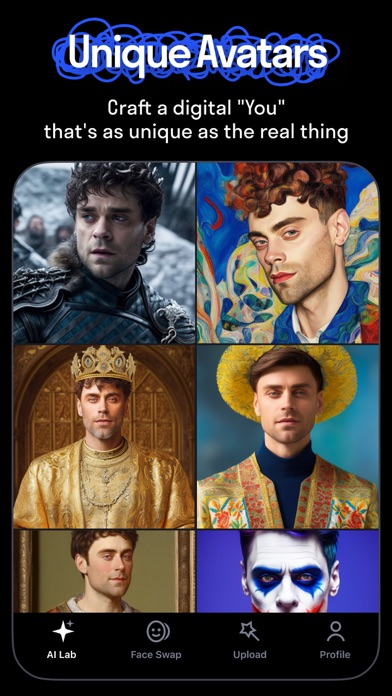

iPad screenshots


Icon palette
About this app
REFACE: AI FACE SWAP STUDIO & PHOTO GENERATOR Make scroll‑stopping content in seconds with the most advanced face swap app. Turn selfies into hilarious ai face swap videos, craft on‑trend AI avatars, AI figures, create future baby images, preview new hairstyles and haircuts, or edit photos with funny filters. Everything you need to have fun and make content that goes viral. CREATE VIRAL PHOTO SWAPS • Tap and Swap into anyone: put your face into trending videos, movie stills, or character art — just pick a picture from our collection and go. • Turn photos into aı face swap videos with viral AI filters. • AI Singing — make your photo sing, animate faces with your favorite songs and lipsync. • Swap into new looks and hairstyles with Rehair Salon. • Gender swaps & face morphing — experiment with playful transformations and smooth morphs to craft hilarious or surprising edits. AI HAI…
App details
What you can learn from Reface: Face Edit AI Photo App
Every shipping app on the App Store has gone through the same decisions you're working through right now: which screenshot goes first, what caption sits over it, which device frame to show, what color the background should be. The 11 screenshots above are Reface: Face Edit AI Photo App's answers to those questions — they're public, they're real, and they made it through Apple's review.
Notice the first screenshot in particular. It's the one users see in search results and on the product page, and it's where most apps spend their best caption and tightest design. Look at the proportion of background to phone, where the text sits, what one thing the image is trying to communicate.
Want to see how other Graphics & Design apps approach the same problem? Browse more Graphics & Design apps in the showcase.
Take what works into your own screenshots
Open LaunchShots and design your App Store & Google Play screenshots — pick a device frame, drop captions, ship in minutes. Free, in your browser.
Open the screenshot editor →