Screenshots


Icon palette
About this app
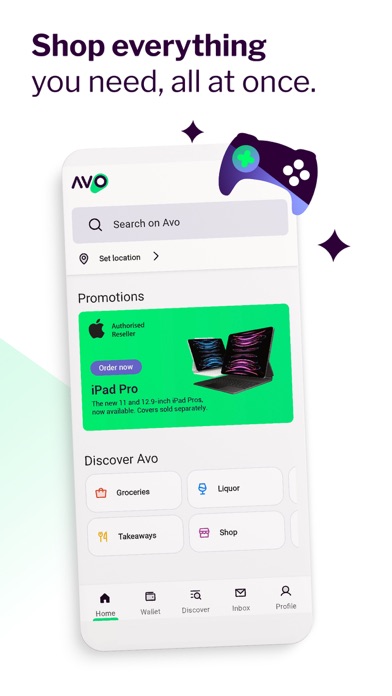
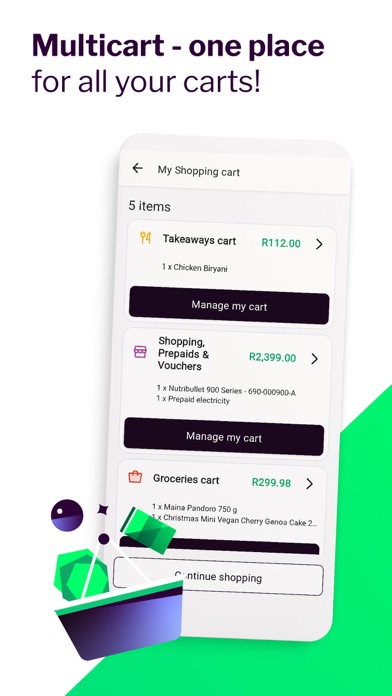
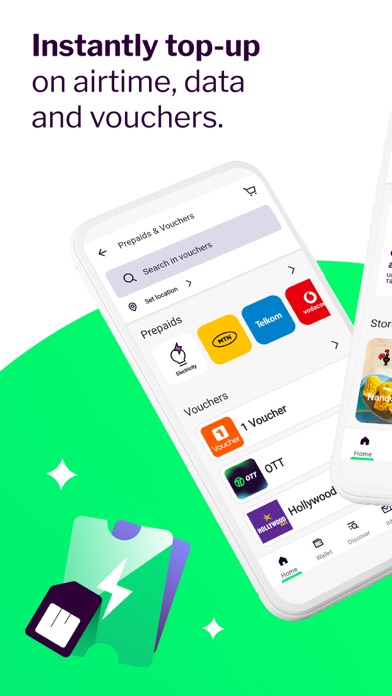
Discover the ultimate online shopping experience with Avo SuperShop. Shop tech, appliances, SuperDeals, flights, vouchers and prepaids with flexible payment options. Shop Smartly: Explore a wide range of products and brands in our extensive online store. Easily upgrade your devices with our convenient trade-in options and experience peace of mind with Avo Care, our comprehensive service and support plan. Greenbacks Exclusives: If you’re a Nedbank customer, you can spend your Greenbacks and get exclusive discounts. Secure Payments: Shop with confidence using secure payment options. Your transactions are protected, ensuring a safe and worry-free shopping experience. Fast Delivery: Get your purchases delivered to your doorstep, saving you time and effort. Exclusive Deals: Unlock fantastic savings with exclusive deals and discounts available exclusively on Avo SuperShop. Find great of…
App details
What you can learn from Avo SuperShop
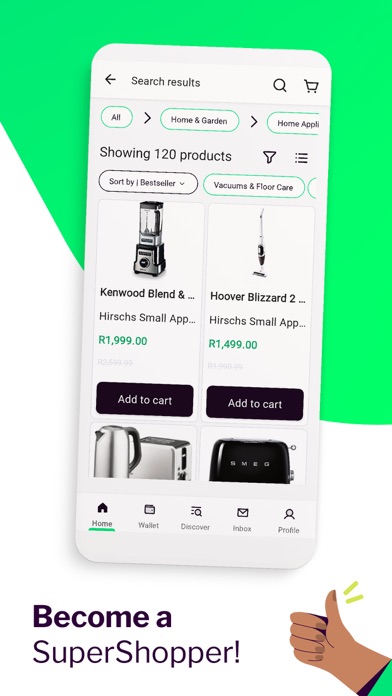
Every shipping app on the App Store has gone through the same decisions you're working through right now: which screenshot goes first, what caption sits over it, which device frame to show, what color the background should be. The 7 screenshots above are Avo SuperShop's answers to those questions — they're public, they're real, and they made it through Apple's review.
Notice the first screenshot in particular. It's the one users see in search results and on the product page, and it's where most apps spend their best caption and tightest design. Look at the proportion of background to phone, where the text sits, what one thing the image is trying to communicate.
Want to see how other Lifestyle apps approach the same problem? Browse more Lifestyle apps in the showcase.
Take what works into your own screenshots
Open LaunchShots and design your App Store & Google Play screenshots — pick a device frame, drop captions, ship in minutes. Free, in your browser.
Open the screenshot editor →