Screenshot style breakdown
Sampled from 6 of 阿里云盘's App Store screenshots — background, accent and theme, measured by LaunchShots (not something Apple publishes).
#FCFCFC bg
#DDDDDD
#9CACFC accent
#111111 text
Screenshots
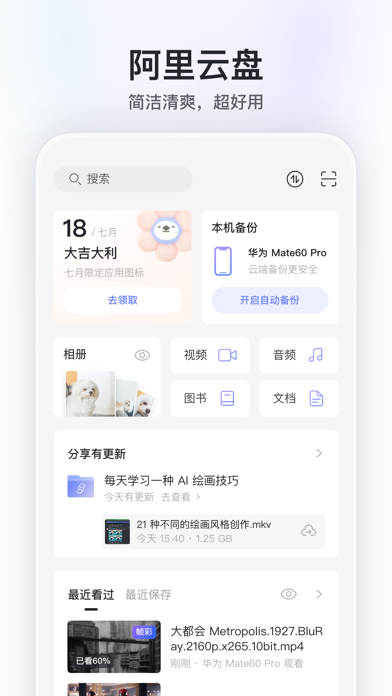


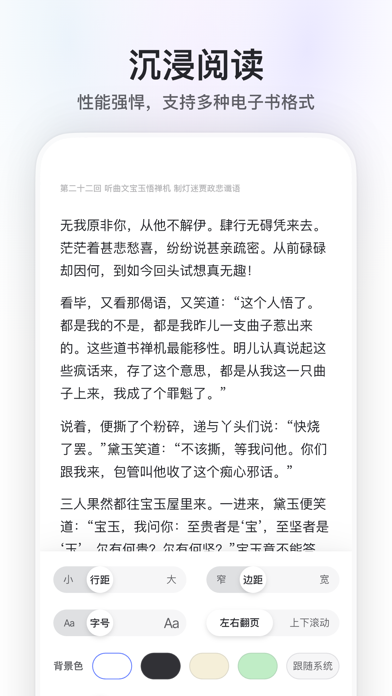

iPad screenshots


Icon palette
About this app
阿里云盘是一款速度快、不打扰、够安全、易于分享的网盘,由阿里巴巴集团出品。 畅快地存储到云端 ● 快到飞起,尽享极速上传下载 ● 支持大文件上传和批量上传 ● 一键开启自动备份手机相册 随时与家人朋友分享 ● 灵活设置有效期和密码 ● 查看被浏览和下载次数 ● 一键转存感兴趣的内容 在线浏览、播放和编辑 ● 原画质播放和逐帧预览 ● 轻松在线解压缩文件 ● 在线编辑 Office 文档 安全可靠的存储空间 ● 没有任何广告干扰 ● 保障个人隐私和资产安全 ● 阿里云数据、传输技术沉淀 了解更多产品进展,欢迎关注以下渠道 官微:阿里云盘 「连续包月包年超级会员说明」 1. 服务名称:阿里云盘8T超级会员连续包月连续包年 2. 价格:阿里云盘8T超级会员连续包月18元/月,连续包年168元/月 3. 购买连续包月连续包年的阿里云盘账号,会在每个月到期前24小时,自动在iTunes账户扣费并延长1个月的会员有效期。 4. 如需取消订阅,请手动打开苹果手机“设置”--> 进入“iTunes Store 与 App Store” --> 点击 “App ID”,选择“查看 App ID”,进入“账户设置”页面,点击“订阅”,选择阿…
App details
What you can learn from 阿里云盘
Every shipping app on the App Store has gone through the same decisions you're working through right now: which screenshot goes first, what caption sits over it, which device frame to show, what color the background should be. The 12 screenshots above are 阿里云盘's answers to those questions — they're public, they're real, and they made it through Apple's review.
What the numbers say: 阿里云盘 runs a light set with one background colour (#FCFCFC) carried across every screenshot — the listing reads as a single poster when the shots sit side by side in search results. The accent colour we picked up, #9CACFC, is the one to reuse for badges, arrows and highlighted words if you borrow this look. Hit Use this style to open the editor with these exact colours and drop your own screenshot in.
Notice the first screenshot in particular. It's the one users see in search results and on the product page, and it's where most apps spend their best caption and tightest design. Look at the proportion of background to phone, where the text sits, what one thing the image is trying to communicate.
Want to see how other Productivity apps approach the same problem? Browse more Productivity apps in the showcase.
Take what works into your own screenshots
Open LaunchShots and design your App Store & Google Play screenshots — pick a device frame, drop captions, ship in minutes. Free, in your browser.
Open the screenshot editor →Apps with a similar look
Closest background + accent colours among the listings we've analysed — useful when you want to see the same palette handled by a different team.