Screenshots


iPad screenshots


Icon palette
About this app
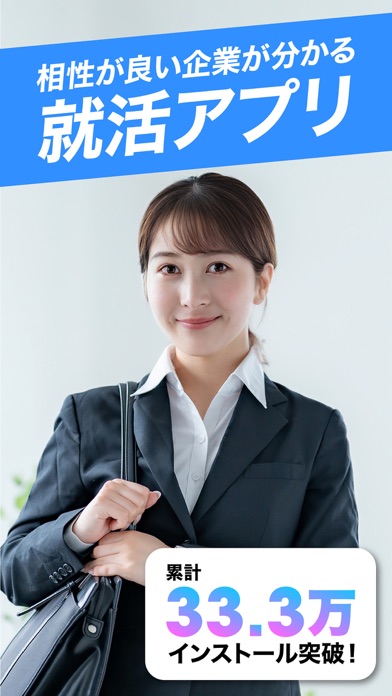
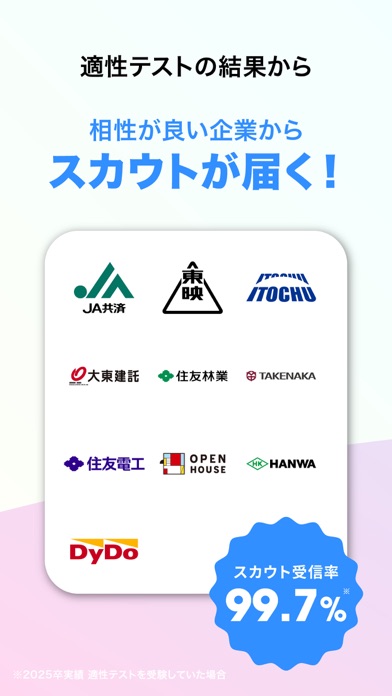
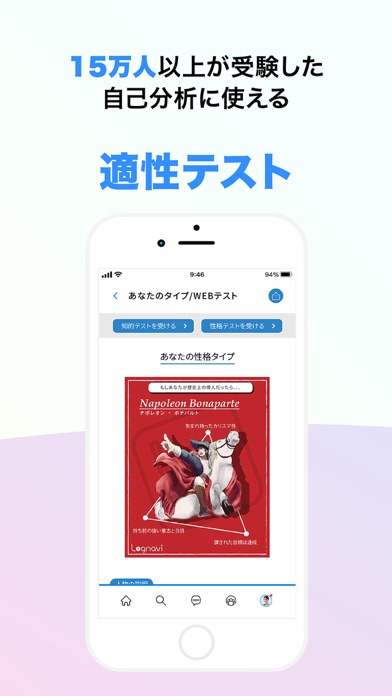
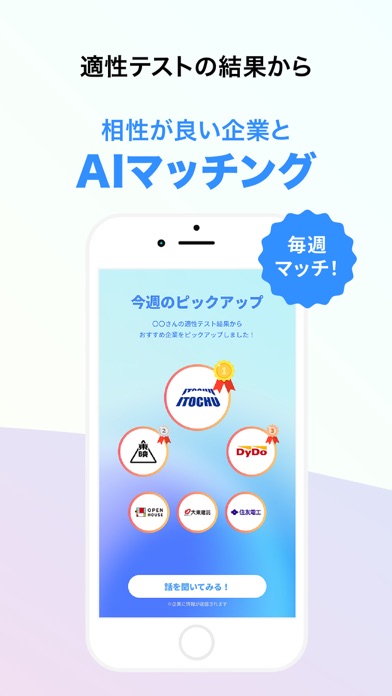
/ あなたにピッタリの企業を見つけよう! \ Lognaviは15万人の学生が利用している「相性が良い企業が見つかる就活アプリ」です! 適性テストを受験すると、あなたの価値観とピッタリな企業が見つかります。 ■ Lognaviの主な機能 ・「自己分析にも使える」企業との相性を調べる適性テスト ・「自分の偏差値が分かる」知的テスト ・「全国の学生と繋がれる」学生限定SNS ■ このような方におすすめ ・自己分析って何をしたら良いか分からない… ・SPI対策をしておきたい… ・自分に本当に合った企業を知りたい… ・他の就活生の動きが気になる… ・自分に合った企業からスカウトを受け取りたい! ■ログナビの使い方 1)まずはプロフィールを入力しよう! 2)適性テストを受験しよう! 3)相性が良い企業からスカウトが送られてくる! ※スカウト受信率99.6%(24卒学生適性テスト受験者の実績) ■ ログナビの3つの特徴 ■ -------------------------------------------------- 1)自分にあった企業が見つかる! -------------------------------------------------- …
App details
What you can learn from 就活は Lognavi(ログナビ)相性の良い企業が見つかる
Every shipping app on the App Store has gone through the same decisions you're working through right now: which screenshot goes first, what caption sits over it, which device frame to show, what color the background should be. The 16 screenshots above are 就活は Lognavi(ログナビ)相性の良い企業が見つかる's answers to those questions — they're public, they're real, and they made it through Apple's review.
Notice the first screenshot in particular. It's the one users see in search results and on the product page, and it's where most apps spend their best caption and tightest design. Look at the proportion of background to phone, where the text sits, what one thing the image is trying to communicate.
Want to see how other Business apps approach the same problem? Browse more Business apps in the showcase.
Take what works into your own screenshots
Open LaunchShots and design your App Store & Google Play screenshots — pick a device frame, drop captions, ship in minutes. Free, in your browser.
Open the screenshot editor →