Screenshots
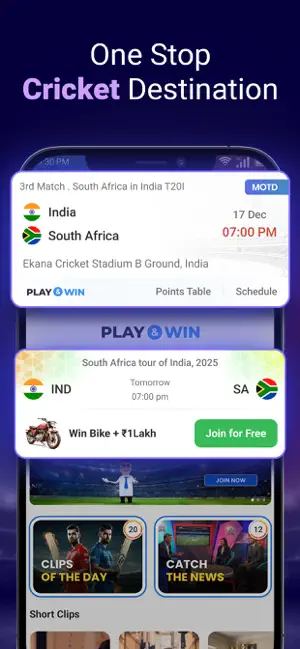

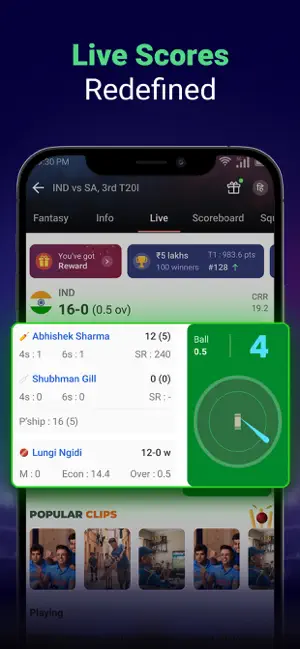
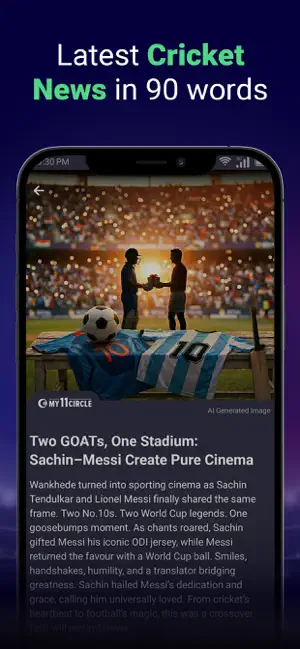
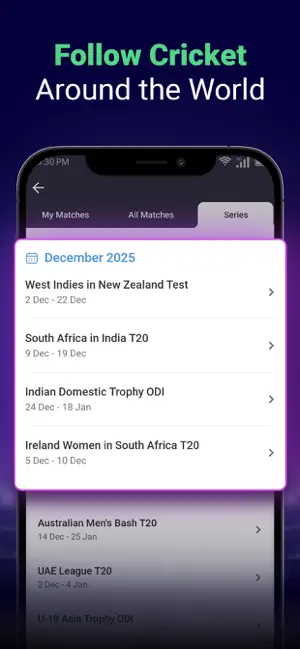
Icon palette
About this app
Get Ready for exciting fantasy cricket on the My11Circle Fantasy App. At My11Circle fantasy app, you take charge of proceedings and pick players for your fantasy team As the fantasy game starts, you get points for the fantasy team you have selected based on player performance in a live match. How to play fantasy cricket, football & kabaddi on My11Circle Fantasy App? - Select a match: Select a match from any upcoming fantasy league. - Create your team: Use your sports knowledge and the player stats on the My11Circle fantasy platform to create your fantasy cricket, football, or kabaddi team using 100 credit points. You also have the option to pick substitute players. - Choose captain & vice captain: Choose captain and vice-captain wisely for your team, as the captain bags 2x score (twice the points earned) of his performance and the vice-captain earns 1.5x score (one and a half times th…
App details
What you can learn from My11Circle Fantasy Cricket App
Every shipping app on the App Store has gone through the same decisions you're working through right now: which screenshot goes first, what caption sits over it, which device frame to show, what color the background should be. The 5 screenshots above are My11Circle Fantasy Cricket App's answers to those questions — they're public, they're real, and they made it through Apple's review.
Notice the first screenshot in particular. It's the one users see in search results and on the product page, and it's where most apps spend their best caption and tightest design. Look at the proportion of background to phone, where the text sits, what one thing the image is trying to communicate.
Want to see how other Sports apps approach the same problem? Browse more Sports apps in the showcase.
Take what works into your own screenshots
Open LaunchShots and design your App Store & Google Play screenshots — pick a device frame, drop captions, ship in minutes. Free, in your browser.
Open the screenshot editor →