Chart position — tracked daily by LaunchShots
Screenshot style breakdown
Sampled from 6 of どうぶつ攻略 for AC's App Store screenshots — background, accent and theme, measured by LaunchShots (not something Apple publishes).
#FCFCF4 bg
#DDDDD6
#FCD47C accent
#111111 text
- #6AEE 107 AM PM AWA 140 120
Captions read from the screenshots (OCR, may contain small errors): 1 headline, 7 words on average (longest 7), mostly ALL CAPS.
Screenshots

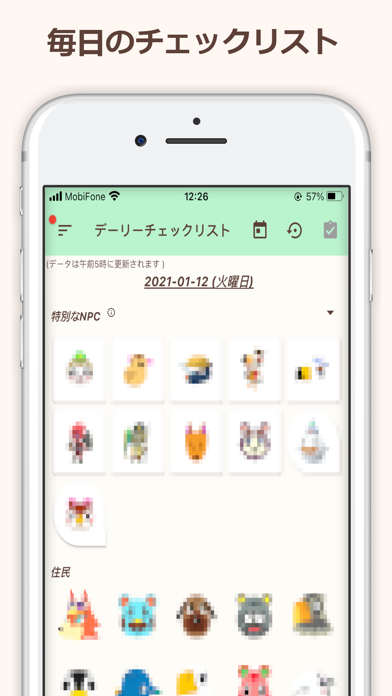

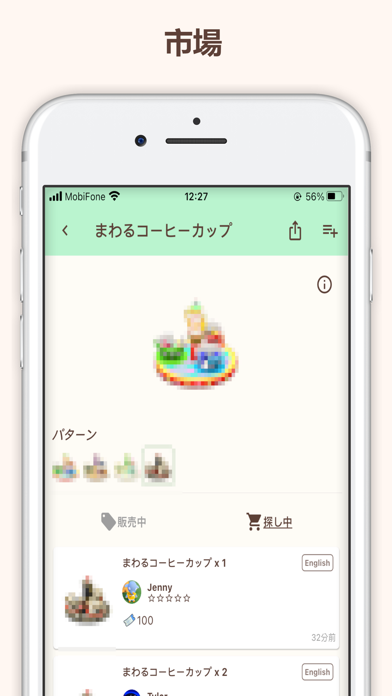


iPad screenshots


Icon palette
About this app
どうぶつ攻略 for AC は「あつまれ どうぶつの森」のファンたちが作られるの攻略ガイドです。 このアプリは あつまれ どうぶつの森 の総ての情報を提供します。 お気に入り/収集したアイテムをマークリストや、自分の欲しいものリストの作成、出る魚と虫と海の幸の時間帯や出現方法一覧、新しい家具のチェックリスト、ここに友達に会ってもできます! ぜひ一緒にあつまれどうぶつの森を楽しみましょう! 特別な機能: 「リアルタイム出現する魚、虫、海の幸のガイド」- 今の出現する魚、虫、海の幸をの情報です、または特定の時間を設定し、魚、虫、海の幸を予測します。 「每日のやるべきこと」- 每日のやるべきことをマークのリストです、例え石(岩)を叩く、亀裂を掘ると 住民と話しなど。 「お気に入り機能」- お気に入りのアイテムにマークを付けられる、また、カスタマイズしたウィッシュリストに追加されます。 「部屋」- パーティーを主催する、カブを購入することとイベントなど。 「アイテム交換掲示板」- あつ森のアイテム(マイル旅行券や、家具など…
App details
What you can learn from どうぶつ攻略 for AC
Every shipping app on the App Store has gone through the same decisions you're working through right now: which screenshot goes first, what caption sits over it, which device frame to show, what color the background should be. The 16 screenshots above are どうぶつ攻略 for AC's answers to those questions — they're public, they're real, and they made it through Apple's review.
What the numbers say: どうぶつ攻略 for AC runs a light set with one background colour (#FCFCF4) carried across every screenshot — the listing reads as a single poster when the shots sit side by side in search results. The accent colour we picked up, #FCD47C, is the one to reuse for badges, arrows and highlighted words if you borrow this look. Hit Use this style to open the editor with these exact colours and drop your own screenshot in.
Notice the first screenshot in particular. It's the one users see in search results and on the product page, and it's where most apps spend their best caption and tightest design. Look at the proportion of background to phone, where the text sits, what one thing the image is trying to communicate.
Want to see how other Reference apps approach the same problem? Browse more Reference apps in the showcase.
Take what works into your own screenshots
Open LaunchShots and design your App Store & Google Play screenshots — pick a device frame, drop captions, ship in minutes. Free, in your browser.
Open the screenshot editor →Apps with a similar look
Closest background + accent colours among the listings we've analysed — useful when you want to see the same palette handled by a different team.