Screenshot style breakdown
Sampled from 4 of 温度計S's App Store screenshots — background, accent and theme, measured by LaunchShots (not something Apple publishes).
#C4C4C4 bg
#ACACAC
#3C5C84 accent
#111111 text
Reading the caption text from the screenshots in your browser…
Screenshots
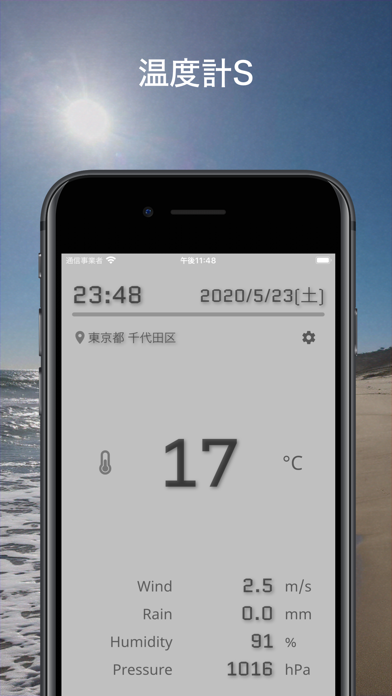
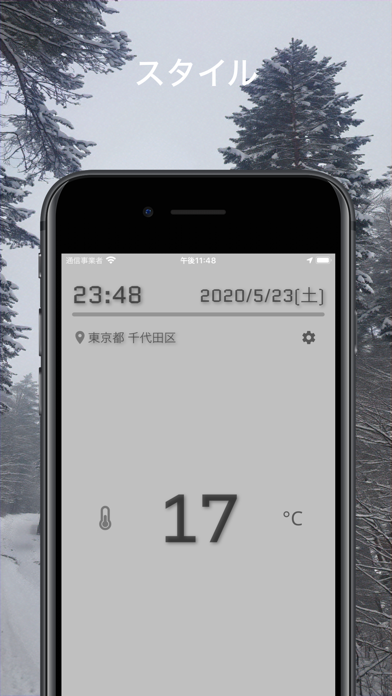

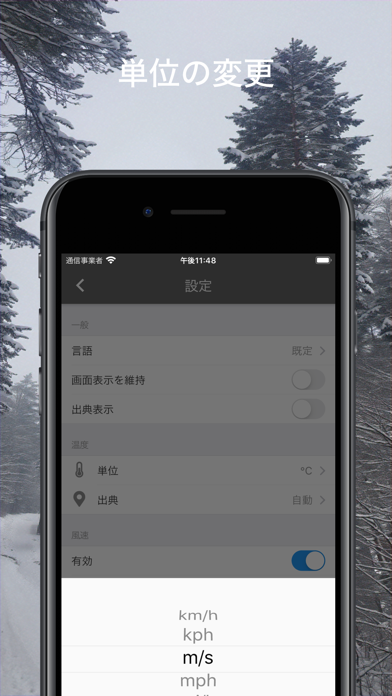
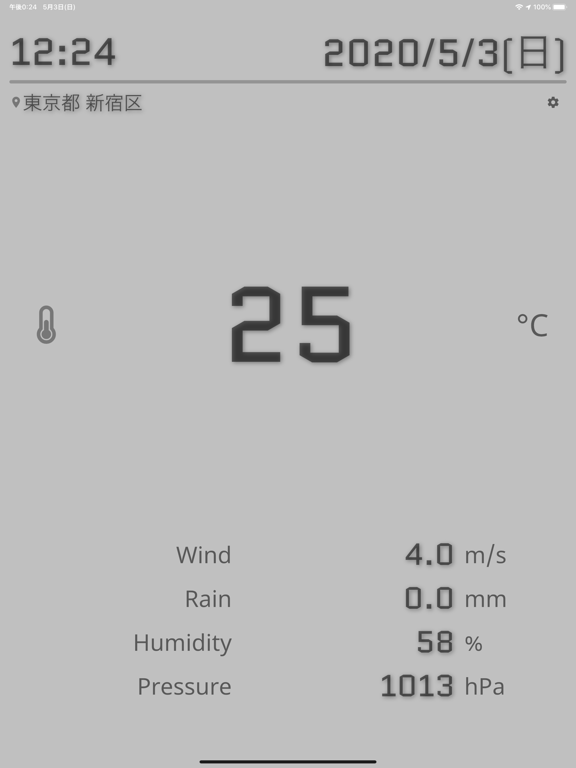
iPad screenshots
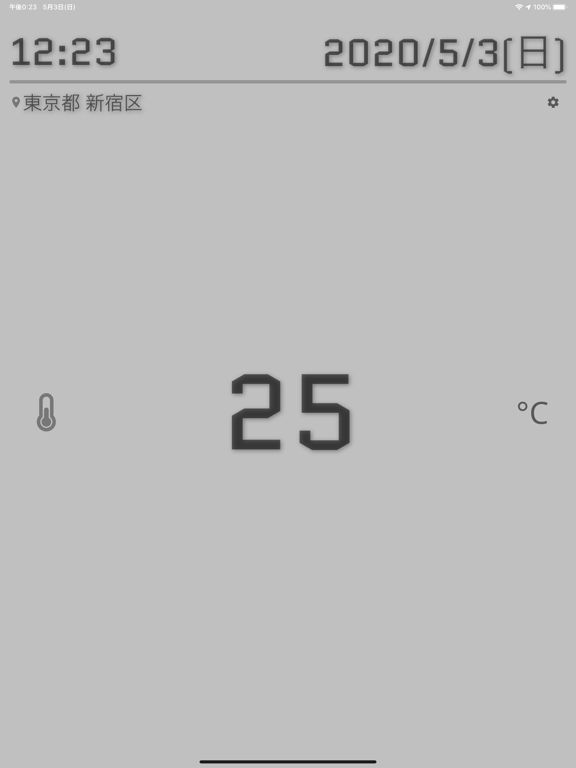
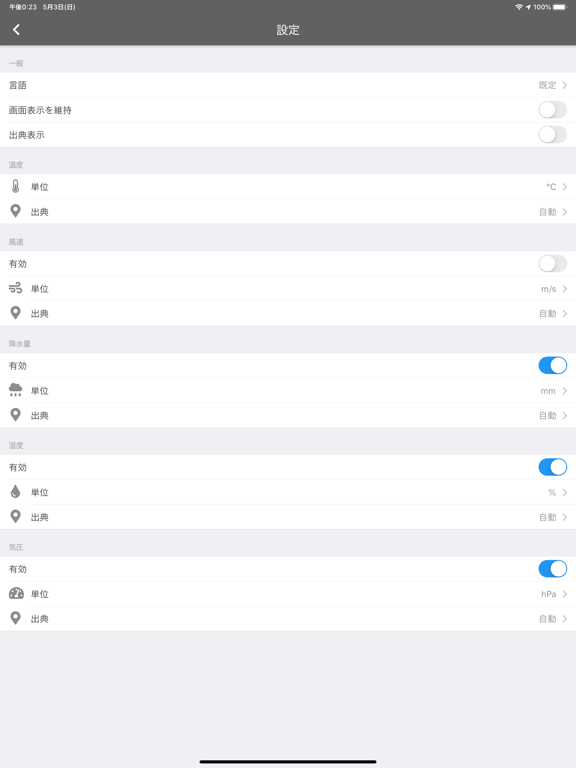
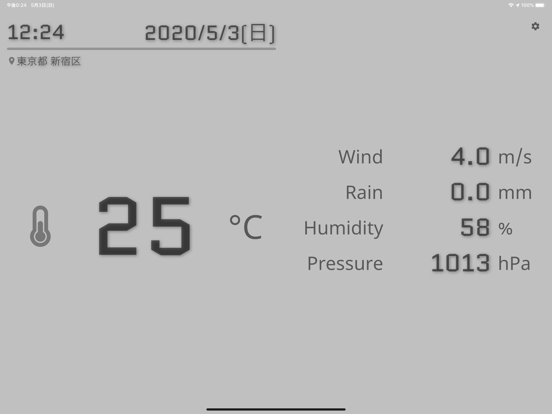
Icon palette
About this app
温度計は、子供やお年寄り、そして赤ちゃんにとって、体調管理に欠かせないアイテムです。 このアプリを使えば、環境の温度や湿度をすぐに把握し、適切な対策を取ることができます。 健康管理、熱中症対策、カビ対策など、様々なシーンで役立ちます。 [[ 健康管理にも ]] 体調の変化に敏感な方にも安心!見やすい温度表示 健康を守るために、毎日の温度・湿度チェックを習慣に [[ 毎日の利用シーンに合わせて ]] 風邪やインフルエンザ対策にも!湿度管理もアプリで簡単に 体調管理は温度・湿度から!アプリで健康的な生活をサポート [[ 季節に合わせて ]] 夏は熱中症対策、冬は風邪対策に! 梅雨時期はカビ対策にも役立つ! --- アプリの特徴 --- [[ ひと目でわかる大きな温度表示 ]] 温度は大きく表示し、ひと目でわかりやすく設計しています。 [[ 多機能:降水量、風速、湿度、気圧 ]] 温度表示に加え、以下の情報を表示します。 降水量 風速 湿度 気圧 [[ 最適な情報から表示 ]] お使いの端末にセンサーが搭載されている場合は、センサーから得られる情…
App details
What you can learn from 温度計S
Every shipping app on the App Store has gone through the same decisions you're working through right now: which screenshot goes first, what caption sits over it, which device frame to show, what color the background should be. The 8 screenshots above are 温度計S's answers to those questions — they're public, they're real, and they made it through Apple's review.
What the numbers say: 温度計S runs a light set where the background shifts from screenshot to screenshot (first shot #C4C4C4) — each image has to stand on its own, so the captions carry more of the story. The accent colour we picked up, #3C5C84, is the one to reuse for badges, arrows and highlighted words if you borrow this look. Hit Use this style to open the editor with these exact colours and drop your own screenshot in.
Notice the first screenshot in particular. It's the one users see in search results and on the product page, and it's where most apps spend their best caption and tightest design. Look at the proportion of background to phone, where the text sits, what one thing the image is trying to communicate.
Want to see how other Weather apps approach the same problem? Browse more Weather apps in the showcase.
Take what works into your own screenshots
Open LaunchShots and design your App Store & Google Play screenshots — pick a device frame, drop captions, ship in minutes. Free, in your browser.
Open the screenshot editor →Apps with a similar look
Closest background + accent colours among the listings we've analysed — useful when you want to see the same palette handled by a different team.