Chart position — tracked daily by LaunchShots
Screenshot style breakdown
Sampled from 6 of 马克水印相机-真实时间地点和工作水印's App Store screenshots — background, accent and theme, measured by LaunchShots (not something Apple publishes).
#2C5CFC bg
#4972FC
#FC6C34 accent
#FFFFFF text
Screenshots


Icon palette
About this app
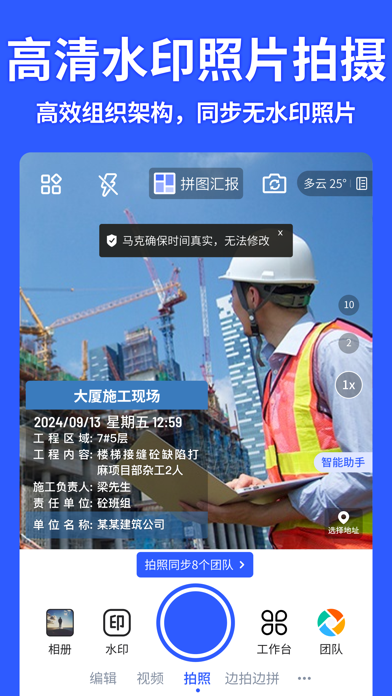
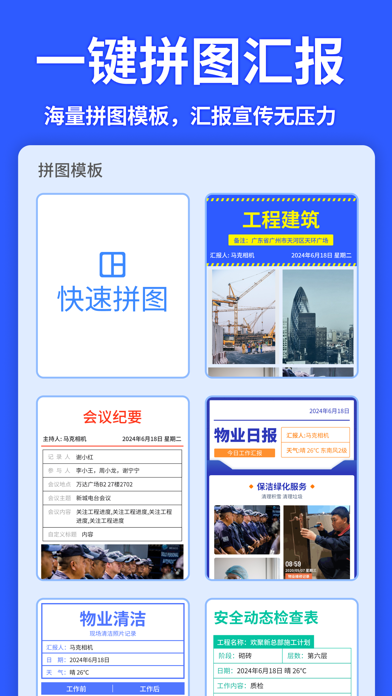
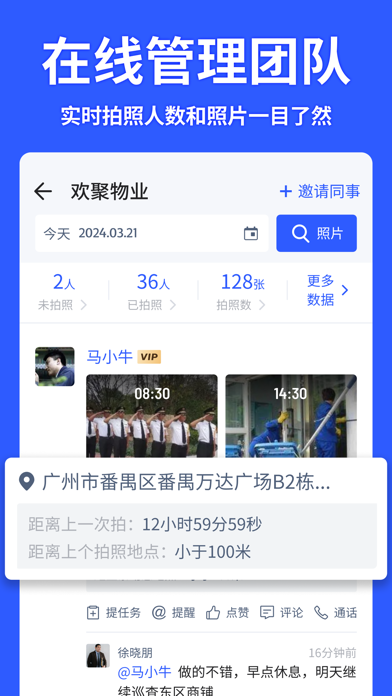
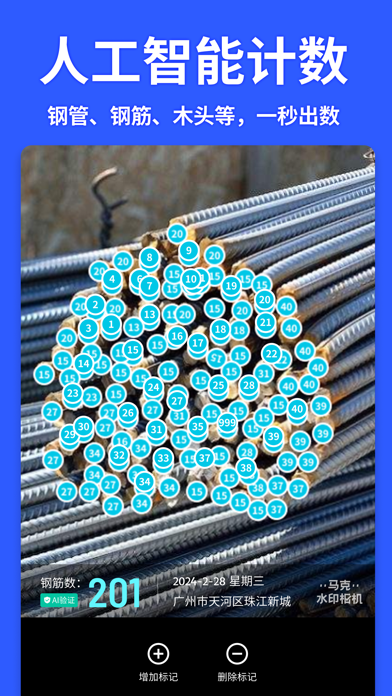
拍照片、拍视频,水印都能加。 水印自带时间地点,简单好用,真实防篡改! 工作拍照好帮手,经纬度相机,各行业都在用马克水印相机。 马克水印相机适用哪些场景呢? 【记录时间地点 记录高清生活】 旅游打卡拍照、记录宝宝成长拍照、水印相机记录生活超好用! 【工作水印相机 适用于各个行业】 物业:日常工作拍照留痕,工单系统、一键挪车、电子登记码等超多功能。 工程:专业工程水印,经纬相机,告别举牌验收,一秒制作监理日志、施工汇报;免费组织架构,同步无水印照片。 销售:巡店铺货,自动生成每日拍照路线,高清图片自动分类,回溯很方便。 兼职:拍照同步工作圈,电子围栏圈定工作范围,照片自动同步储存,检查抽查很高效。 马克水印相机有哪些核心功能? 【时间地点准确 智能校准防篡改】 经纬度相机,时间地点智能自动实时校准,拍照时自带水印,时间、地点、项目名称等信息,可拍摄高清水印照片、水印视频,还原真实场景。 【在线高效管理团队 为企业降本增效】 1.拍照自动同步到团队,管理者可在线管理工作团队; 2.自由设置考勤班次,员工考勤…
App details
What you can learn from 马克水印相机-真实时间地点和工作水印
Every shipping app on the App Store has gone through the same decisions you're working through right now: which screenshot goes first, what caption sits over it, which device frame to show, what color the background should be. The 6 screenshots above are 马克水印相机-真实时间地点和工作水印's answers to those questions — they're public, they're real, and they made it through Apple's review.
What the numbers say: 马克水印相机-真实时间地点和工作水印 runs a dark set with one background colour (#2C5CFC) carried across every screenshot — the listing reads as a single poster when the shots sit side by side in search results. The accent colour we picked up, #FC6C34, is the one to reuse for badges, arrows and highlighted words if you borrow this look. Hit Use this style to open the editor with these exact colours and drop your own screenshot in.
Notice the first screenshot in particular. It's the one users see in search results and on the product page, and it's where most apps spend their best caption and tightest design. Look at the proportion of background to phone, where the text sits, what one thing the image is trying to communicate.
Want to see how other Photo & Video apps approach the same problem? Browse more Photo & Video apps in the showcase.
Take what works into your own screenshots
Open LaunchShots and design your App Store & Google Play screenshots — pick a device frame, drop captions, ship in minutes. Free, in your browser.
Open the screenshot editor →Apps with a similar look
Closest background + accent colours among the listings we've analysed — useful when you want to see the same palette handled by a different team.