Chart position — tracked daily by LaunchShots
Screenshot changes — detected by LaunchShots
Screenshot style breakdown
Sampled from 6 of マイ ルーティン : 習慣・計画・タイムスケジュール・習慣化's App Store screenshots — background, accent and theme, measured by LaunchShots (not something Apple publishes).
#FCFCFC bg
#DDDDDD
#44EC94 accent
#111111 text
Screenshots
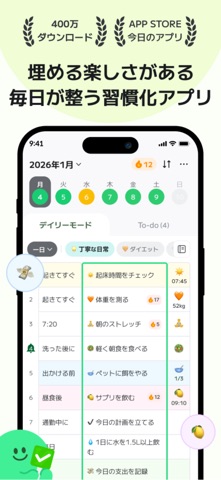

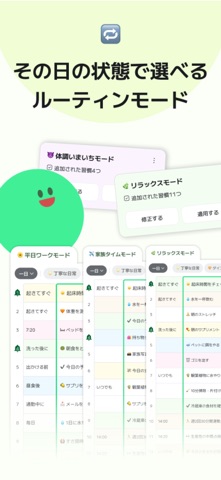
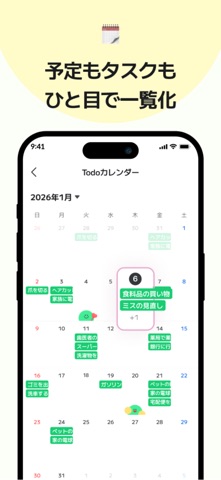
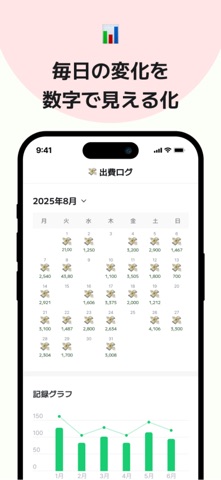
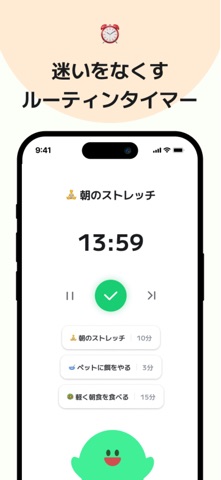
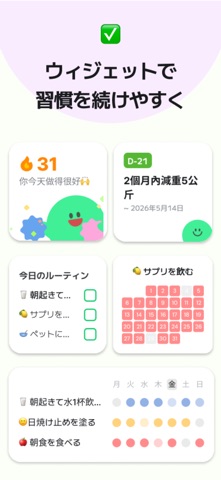
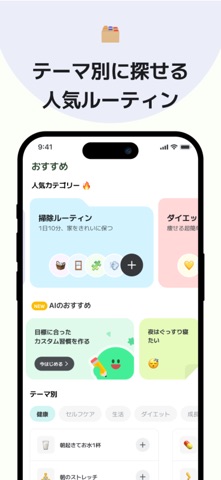
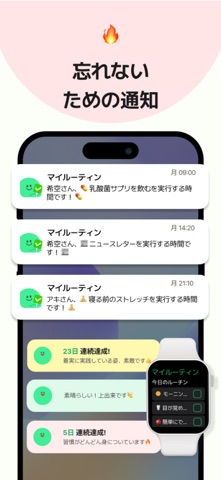
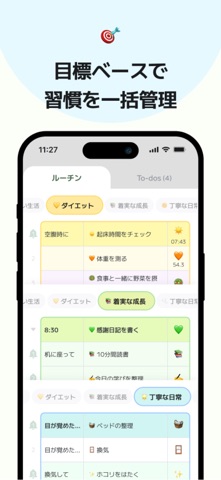
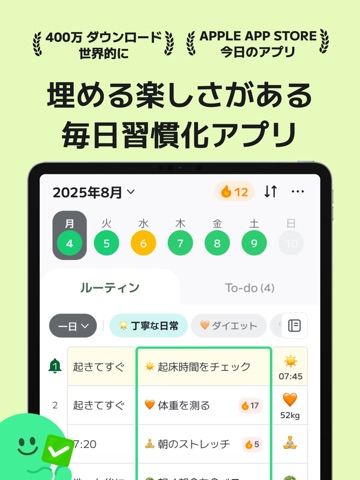
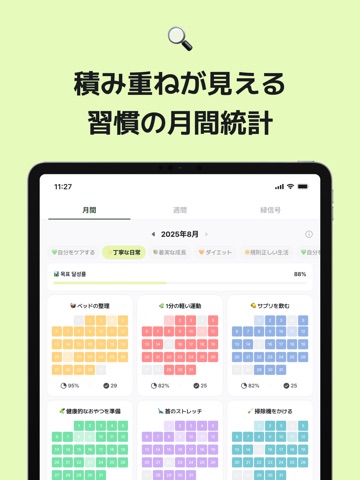
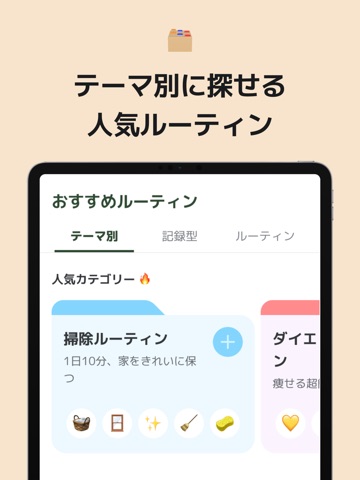
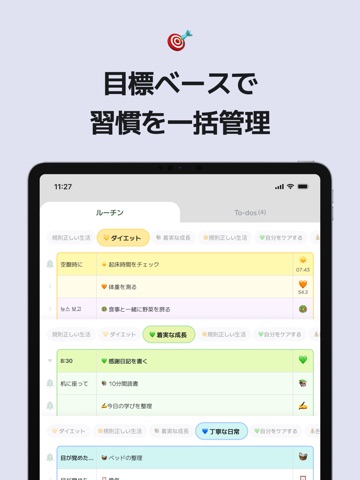
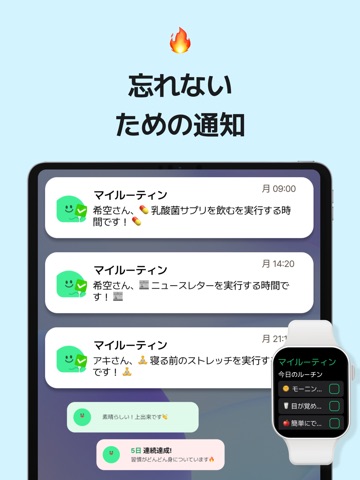
iPad screenshots




Icon palette
About this app
『みんなが理想の1日を過ごせるように』 マイルーティンは生産的な日常を過ごすための1日管理アプリ 目標、計画、ルーティン、メモ、ToDoをこれ一つで管理・記録:) 習慣が三日坊主で終わらないようにお手伝いします! ■ 便利で簡単!自分だけのルーティン作り -好きな絵文字で楽しくルーティンチェック -初めてならベストルーティンと他のルーティナーを参考に:) -実践しやすく役立つルーティンをおすすめします! ■ 忘れないように手伝ってくれる機能 -受け取りたい通知だけを選んで! -さまざまなウィゼットでさらに快適で便利に! ■ ToDo、ルーティン、振り返り管理を一度に -ルーティン、今日やるべきこと、1日の振り返りを全てマイルーティンで解決! -ToDoとルーティンが一目で分かるから1日の管理が楽々 ■ 絵文字で可愛く記録 -好きな絵文字で楽しくルーティンチェック -日記やスケジュール帳のように可愛く -日記として使ってもOK ■ モチベーションとインスピレーションを与え合うソーシャル -お気に入りのルーティンはすぐにシェア! -頻繁に訪問したい…
App details
What you can learn from マイ ルーティン : 習慣・計画・タイムスケジュール・習慣化
Every shipping app on the App Store has gone through the same decisions you're working through right now: which screenshot goes first, what caption sits over it, which device frame to show, what color the background should be. The 20 screenshots above are マイ ルーティン : 習慣・計画・タイムスケジュール・習慣化's answers to those questions — they're public, they're real, and they made it through Apple's review.
What the numbers say: マイ ルーティン : 習慣・計画・タイムスケジュール・習慣化 runs a light set with one background colour (#FCFCFC) carried across every screenshot — the listing reads as a single poster when the shots sit side by side in search results. The accent colour we picked up, #44EC94, is the one to reuse for badges, arrows and highlighted words if you borrow this look. Hit Use this style to open the editor with these exact colours and drop your own screenshot in.
Notice the first screenshot in particular. It's the one users see in search results and on the product page, and it's where most apps spend their best caption and tightest design. Look at the proportion of background to phone, where the text sits, what one thing the image is trying to communicate.
Want to see how other Productivity apps approach the same problem? Browse more Productivity apps in the showcase.
Take what works into your own screenshots
Open LaunchShots and design your App Store & Google Play screenshots — pick a device frame, drop captions, ship in minutes. Free, in your browser.
Open the screenshot editor →Apps with a similar look
Closest background + accent colours among the listings we've analysed — useful when you want to see the same palette handled by a different team.