Chart position — tracked daily by LaunchShots
Screenshot style breakdown
Sampled from 6 of ONE Home's App Store screenshots — background, accent and theme, measured by LaunchShots (not something Apple publishes).
#14448C bg
#345E9C
#3C8CE4 accent
#FFFFFF text
Screenshots


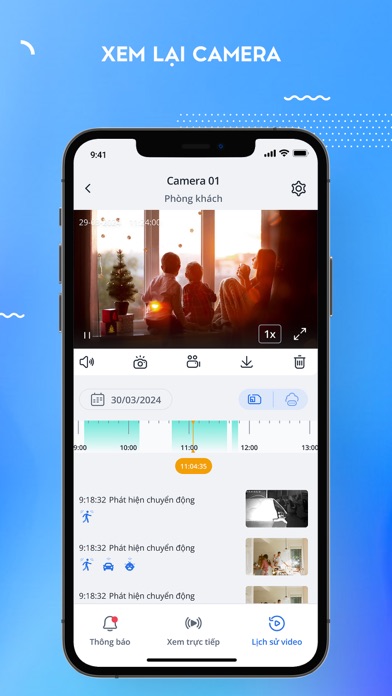

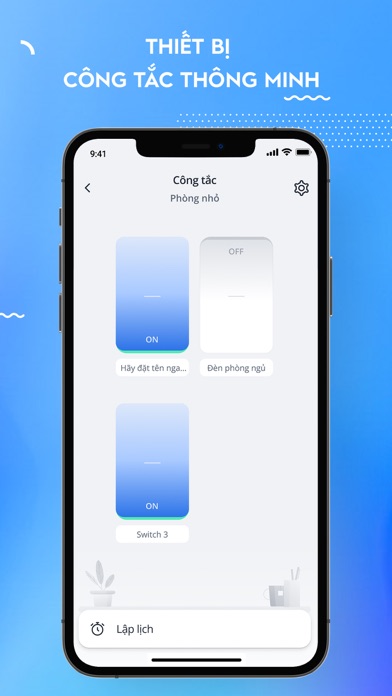

iPad screenshots


Icon palette
About this app
Bản tiếng Việt ONE Home là giải pháp ngôi nhà thông minh cho phép kết nối các thiết bị, giám sát và điều khiển từ xa, tăng cường an toàn, anh ninh cho ngôi nhà của bạn. - Tự động điều khiển các thiết bị theo nhu cầu, thói quen sinh hoạt - Cảm nhận môi trường xung quanh và có những phản hồi giúp cuộc sống tiện nghi, thoải mái hơn - Dễ dàng điều khiển trên ứng dụng thông qua giọng nói hoặc trực tiếp qua thiết bị - Xem trực tiếp với chất lượng Full HD trên thiết bị smart phone mọi nơi mọi lúc. ONE Home is a smart-home solution that allows connecting, monitoring, and remote control devices for security. - Automatically control devices according to needs and living habits - Feel the surrounding environment and give feedback to help make life more convenient and comfortable - Easily control on the app via voice or directly through the device - Watch live view in Full HD quality on smart…
App details
What you can learn from ONE Home
Every shipping app on the App Store has gone through the same decisions you're working through right now: which screenshot goes first, what caption sits over it, which device frame to show, what color the background should be. The 17 screenshots above are ONE Home's answers to those questions — they're public, they're real, and they made it through Apple's review.
What the numbers say: ONE Home runs a mixed light-and-dark set where the background shifts from screenshot to screenshot (first shot #14448C) — each image has to stand on its own, so the captions carry more of the story. The accent colour we picked up, #3C8CE4, is the one to reuse for badges, arrows and highlighted words if you borrow this look. Hit Use this style to open the editor with these exact colours and drop your own screenshot in.
Notice the first screenshot in particular. It's the one users see in search results and on the product page, and it's where most apps spend their best caption and tightest design. Look at the proportion of background to phone, where the text sits, what one thing the image is trying to communicate.
Want to see how other Utilities apps approach the same problem? Browse more Utilities apps in the showcase.
Take what works into your own screenshots
Open LaunchShots and design your App Store & Google Play screenshots — pick a device frame, drop captions, ship in minutes. Free, in your browser.
Open the screenshot editor →Apps with a similar look
Closest background + accent colours among the listings we've analysed — useful when you want to see the same palette handled by a different team.