Screenshots
Icon palette
About this app
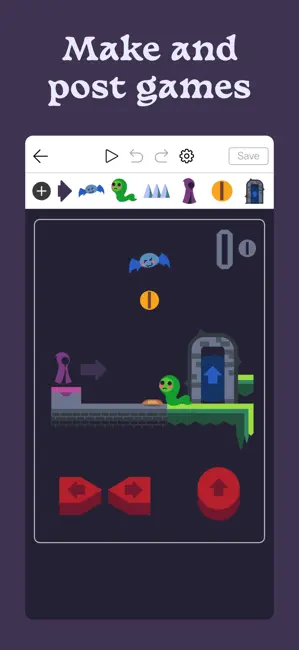
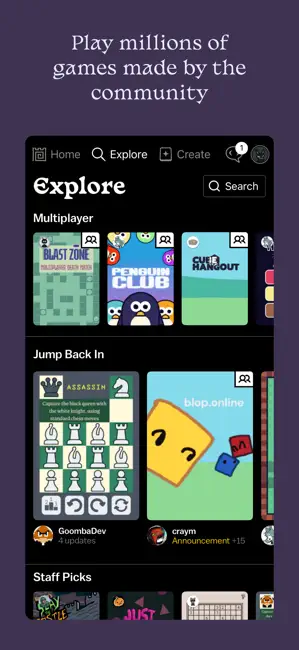
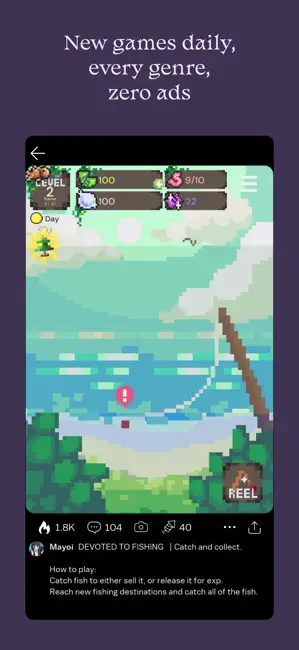
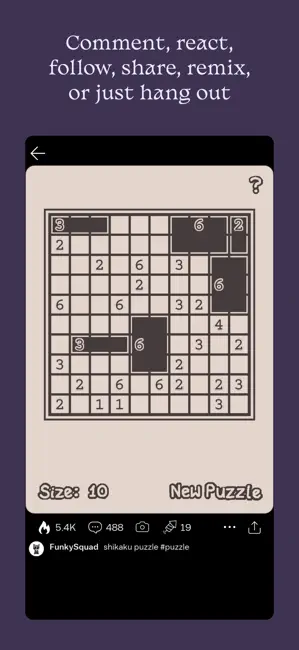
Castle is social media for creating and playing games! - Make your own games in our simple but powerful editor, then share them with friends, or post to the community and build a following. - Explore the millions of games, animations, and drawings made by the community. Every genre, zero ads, thousands posted every day! - Post comments, follow your favorite creators, compete for high scores, collect achievements, or just hang out. - Get started with our simple templates, or remix the games you see and add your own touch. Pull from a library of millions of game objects to create anything you can imagine. - Learn to bring your ideas to life with editor tools for art, physics, logic, music, and sound. Deepen your creativity and develop skills that last forever. Some features in Castle may require in-app purchase, such as boosting your game to reach more players. Creating and sharing game…
App details
What you can learn from Castle - Make and Play
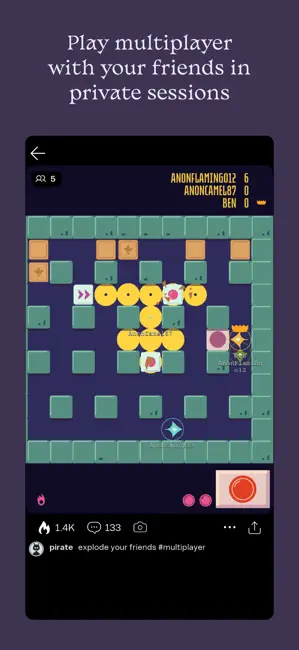
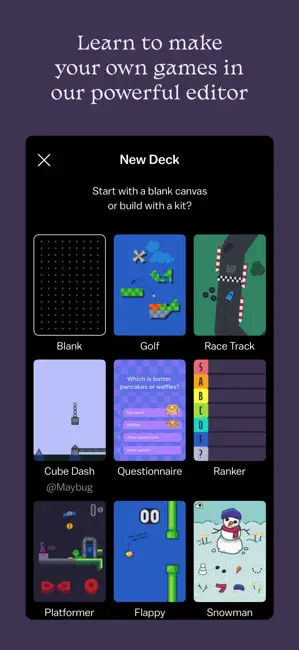
Every shipping app on the App Store has gone through the same decisions you're working through right now: which screenshot goes first, what caption sits over it, which device frame to show, what color the background should be. The 6 screenshots above are Castle - Make and Play's answers to those questions — they're public, they're real, and they made it through Apple's review.
Notice the first screenshot in particular. It's the one users see in search results and on the product page, and it's where most apps spend their best caption and tightest design. Look at the proportion of background to phone, where the text sits, what one thing the image is trying to communicate.
Want to see how other Graphics & Design apps approach the same problem? Browse more Graphics & Design apps in the showcase.
Take what works into your own screenshots
Open LaunchShots and design your App Store & Google Play screenshots — pick a device frame, drop captions, ship in minutes. Free, in your browser.
Open the screenshot editor →