Chart position — tracked daily by LaunchShots
Screenshot style breakdown
Sampled from 5 of Sunri-你的体重管理好助手's App Store screenshots — background, accent and theme, measured by LaunchShots (not something Apple publishes).
#6CD48C bg
#5FBA7B
#E4946C accent
#111111 text
Screenshots

Icon palette
About this app
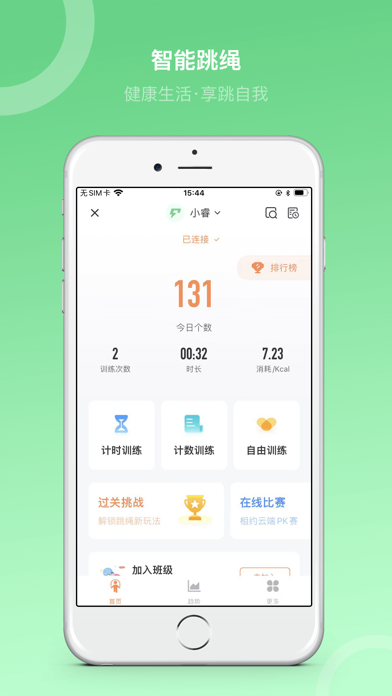
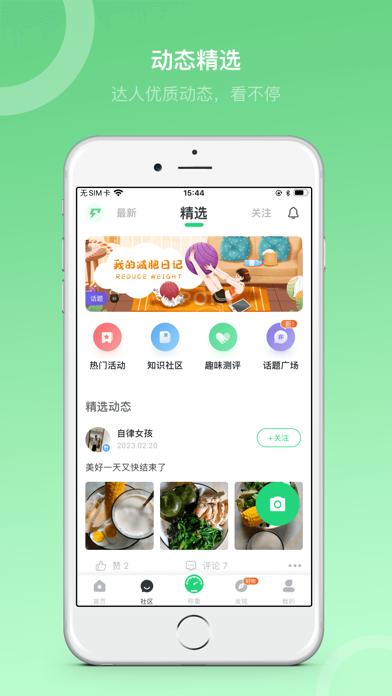
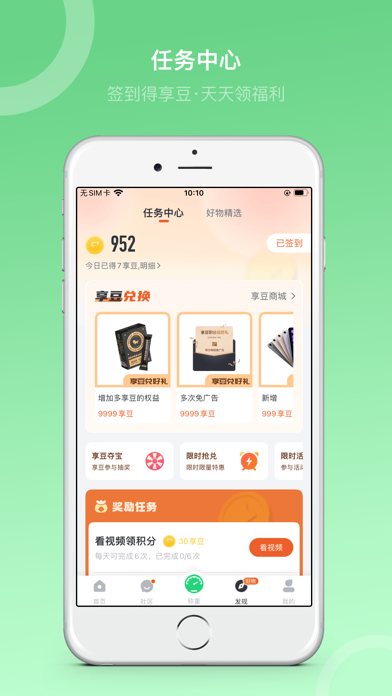
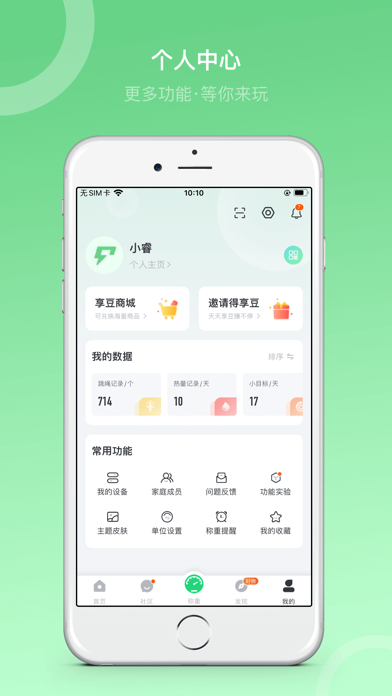
-体重管理 体重记录:连接蓝牙体脂秤自动记录体重或手动记录,体重变化趋势图一目了然!可检测体脂、肌肉量、基础代谢等20项身体数据,更全面的了解自己! 个性化体重目标:智能体重目标推荐,个性化计划设置,无论减重增重或维持,让您更高效达成! 数据对比:多时段数据对比,生成精美对比海报,记录分享您身材每一次微小变化。 -饮食&运动 精选食谱:基于您的体重指标推荐科学食谱,跟着吃更健康。 记饮食&运动:每日打卡饮食与运动,保持热量平衡对减重很关键。 热量查询:提供几十万种食物数据,让您对食物热量及营养成分有全面的认知。 -社区互动 社区动态:记录运动、减肥健康生活,与千万同样爱美的用户一起见证你的精彩蜕变。 话题广场:参与官方举办的话题,有机会获得相应精美礼品奖励。 -积分福利 任务中心:完成任务即可获取享豆,连续完成还有更高的奖励,并可在商城兑换奖品哟! 积分商城:不仅有海量商品等你兑换,还有限量抢购、积分夺宝等各种玩法等你来探索。 -守护健康小工具 经期记录:记录和预测您的经期规律,体重计划和营养补充提前准备…
App details
What you can learn from Sunri-你的体重管理好助手
Every shipping app on the App Store has gone through the same decisions you're working through right now: which screenshot goes first, what caption sits over it, which device frame to show, what color the background should be. The 5 screenshots above are Sunri-你的体重管理好助手's answers to those questions — they're public, they're real, and they made it through Apple's review.
What the numbers say: Sunri-你的体重管理好助手 runs a light set with one background colour (#6CD48C) carried across every screenshot — the listing reads as a single poster when the shots sit side by side in search results. The accent colour we picked up, #E4946C, is the one to reuse for badges, arrows and highlighted words if you borrow this look. Hit Use this style to open the editor with these exact colours and drop your own screenshot in.
Notice the first screenshot in particular. It's the one users see in search results and on the product page, and it's where most apps spend their best caption and tightest design. Look at the proportion of background to phone, where the text sits, what one thing the image is trying to communicate.
Want to see how other Health & Fitness apps approach the same problem? Browse more Health & Fitness apps in the showcase.
Take what works into your own screenshots
Open LaunchShots and design your App Store & Google Play screenshots — pick a device frame, drop captions, ship in minutes. Free, in your browser.
Open the screenshot editor →Apps with a similar look
Closest background + accent colours among the listings we've analysed — useful when you want to see the same palette handled by a different team.