Screenshots
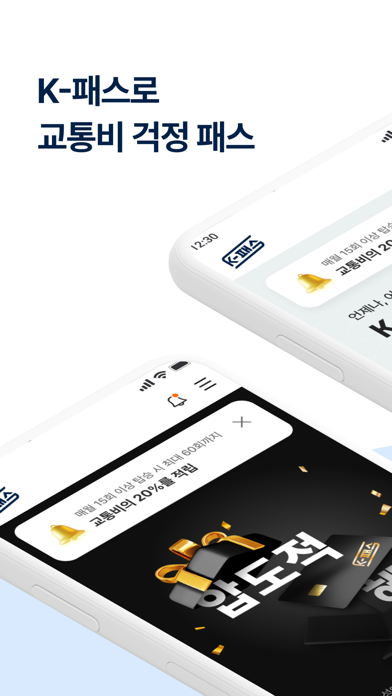
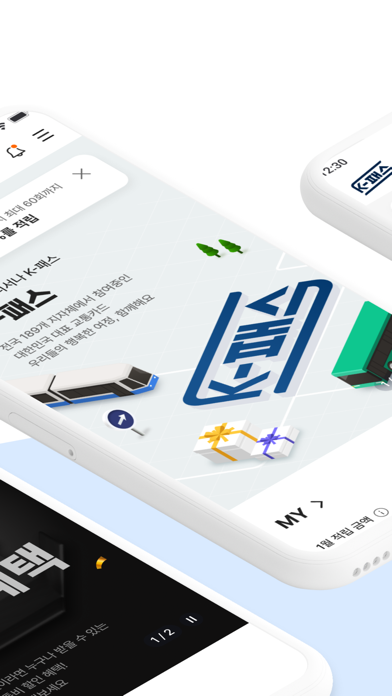


Icon palette
About this app
알뜰한 대중교통 생활의 시작, K-패스로 교통비 걱정 패스! ■ K- 패스 카드발급과 회원가입이 필수! - K-패스 카드와 알뜰교통카드 모두 사용할 수 있습니다 - 카드 발급 후 K-패스 홈페이지 또는 앱에서 회원가입이 가능합니다 - 알뜰교통카드 계정 그대로 사용 할 경우 24년 6월 30일까지 alcard.kr 에서 회원 전환을 신청해주세요! ■ 전국 어디서나 이용할 수 있는 K-패스는 국토교통부와 17개 시·도 189개 시·군·구가 함께하는 대중교통 환급 사업! - 서울특별시 전역 - 경기도 전역 - 인천광역시 전역 - 세종특별자치시 전역 - 충청남도 전역 - 대전광역시 전역 - 광주광역시 전역 - 경상남도 전역 - 제주도 전역 - 부산광역시 전역 - 울산광역시 전역 - 대구광역시 전역 - 충청북도 청주, 옥천, 제천, 충주 - 전라북도 전주, 완주, 익산, 남원, 군산, 정읍 - 전라남도 무안, 순천, 신안, 목포, 여수, 해남, 광양, 나주, 담양 - 경상북도 포항, 경주, 영주, 김천, 영천, 구미, 상주, 칠곡, 경산, 안동 - 강원도 춘천, 강릉, 원주, 양양, 홍천 - 충청북도 청주,…
App details
What you can learn from K-패스
Every shipping app on the App Store has gone through the same decisions you're working through right now: which screenshot goes first, what caption sits over it, which device frame to show, what color the background should be. The 4 screenshots above are K-패스's answers to those questions — they're public, they're real, and they made it through Apple's review.
Notice the first screenshot in particular. It's the one users see in search results and on the product page, and it's where most apps spend their best caption and tightest design. Look at the proportion of background to phone, where the text sits, what one thing the image is trying to communicate.
Want to see how other Productivity apps approach the same problem? Browse more Productivity apps in the showcase.
Take what works into your own screenshots
Open LaunchShots and design your App Store & Google Play screenshots — pick a device frame, drop captions, ship in minutes. Free, in your browser.
Open the screenshot editor →