Chart position — tracked daily by LaunchShots
Screenshot changes — detected by LaunchShots
Screenshot style breakdown
Sampled from 6 of SmakShare – Recept & Middagar's App Store screenshots — background, accent and theme, measured by LaunchShots (not something Apple publishes).
#E4ECF4 bg
#C8CFD6
#749CB4 accent
#111111 text
Screenshots
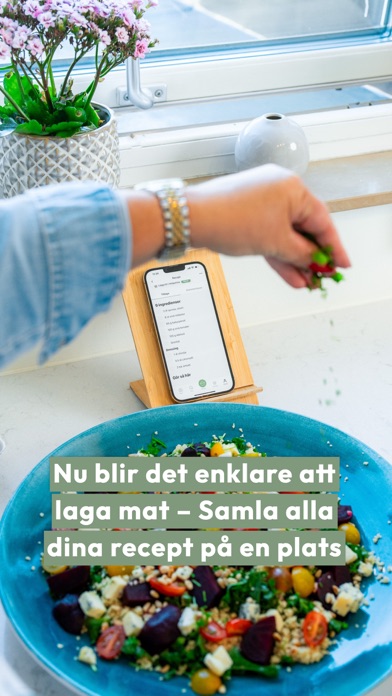


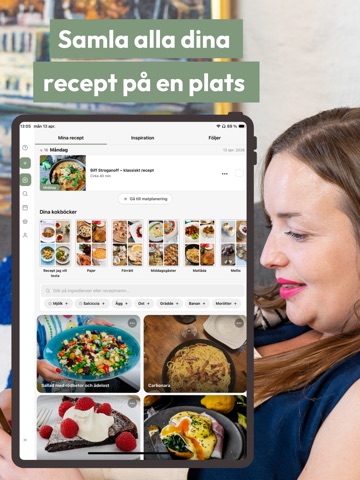
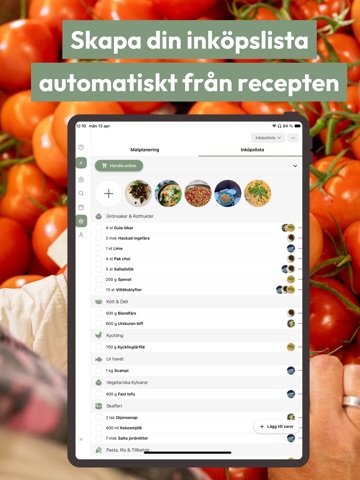
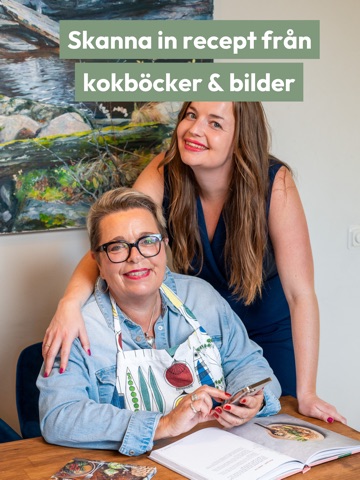
iPad screenshots



Icon palette
About this app
Få alla dina favoritrecept samlade på ett ställe. SmakShare är den svenska receptappen som gör det enklare att planera, handla och laga mat med just dina recept. Välkommen in! • Spara recept smidigt från Instagram, TikTok eller stora receptsidor som Arla, Ica, Tasteline, recept.se, Coop eller Köket.se. Vi hämtar bilden, ingredienserna och stegen automatiskt. Ändra recepten efter dina behov och spara dem privat eller dela med vänner och familj. • Skanna in bilder på recept från kokböcker, magasin eller printscreens för att göra recepten enkla att hitta och laga mat med. • Planera veckans mat med en smidig matlista! Du kan skapa veckomenyer genom att du väljer recept och planerar in när maten ska lagas. Du kan skapa egna anteckningar för dagar då du inte behöver använda recept för en komplett matplanering. • Utifrån dina recept skapas automatiska inköpslistor med allt du behöver handl…
App details
What you can learn from SmakShare – Recept & Middagar
Every shipping app on the App Store has gone through the same decisions you're working through right now: which screenshot goes first, what caption sits over it, which device frame to show, what color the background should be. The 14 screenshots above are SmakShare – Recept & Middagar's answers to those questions — they're public, they're real, and they made it through Apple's review.
What the numbers say: SmakShare – Recept & Middagar runs a mixed light-and-dark set where the background shifts from screenshot to screenshot (first shot #E4ECF4) — each image has to stand on its own, so the captions carry more of the story. The accent colour we picked up, #749CB4, is the one to reuse for badges, arrows and highlighted words if you borrow this look. Hit Use this style to open the editor with these exact colours and drop your own screenshot in.
Notice the first screenshot in particular. It's the one users see in search results and on the product page, and it's where most apps spend their best caption and tightest design. Look at the proportion of background to phone, where the text sits, what one thing the image is trying to communicate.
Want to see how other Food & Drink apps approach the same problem? Browse more Food & Drink apps in the showcase.
Take what works into your own screenshots
Open LaunchShots and design your App Store & Google Play screenshots — pick a device frame, drop captions, ship in minutes. Free, in your browser.
Open the screenshot editor →Apps with a similar look
Closest background + accent colours among the listings we've analysed — useful when you want to see the same palette handled by a different team.