Chart position — tracked daily by LaunchShots
Screenshot style breakdown
Sampled from 6 of InPaper - 创作你的壁纸's App Store screenshots — background, accent and theme, measured by LaunchShots (not something Apple publishes).
#ECCCCC bg
#CFB3B3
#445CAC accent
#111111 text
Screenshots
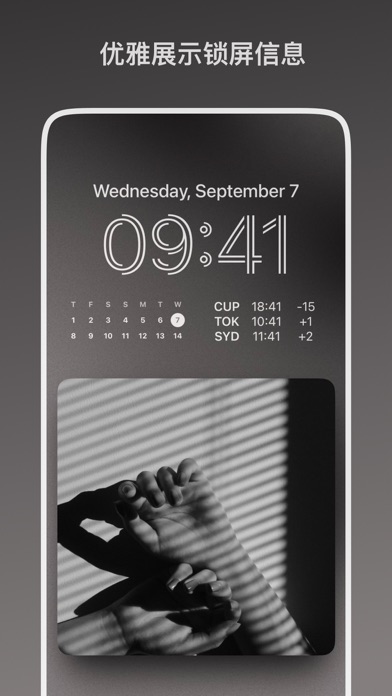
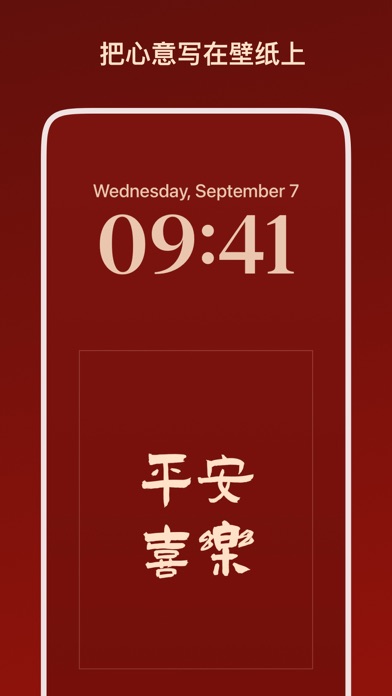
iPad screenshots


Icon palette
About this app
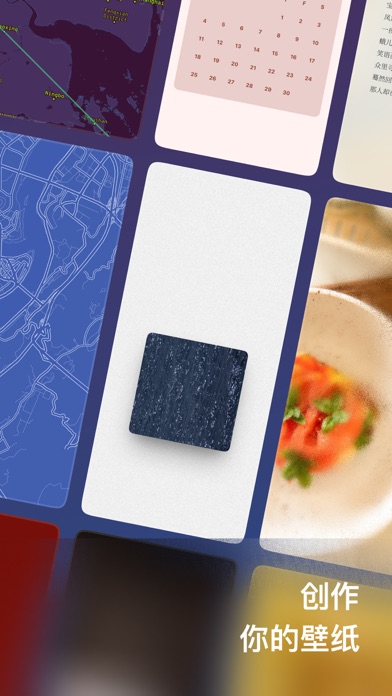
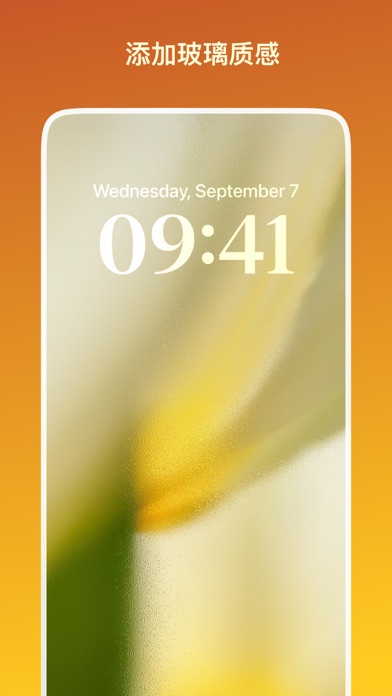
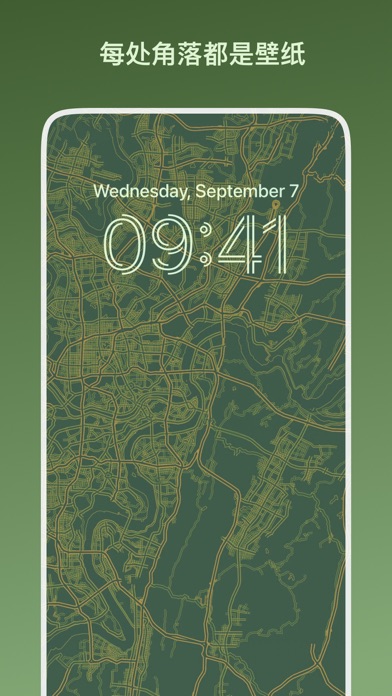
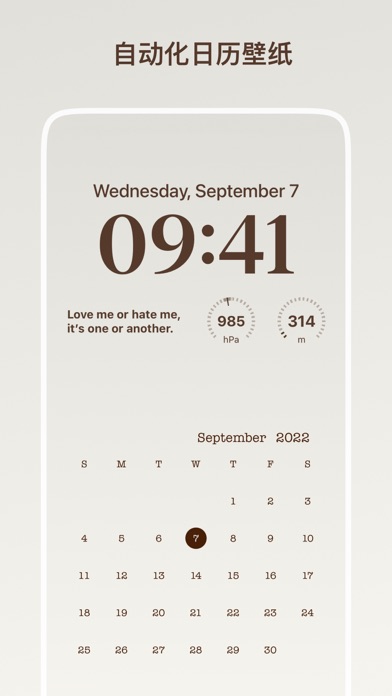
壁纸软件并不少见,但制作壁纸的工具似乎不多,而 InPaper 壁纸就是这样:一款专注于壁纸制作和自动化的工具。 - 制作布局、拼图、模糊、绘画、色彩、文字、日历、地图等风格壁纸。 - 数十款壁纸样式,持续更新中。 - 精选配色与自定义颜色,轻松制作。 - 丰富的调整工具,满足个性化需求。 - 混色模式与叠加制作,带来无限创意。 - 支持快捷指令自动化,高效换壁纸。 【订阅会员说明】 - 成为 InPaper 订阅会员,可解锁 InPaper 的所有功能。 - 订阅会员每年 18 元,免费试用 3 天。 - 你也可以一次性买断。 确认购买后,将通过您的 iTunes 账户直接支付。购买或试用后,续订会自动进行,苹果 iTunes 账户会在到期前 24 小时内扣费,扣费成功后订阅周期顺延 1 个订阅周期。您可以在系统账户设置中修改自动订阅设置,如需取消续订,请至少在当前扣费期前 24 小时进行操作。 隐私政策:https://shimo.im/docs/ZocHnEtVGSgReYMm/ 使用条款:https://shimo.im/docs/kr5Zz9xuVdYZ9MAt/ 【建议与反馈】 InPaper 正在慢慢成长中,如果你在使用过程中遇到相关问题,或…
App details
What you can learn from InPaper - 创作你的壁纸
Every shipping app on the App Store has gone through the same decisions you're working through right now: which screenshot goes first, what caption sits over it, which device frame to show, what color the background should be. The 9 screenshots above are InPaper - 创作你的壁纸's answers to those questions — they're public, they're real, and they made it through Apple's review.
What the numbers say: InPaper - 创作你的壁纸 runs a mixed light-and-dark set where the background shifts from screenshot to screenshot (first shot #ECCCCC) — each image has to stand on its own, so the captions carry more of the story. The accent colour we picked up, #445CAC, is the one to reuse for badges, arrows and highlighted words if you borrow this look. Hit Use this style to open the editor with these exact colours and drop your own screenshot in.
Notice the first screenshot in particular. It's the one users see in search results and on the product page, and it's where most apps spend their best caption and tightest design. Look at the proportion of background to phone, where the text sits, what one thing the image is trying to communicate.
Want to see how other Graphics & Design apps approach the same problem? Browse more Graphics & Design apps in the showcase.
Take what works into your own screenshots
Open LaunchShots and design your App Store & Google Play screenshots — pick a device frame, drop captions, ship in minutes. Free, in your browser.
Open the screenshot editor →Apps with a similar look
Closest background + accent colours among the listings we've analysed — useful when you want to see the same palette handled by a different team.