Screenshots


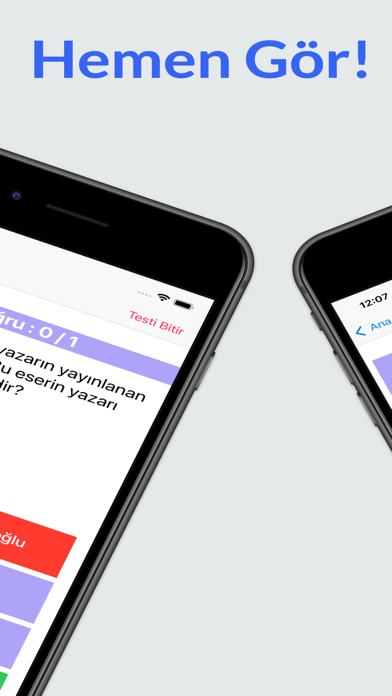
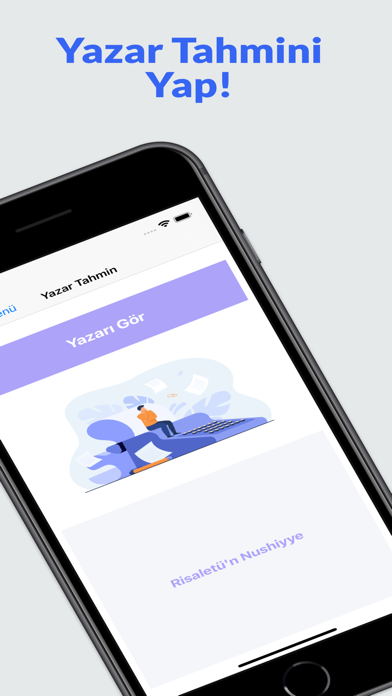
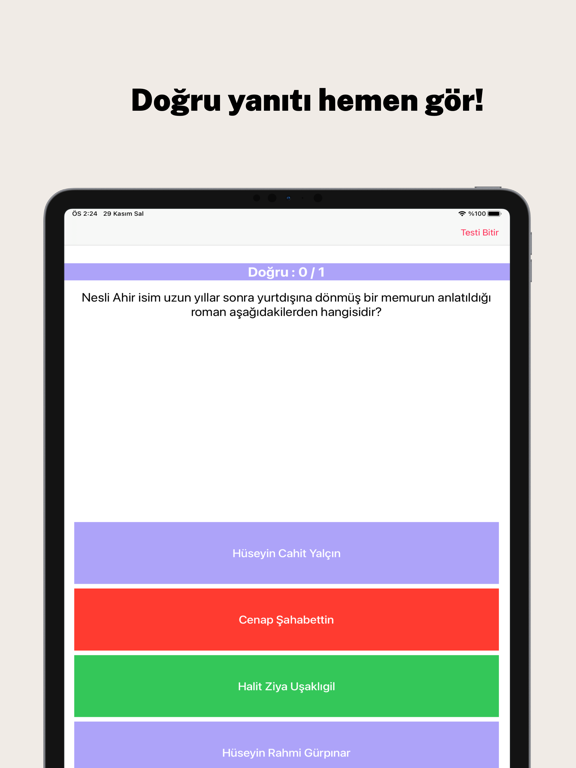
iPad screenshots




Icon palette
About this app
AYT Edebiyat Yazar-Eser uygulaması ; Bilgi Kartları : İslamiyet Öncesi Edebiyat'tan, Cumhuriyet Edebiyatı'na kadar şu zamana kadar ÖSYM sınavlarında çıkmış yazar, şair ve diğer sanatçıların eserlerinden oluşmaktadır. Akılda kalıcı olması açısından tüm sanatçıların resimleri ile bilgiler beraber olarak verilmiştir. Uygulama basit ve sade bir arayüze sahiptir. Bilgi Kartlarından öğreneceğiniz bilgiler ve fazlasını iyice zihninize işlemek için test eklenmiştir. Test: İslamiyet Öncesi'nden Cumhuriyet Edebiyatı'na kadar sınavda işinize yarayacak tüm yazar, şairlerden oluşmaktadır. Mockup görüntülerinde https://screenshots.pro/ sitesinden yararlanılmıştır.
App details
What you can learn from AYT Yazar-Eser Kartlar, Test
Every shipping app on the App Store has gone through the same decisions you're working through right now: which screenshot goes first, what caption sits over it, which device frame to show, what color the background should be. The 9 screenshots above are AYT Yazar-Eser Kartlar, Test's answers to those questions — they're public, they're real, and they made it through Apple's review.
Notice the first screenshot in particular. It's the one users see in search results and on the product page, and it's where most apps spend their best caption and tightest design. Look at the proportion of background to phone, where the text sits, what one thing the image is trying to communicate.
Want to see how other Education apps approach the same problem? Browse more Education apps in the showcase.
Take what works into your own screenshots
Open LaunchShots and design your App Store & Google Play screenshots — pick a device frame, drop captions, ship in minutes. Free, in your browser.
Open the screenshot editor →