Screenshot changes — detected by LaunchShots
Screenshot style breakdown
Sampled from 6 of 詐欺バスター:詐欺電話やネット詐欺を自動判定、ブロック's App Store screenshots — background, accent and theme, measured by LaunchShots (not something Apple publishes).
#FCDCC4 bg
#DDC1AC
#F48C8C accent
#111111 text
Screenshots
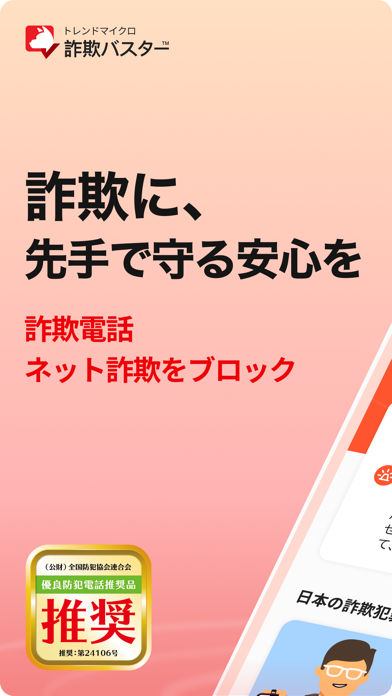
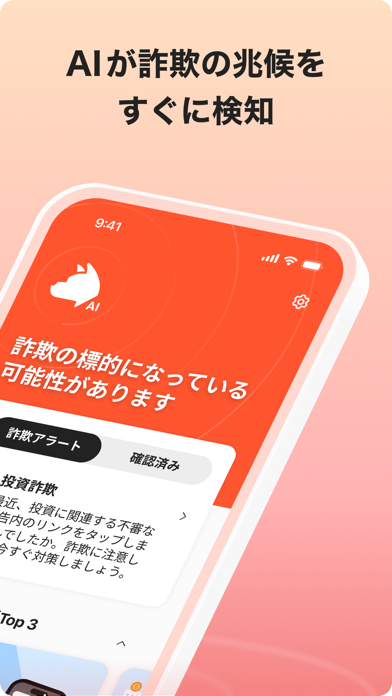
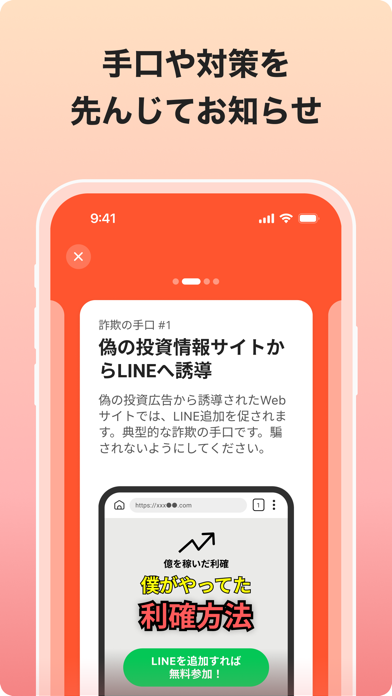
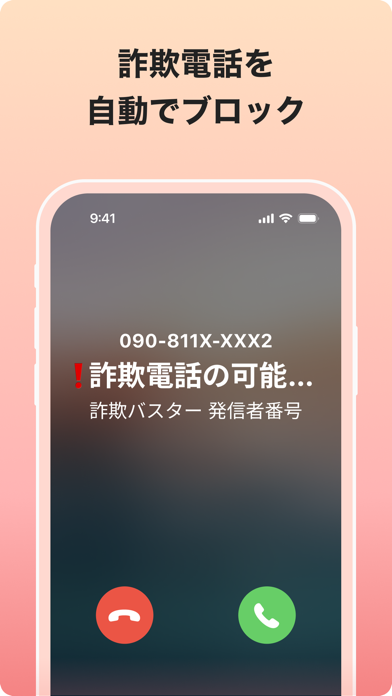
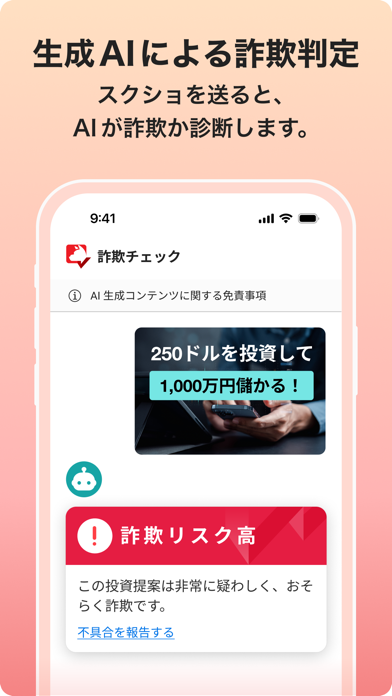


iPad screenshots


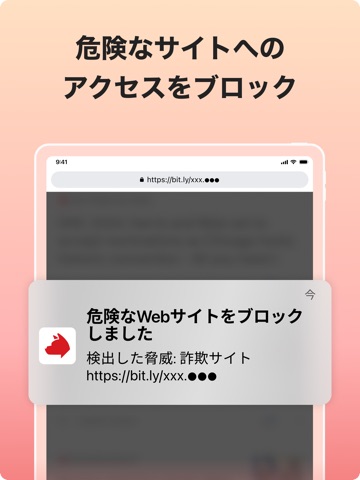


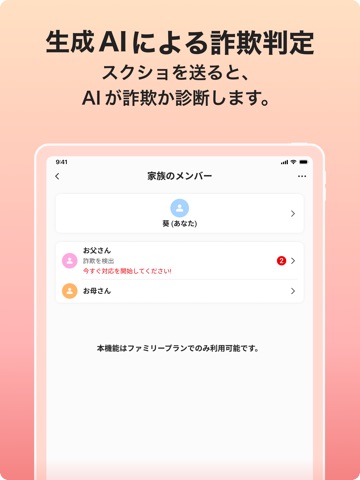
Icon palette
About this app
詐欺の不安、もう一人で抱えなくていい 「トレンドマイクロ 詐欺バスター」は、詐欺電話・ネット詐欺をブロックする詐欺対策アプリです。 詐欺電話、詐欺SMS、フィッシング詐欺をリアルタイムにブロックするだけではなく、あなたのスマホの使い方から詐欺事例に似た動きが見つかった際には、AIが手口と対策をお知らせし、さまざまな詐欺の危険からあなたを守ります。 ウイルスバスターをはじめ、個人向け、法人向けにセキュリティソリューソンを提供してきたノウハウを活かした詐欺対策をぜひ体感してください! (公財)全国防犯協会連合会から、詐欺電話への防犯対策として「推奨」認定を受けています。 アプリ内すべての機能を、まずは30日間無料* で体験できます。 *体験版終了後に有償版を購入されない限り、自動的に課金はされません。また無料体験期間中に有料契約を開始された場合、無料体験の残存期間は引き継がれませんのでご注意ください。 *体験版終了後に有償版を購入しなかった場合、自動で無料版に切り替わります。無料版ご利用中は課金するこ…
App details
What you can learn from 詐欺バスター:詐欺電話やネット詐欺を自動判定、ブロック
Every shipping app on the App Store has gone through the same decisions you're working through right now: which screenshot goes first, what caption sits over it, which device frame to show, what color the background should be. The 18 screenshots above are 詐欺バスター:詐欺電話やネット詐欺を自動判定、ブロック's answers to those questions — they're public, they're real, and they made it through Apple's review.
What the numbers say: 詐欺バスター:詐欺電話やネット詐欺を自動判定、ブロック runs a light set with one background colour (#FCDCC4) carried across every screenshot — the listing reads as a single poster when the shots sit side by side in search results. The accent colour we picked up, #F48C8C, is the one to reuse for badges, arrows and highlighted words if you borrow this look. Hit Use this style to open the editor with these exact colours and drop your own screenshot in.
Notice the first screenshot in particular. It's the one users see in search results and on the product page, and it's where most apps spend their best caption and tightest design. Look at the proportion of background to phone, where the text sits, what one thing the image is trying to communicate.
Want to see how other Utilities apps approach the same problem? Browse more Utilities apps in the showcase.
Take what works into your own screenshots
Open LaunchShots and design your App Store & Google Play screenshots — pick a device frame, drop captions, ship in minutes. Free, in your browser.
Open the screenshot editor →Apps with a similar look
Closest background + accent colours among the listings we've analysed — useful when you want to see the same palette handled by a different team.