Chart position — tracked daily by LaunchShots
Screenshot style breakdown
Sampled from 5 of نجدة - Najdah's App Store screenshots — background, accent and theme, measured by LaunchShots (not something Apple publishes).
#FCFCFC bg
#DDDDDD
#2454A4 accent
#111111 text
Screenshots


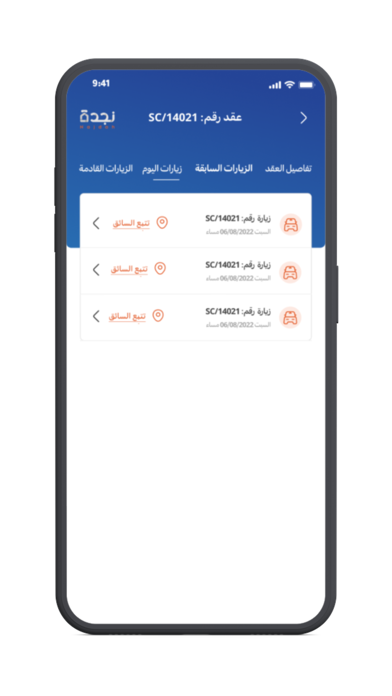


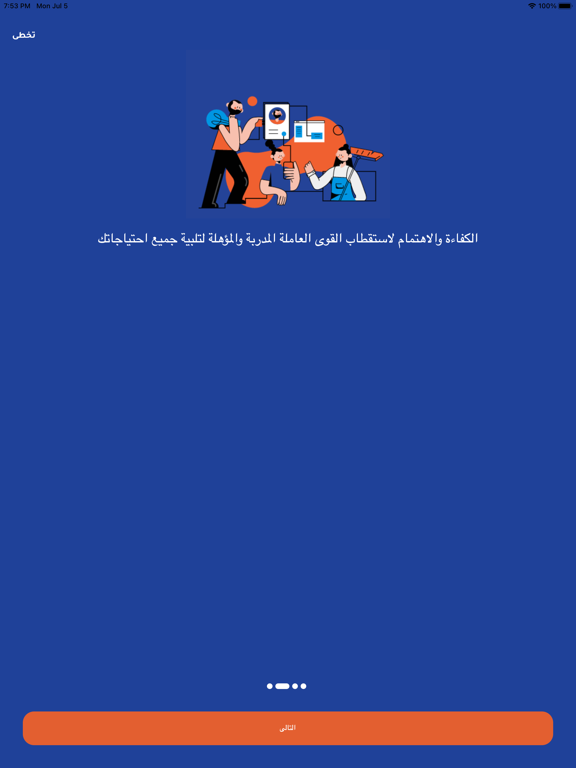
iPad screenshots



Icon palette
About this app
نجدة تقدم حلول متكاملة للخدمات المنزلية مع الالتزام بأعلى معايير الجودة والدقة بباقات متعددة تلبي رغبات شركاء نجاحها، يمكنك اختيار التاريخ والوقت وإعادة جدولة المواعيد مباشرة من التطبيق. نجدة بدعم وتشغيل شركة عبد المجيد عبدالرحمن الجريسي للموارد البشرية وهي صرح اقتصادي رائد تأسس في عام 2013؛ ليحتل منذ ذلك الحين موقع متميز ومتخصص في تلبية احتياجات السوق المحلي لمختلف القطاعات والأنشطة. مميزات خدمات نجدة هي: خدمات التنظيف المنزلي بنظام الزيارات (4 ساعات للزيارة). خدمات التنظيف المنزلي بنظام المقيمة (إقامة دائمة). مختلف الجنسيات (اندونيسيا - افريقيا ) حجز سهل وسريع. إعادة جدولة الزيارة وتغيير المواعيد. دعم فوري من خلال المحادثة الفورية لخدمة العملاء باحترافية و مهارة. اسطول من النقل والعمليات اللوجستية لتقديم خدمات التوصيل المنزلي السريع وبالموعد. تجديد العقد من خلال التطبيق مباشرة. الاطلاع واختيار السير الذاتية بكل راحة وسهولة. قنوات سداد متنوعة (آبل باي – مدى – فيزا – ماستركارد – أميركا…
App details
What you can learn from نجدة - Najdah
Every shipping app on the App Store has gone through the same decisions you're working through right now: which screenshot goes first, what caption sits over it, which device frame to show, what color the background should be. The 12 screenshots above are نجدة - Najdah's answers to those questions — they're public, they're real, and they made it through Apple's review.
What the numbers say: نجدة - Najdah runs a light set with one background colour (#FCFCFC) carried across every screenshot — the listing reads as a single poster when the shots sit side by side in search results. The accent colour we picked up, #2454A4, is the one to reuse for badges, arrows and highlighted words if you borrow this look. Hit Use this style to open the editor with these exact colours and drop your own screenshot in.
Notice the first screenshot in particular. It's the one users see in search results and on the product page, and it's where most apps spend their best caption and tightest design. Look at the proportion of background to phone, where the text sits, what one thing the image is trying to communicate.
Want to see how other Business apps approach the same problem? Browse more Business apps in the showcase.
Take what works into your own screenshots
Open LaunchShots and design your App Store & Google Play screenshots — pick a device frame, drop captions, ship in minutes. Free, in your browser.
Open the screenshot editor →Apps with a similar look
Closest background + accent colours among the listings we've analysed — useful when you want to see the same palette handled by a different team.