Screenshots
Icon palette
About this app
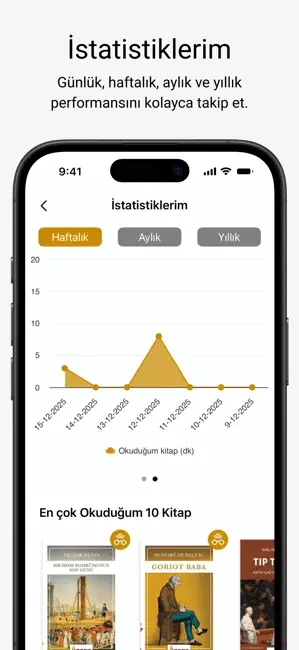
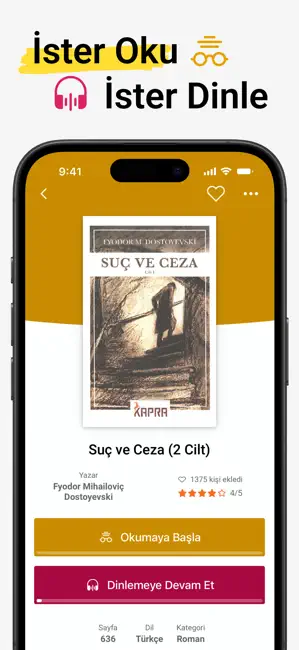
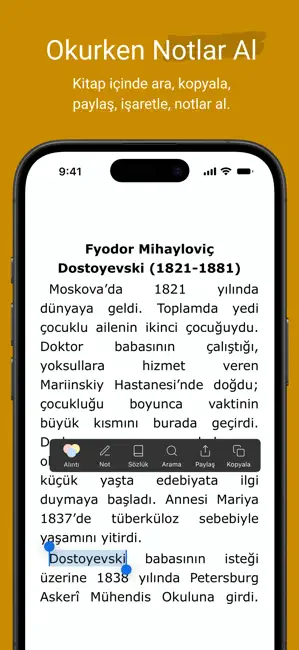
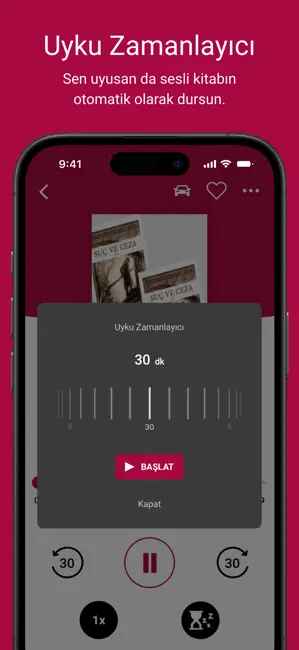
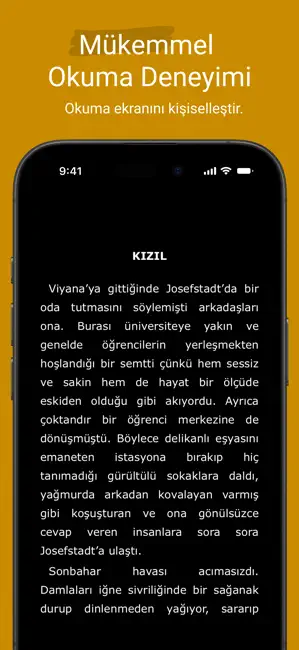
Kitapyurdu E-Kitap ile okuma ve dinleme deneyimini tek bir platformda birleştirin. Binlerce eserlik kütüphaneye erişin; ister e-kitap olarak okuyun, ister profesyonel seslendirmelerle sesli kitap olarak dinleyin. Kaldığınız yerden devam etme özelliğiyle dijital kütüphaneniz her an yanınızda. Öne Çıkan Özellikler: •Hibrit Deneyim: Aynı eseri ister okuyun, ister dinleyin. Gözleriniz yorulduğunda hikayeyi kulaklarınıza emanet edin; kaldığınız yerden kesintisiz devam edin. •Çevrimdışı Mod: Dış dünyadan koptuğunuz her an, kütüphanenizle baş başa kalın. Kitapları cihazınıza indirin; internet bağlantınız olmasa bile metroda, uçakta veya seyahatte kesintisiz okumaya devam edin. •Kişiselleştirilmiş Okuma: Gece modu, ayarlanabilir yazı tipi boyutu ve arka plan seçenekleriyle gözlerinizi yormayan bir arayüz. •Gelişmiş Not Alma: Metinlerin üzerini çizin, önemli yerlere notlar ekleyin ve favori bö…
App details
What you can learn from Kitapyurdu E-Kitap Oku & Dinle
Every shipping app on the App Store has gone through the same decisions you're working through right now: which screenshot goes first, what caption sits over it, which device frame to show, what color the background should be. The 6 screenshots above are Kitapyurdu E-Kitap Oku & Dinle's answers to those questions — they're public, they're real, and they made it through Apple's review.
Notice the first screenshot in particular. It's the one users see in search results and on the product page, and it's where most apps spend their best caption and tightest design. Look at the proportion of background to phone, where the text sits, what one thing the image is trying to communicate.
Want to see how other Book apps approach the same problem? Browse more Book apps in the showcase.
Take what works into your own screenshots
Open LaunchShots and design your App Store & Google Play screenshots — pick a device frame, drop captions, ship in minutes. Free, in your browser.
Open the screenshot editor →