Screenshots

Icon palette
About this app
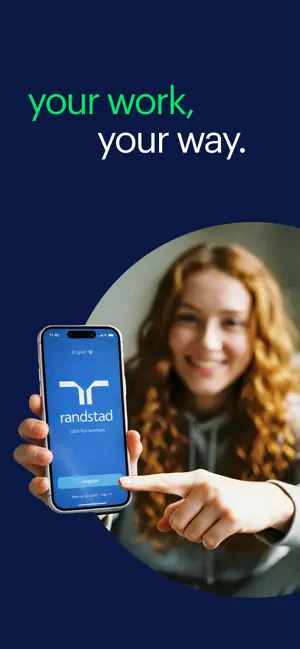
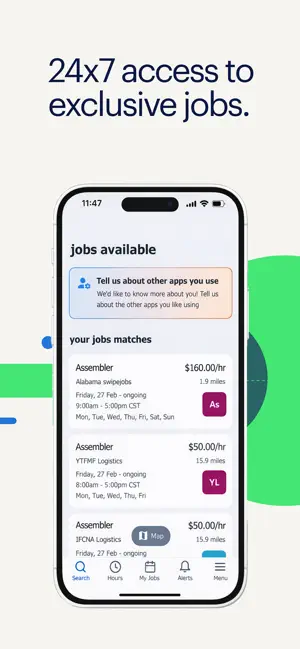
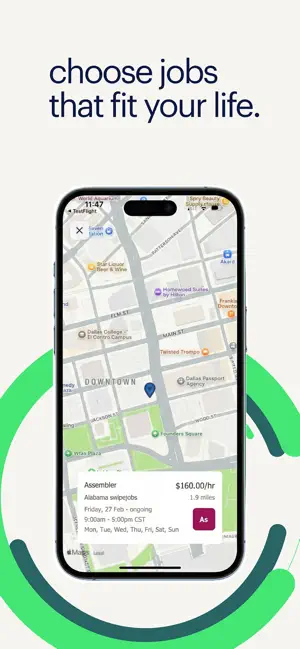
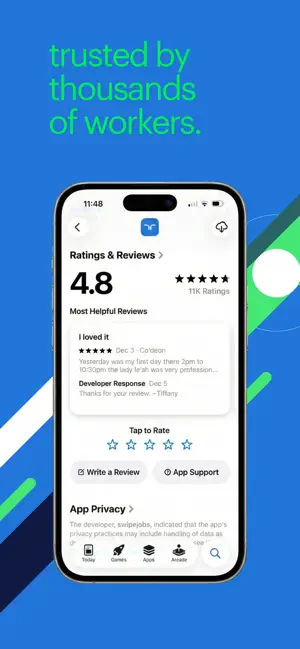
Tired of wondering who’s on the other end of your job applications? With the Randstad app you can stop waiting for someone to respond and take control of your job search with FREE 24/7 access to jobs near you, delivered right to your iPhone or iPad. Find flexible jobs near you with this new self-service option. Our Randstad app is rapidly expanding across the US. If you do not currently see jobs in your area, we’ll be there soon! WHY CHOOSE randstad: jobs for workers - get 24/7 access to jobs near you - real time updates of job openings that you are qualified for - you decide what job(s) to take and what shifts to sign up for - know the hourly pay rate, company, location, and job requirements upfront - easy access to upcoming shifts and assignments - confirm shifts or call off if you are no longer able to work - rate clients after completing a shift DO IT ALL FROM THE APP: Start a…
App details
What you can learn from randstad: jobs for workers
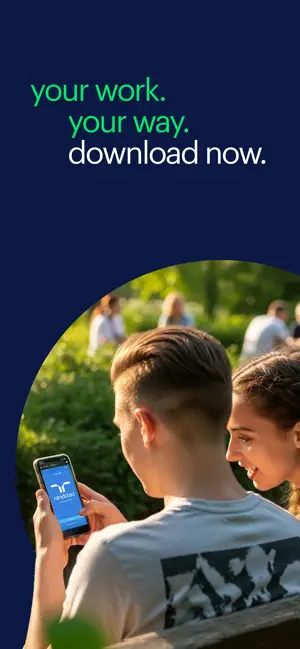
Every shipping app on the App Store has gone through the same decisions you're working through right now: which screenshot goes first, what caption sits over it, which device frame to show, what color the background should be. The 6 screenshots above are randstad: jobs for workers's answers to those questions — they're public, they're real, and they made it through Apple's review.
Notice the first screenshot in particular. It's the one users see in search results and on the product page, and it's where most apps spend their best caption and tightest design. Look at the proportion of background to phone, where the text sits, what one thing the image is trying to communicate.
Want to see how other Business apps approach the same problem? Browse more Business apps in the showcase.
Take what works into your own screenshots
Open LaunchShots and design your App Store & Google Play screenshots — pick a device frame, drop captions, ship in minutes. Free, in your browser.
Open the screenshot editor →