Chart position — tracked daily by LaunchShots
Screenshot style breakdown
Sampled from 3 of AdSpamBlock -コンテンツ広告ブロッカー's App Store screenshots — background, accent and theme, measured by LaunchShots (not something Apple publishes).
#FCFCFC bg
#DDDDDD
#048474 accent
#111111 text
Screenshots
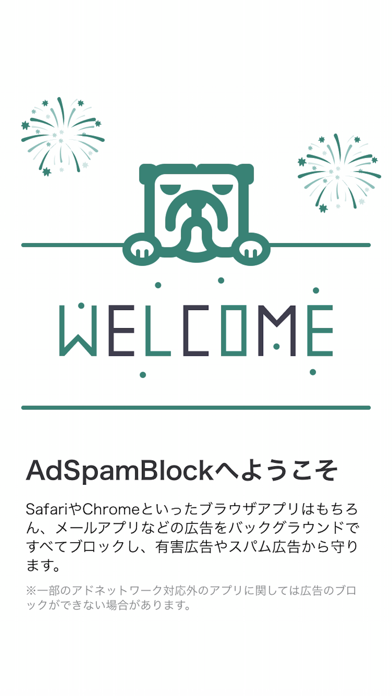
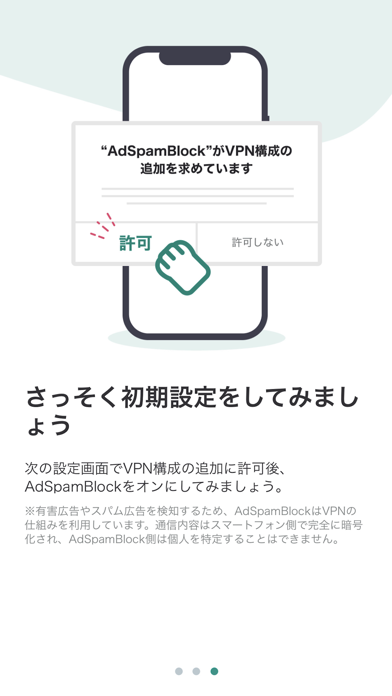
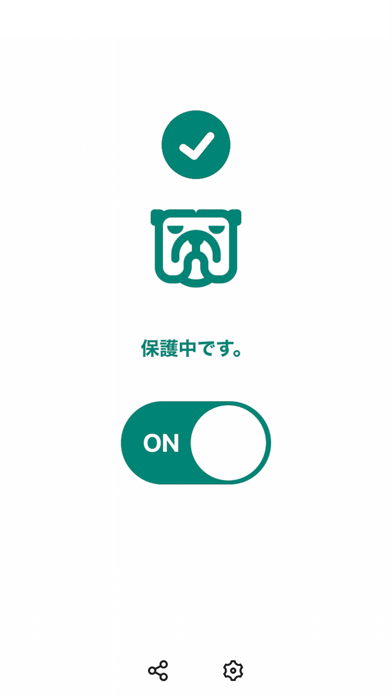
Icon palette
About this app
AdSpamBlockは無料で使える国産のアドブロック、スパム検知アプリです。 フィッシング広告や邪魔な広告の悩みから解放します。 【AdSpamBlockならではの3つのメリット】 ①幅広いフィルタリング対象 SafariやChromeといったブラウザアプリはもちろん、メールアプリなどの広告をバックグラウンドですべてブロックし、有害広告やスパム広告から守ります。 ②高性能でも無料 AdSpamBlockはユーザーのご協力により無料で運営することができています。そのため、リワードプログラムのご案内をなるべく邪魔にならない範囲ですることがあります。 ③広告+不正トラッキングを監視 広告だけでなく、WEBサイトなどの裏側でユーザーの許諾なく不正に動いているトラッキングコードを監視&ブロック。
App details
What you can learn from AdSpamBlock -コンテンツ広告ブロッカー
Every shipping app on the App Store has gone through the same decisions you're working through right now: which screenshot goes first, what caption sits over it, which device frame to show, what color the background should be. The 3 screenshots above are AdSpamBlock -コンテンツ広告ブロッカー's answers to those questions — they're public, they're real, and they made it through Apple's review.
What the numbers say: AdSpamBlock -コンテンツ広告ブロッカー runs a light set with one background colour (#FCFCFC) carried across every screenshot — the listing reads as a single poster when the shots sit side by side in search results. The accent colour we picked up, #048474, is the one to reuse for badges, arrows and highlighted words if you borrow this look. Hit Use this style to open the editor with these exact colours and drop your own screenshot in.
Notice the first screenshot in particular. It's the one users see in search results and on the product page, and it's where most apps spend their best caption and tightest design. Look at the proportion of background to phone, where the text sits, what one thing the image is trying to communicate.
Want to see how other Utilities apps approach the same problem? Browse more Utilities apps in the showcase.
Take what works into your own screenshots
Open LaunchShots and design your App Store & Google Play screenshots — pick a device frame, drop captions, ship in minutes. Free, in your browser.
Open the screenshot editor →Apps with a similar look
Closest background + accent colours among the listings we've analysed — useful when you want to see the same palette handled by a different team.