Screenshot style breakdown
Sampled from 5 of Pobaca - Baca Novel & Buku's App Store screenshots — background, accent and theme, measured by LaunchShots (not something Apple publishes).
#041424 bg
#273442
#64343C accent
#FFFFFF text
Screenshots

Icon palette
About this app
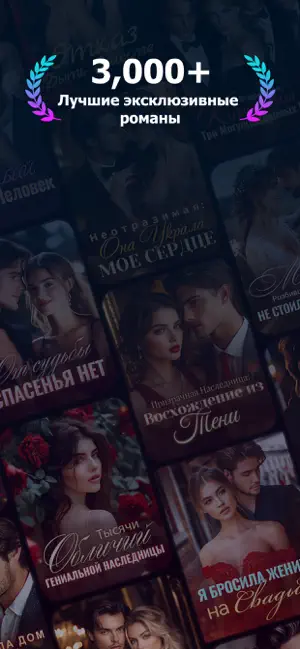
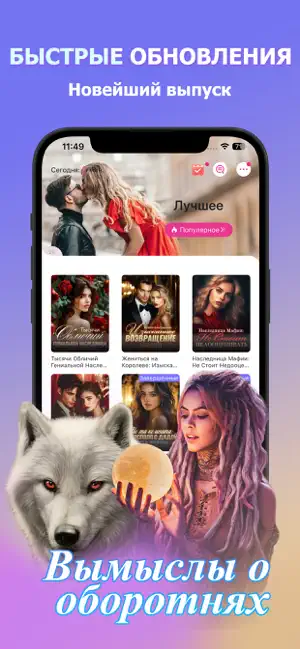
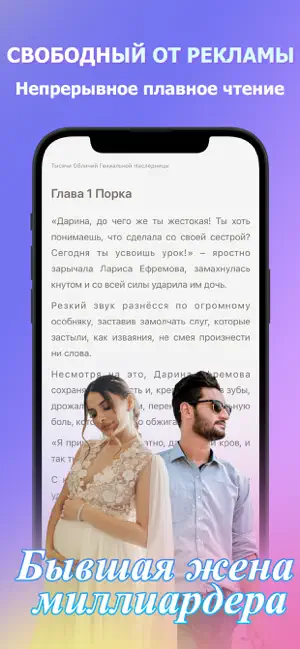
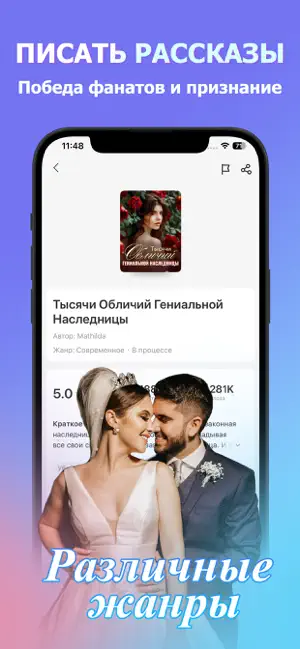
«В ловушке с генеральным директором»/«Захватывает дух»/«Избалованная девушка»/«Мой властный муж-генеральный директор»/«Папа генерального директора хочет обнять…» Pobaca — это приложение для чтения художественной литературы, созданное для всех любителей фантастики! У нас широкий выбор тем, включая фэнтези, боевые искусства, романтику, городскую тематику, студенческую жизнь и многое другое. Здесь есть всё, что вы можете себе представить! Мы ежедневно обновляем контент, регулярно публикуя новые главы. Это невероятно удобно для читателей! А ещё вас ждут различные события! Мы постоянно стремимся стать вашим лучшим другом для чтения. У нас есть: [Огромный выбор художественной литературы] Популярная онлайн-литература с подробными списками и классификациями, включая разделы для мужчин и женщин, избранные книги, умные рекомендации и многое другое! [Качественное чтение] Настройте своё чтение с…
App details
What you can learn from Pobaca - Baca Novel & Buku
Every shipping app on the App Store has gone through the same decisions you're working through right now: which screenshot goes first, what caption sits over it, which device frame to show, what color the background should be. The 5 screenshots above are Pobaca - Baca Novel & Buku's answers to those questions — they're public, they're real, and they made it through Apple's review.
What the numbers say: Pobaca - Baca Novel & Buku runs a dark set where the background shifts from screenshot to screenshot (first shot #041424) — each image has to stand on its own, so the captions carry more of the story. The accent colour we picked up, #64343C, is the one to reuse for badges, arrows and highlighted words if you borrow this look. Hit Use this style to open the editor with these exact colours and drop your own screenshot in.
Notice the first screenshot in particular. It's the one users see in search results and on the product page, and it's where most apps spend their best caption and tightest design. Look at the proportion of background to phone, where the text sits, what one thing the image is trying to communicate.
Want to see how other Book apps approach the same problem? Browse more Book apps in the showcase.
Take what works into your own screenshots
Open LaunchShots and design your App Store & Google Play screenshots — pick a device frame, drop captions, ship in minutes. Free, in your browser.
Open the screenshot editor →Apps with a similar look
Closest background + accent colours among the listings we've analysed — useful when you want to see the same palette handled by a different team.