Chart position — tracked daily by LaunchShots
Screenshot style breakdown
Sampled from 5 of なろうブック's App Store screenshots — background, accent and theme, measured by LaunchShots (not something Apple publishes).
#049CAC bg
#27A9B7
#7CCCD4 accent
#FFFFFF text
Screenshots


iPad screenshots



Icon palette
About this app
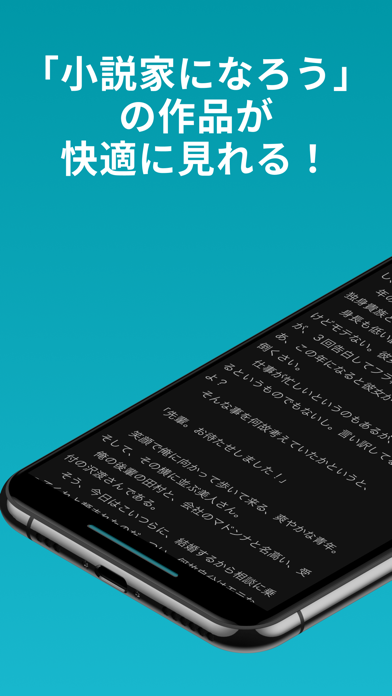
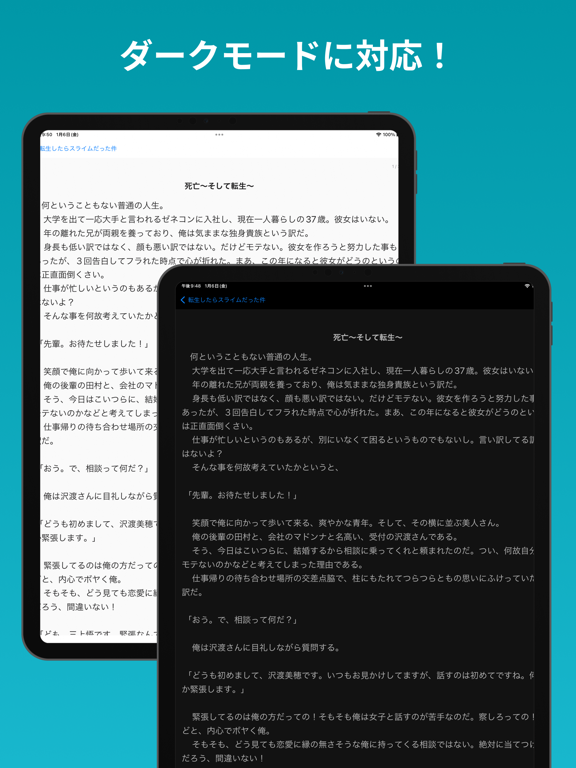
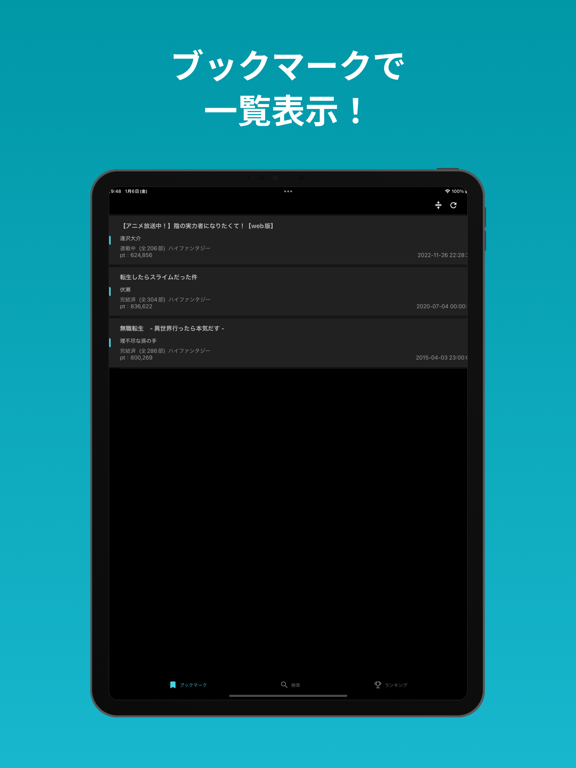
概要 本アプリは、「小説家になろう」に掲載されている膨大な小説を、快適に閲覧するための専用ビューアーです。 「余計な機能はいらない、でも読むための機能は妥協したくない」 そんな小説好きの方のために、シンプルさと使い勝手を追求しました。 主な機能 ・ブックマーク機能 お気に入りの小説を保存して、続きからすぐに再開。 既読表示により、どこまで読んだかひと目でわかります。 ・キーワード検索 好きなジャンル・キーワードで作品検索。 新しいお気に入り作品との出会いをサポートします。 ・ランキング表示 人気作品や注目作をすぐチェック。 話題の小説を逃しません。ジャンルを指定したランキングも表示できます。 ・閲覧履歴機能 最近読んだ小説を自動で保存。 「さっき読んでいた作品に戻りたい」をワンタップで解決します。 リストを左にスワイプすると、履歴を個別に削除できます。 ・ダークモード 夜間でも目に優しい表示で、長時間読書も快適。 ・ストレスフリーな操作 アプリの起動から読書開始までがスムーズ。ページめくりもスワイプ操…
App details
What you can learn from なろうブック
Every shipping app on the App Store has gone through the same decisions you're working through right now: which screenshot goes first, what caption sits over it, which device frame to show, what color the background should be. The 10 screenshots above are なろうブック's answers to those questions — they're public, they're real, and they made it through Apple's review.
What the numbers say: なろうブック runs a mixed light-and-dark set where the background shifts from screenshot to screenshot (first shot #049CAC) — each image has to stand on its own, so the captions carry more of the story. The accent colour we picked up, #7CCCD4, is the one to reuse for badges, arrows and highlighted words if you borrow this look. Hit Use this style to open the editor with these exact colours and drop your own screenshot in.
Notice the first screenshot in particular. It's the one users see in search results and on the product page, and it's where most apps spend their best caption and tightest design. Look at the proportion of background to phone, where the text sits, what one thing the image is trying to communicate.
Want to see how other Book apps approach the same problem? Browse more Book apps in the showcase.
Take what works into your own screenshots
Open LaunchShots and design your App Store & Google Play screenshots — pick a device frame, drop captions, ship in minutes. Free, in your browser.
Open the screenshot editor →Apps with a similar look
Closest background + accent colours among the listings we've analysed — useful when you want to see the same palette handled by a different team.