Chart position — tracked daily by LaunchShots
Screenshot changes — detected by LaunchShots
Screenshot style breakdown
Sampled from 6 of AI Voice Translate:Tradutor's App Store screenshots — background, accent and theme, measured by LaunchShots (not something Apple publishes).
#FC041C bg
#FC273B
#FC4C5C accent
#FFFFFF text
Screenshots
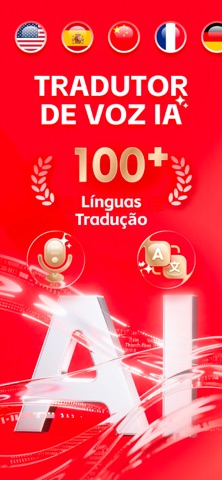
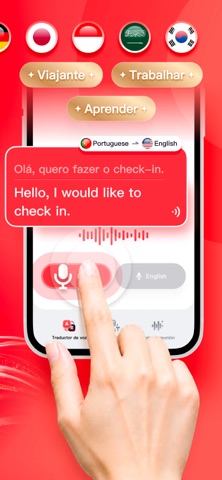


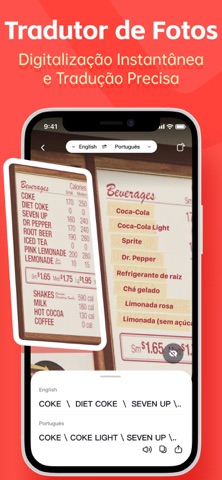
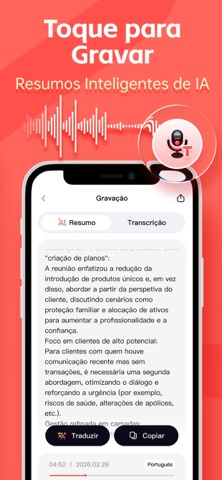

Icon palette
About this app
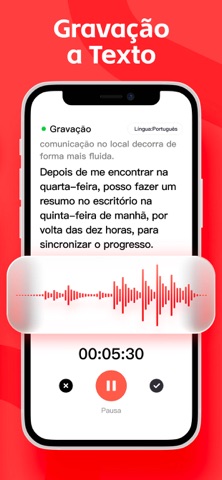
AI Voice Translate é uma aplicação completa e profissional de tradução e gravação que suporta a tradução mútua entre mais de 100 idiomas.Com tecnologia avançada de IA, reconhece inteligentemente a fala em diferentes cenários e fornece tradução de voz em tempo real e interpretação simultânea, ajudando os usuários a se comunicarem facilmente em diferentes idiomas, seja viajando, estudando ou trabalhando. Onde quer que você esteja no mundo, a comunicação é fácil. No aeroporto, em um hotel ou pedindo direções, basta abrir AI Voice Translate, falar naturalmente e obter traduções instantâneas e precisas. A aplicação permite gravar reuniões, entrevistas, aulas, podcasts e conversas diárias com um toque, converte gravações em texto de alta precisão e usa IA para extrair os pontos principais e gerar resumos concisos, ajudando você a capturar rapidamente as informações importantes e melhorar su…
App details
What you can learn from AI Voice Translate:Tradutor
Every shipping app on the App Store has gone through the same decisions you're working through right now: which screenshot goes first, what caption sits over it, which device frame to show, what color the background should be. The 8 screenshots above are AI Voice Translate:Tradutor's answers to those questions — they're public, they're real, and they made it through Apple's review.
What the numbers say: AI Voice Translate:Tradutor runs a dark set where the background shifts from screenshot to screenshot (first shot #FC041C) — each image has to stand on its own, so the captions carry more of the story. The accent colour we picked up, #FC4C5C, is the one to reuse for badges, arrows and highlighted words if you borrow this look. Hit Use this style to open the editor with these exact colours and drop your own screenshot in.
Notice the first screenshot in particular. It's the one users see in search results and on the product page, and it's where most apps spend their best caption and tightest design. Look at the proportion of background to phone, where the text sits, what one thing the image is trying to communicate.
Want to see how other Business apps approach the same problem? Browse more Business apps in the showcase.
Take what works into your own screenshots
Open LaunchShots and design your App Store & Google Play screenshots — pick a device frame, drop captions, ship in minutes. Free, in your browser.
Open the screenshot editor →Apps with a similar look
Closest background + accent colours among the listings we've analysed — useful when you want to see the same palette handled by a different team.