Chart position — tracked daily by LaunchShots
Screenshot style breakdown
Sampled from 4 of CU e-Library's App Store screenshots — background, accent and theme, measured by LaunchShots (not something Apple publishes).
#FCFCFC bg
#DDDDDD
#EC749C accent
#111111 text
Screenshots


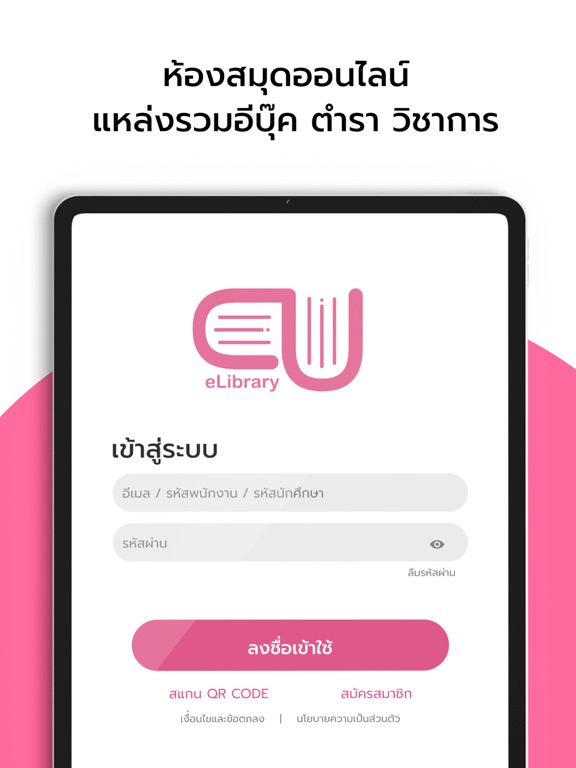
iPad screenshots


Icon palette
About this app
CU e-Lbrary แอปพลิเคชั่นห้องสมุดออนไลน์สำหรับโรงเรียน/มหาลัย/หน่วยงาน/องค์กร เเละบริการต่างๆ ฟีเจอร์ CU e-Lbrary : - ebook จาก สำนักพิมพ์ชั้นนำ - อัปเดทฟีเจอร์ใหม่ตลอด พร้อมรองรับการใช้งาน IOS - ตัวแอปพลิเคชันรองรับไฟล์ PDF , ePUB3 - สามารถยืม-คืน eBook ได้จาก Application ง่าย สะดวก รวดเร็ว - มีระบบจองคิวebook ในกรณีเล่มที่ต้องการมีคนยืมอยู่ ระบบจากเเจ้งเตือนเมื่อถึงคิวของผู้อ่านเเล้ว - ผู้ใช้สามารถ ลด/ขยาย ขนาดตัวอักษร และ เลือก Font ให้เหมาะสมกับการอ่านของผู้อ่านได้ - Sync ข้อมูลการอ่านไปยังอุปกรณ์ต่างๆ ที่ใช้งาน - โหมดการอ่านมากถึง 4 รูปแบบ เพื่อการถนอมสายตา และปรับความสว่างหน้าจอได้ตามความต้องการของผู้อ่าน - ไม่ต้องใช้อินเตอร์เน็ตในการอ่าน เพราะไฟล์ที่ดาวน์โหลดมาจะถูกเก็บไว้ในเครื่อง และอ่านแบบออฟไลน์ได้ - จดโน้ตและขีดเขียนได้ในเล่ม (เฉพาะIOS) - มีbookmarkจดจำหน้าที่อ่านค้างไว้ได้ - สามารถค้นหาebook จากหมวดหมู่ได้ - สามารถเลือกการอ่านแบบปัดอ่านซ้ายขวา หรือ เลื่อนขึ้นลงได้
App details
What you can learn from CU e-Library
Every shipping app on the App Store has gone through the same decisions you're working through right now: which screenshot goes first, what caption sits over it, which device frame to show, what color the background should be. The 8 screenshots above are CU e-Library's answers to those questions — they're public, they're real, and they made it through Apple's review.
What the numbers say: CU e-Library runs a light set with one background colour (#FCFCFC) carried across every screenshot — the listing reads as a single poster when the shots sit side by side in search results. The accent colour we picked up, #EC749C, is the one to reuse for badges, arrows and highlighted words if you borrow this look. Hit Use this style to open the editor with these exact colours and drop your own screenshot in.
Notice the first screenshot in particular. It's the one users see in search results and on the product page, and it's where most apps spend their best caption and tightest design. Look at the proportion of background to phone, where the text sits, what one thing the image is trying to communicate.
Want to see how other Book apps approach the same problem? Browse more Book apps in the showcase.
Take what works into your own screenshots
Open LaunchShots and design your App Store & Google Play screenshots — pick a device frame, drop captions, ship in minutes. Free, in your browser.
Open the screenshot editor →Apps with a similar look
Closest background + accent colours among the listings we've analysed — useful when you want to see the same palette handled by a different team.