Screenshot style breakdown
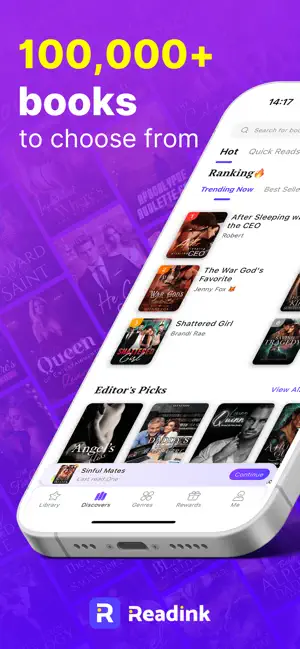
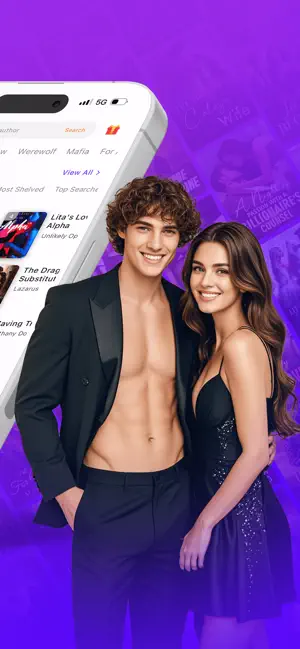
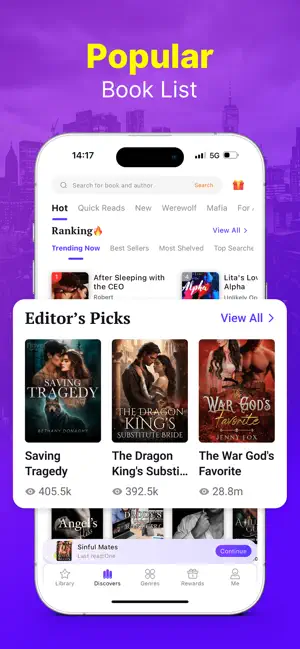
Sampled from 6 of Readink – Historier & Böcker's App Store screenshots — background, accent and theme, measured by LaunchShots (not something Apple publishes).
#942CE4 bg
#A249E7
#FCFC04 accent
#FFFFFF text
Screenshots


Icon palette
About this app
Readink – Fly in i Romantik, Fantasy och Känslofyllda Världar Readink är platsen där beroendeframkallande berättelser möter oändlig fantasi. Kliv in i ett bibliotek fyllt med pulshöjande romantik, övernaturlig fantasy, mörk maffiaspänning, miljardärsbesatthet, ödesbundna varulvar och alla typer av fängslande historier du längtar efter. Oavsett om du vill ha känslomässiga berg-och-dalbanor, dramatik med höga insatser, intensiv kemi eller magiska världar fyllda av fara och begär—Readink levererar berättelser som håller dig fast dag som natt. What Makes Readink Stand Out Över 100 000 följetongsberättelser inom dagens mest älskade genrer: Romance, Werewolf, Billionaire, Fantasy, Mafia, Paranormal, Dark Romance, Urban Fiction och fler. Färska kapitel varje dag så du aldrig behöver vänta. Smarta, personligt anpassade rekommendationer baserade på ditt läshumör. Ditt personliga bibliotek s…
App details
What you can learn from Readink – Historier & Böcker
Every shipping app on the App Store has gone through the same decisions you're working through right now: which screenshot goes first, what caption sits over it, which device frame to show, what color the background should be. The 6 screenshots above are Readink – Historier & Böcker's answers to those questions — they're public, they're real, and they made it through Apple's review.
What the numbers say: Readink – Historier & Böcker runs a dark set where the background shifts from screenshot to screenshot (first shot #942CE4) — each image has to stand on its own, so the captions carry more of the story. The accent colour we picked up, #FCFC04, is the one to reuse for badges, arrows and highlighted words if you borrow this look. Hit Use this style to open the editor with these exact colours and drop your own screenshot in.
Notice the first screenshot in particular. It's the one users see in search results and on the product page, and it's where most apps spend their best caption and tightest design. Look at the proportion of background to phone, where the text sits, what one thing the image is trying to communicate.
Want to see how other Book apps approach the same problem? Browse more Book apps in the showcase.
Take what works into your own screenshots
Open LaunchShots and design your App Store & Google Play screenshots — pick a device frame, drop captions, ship in minutes. Free, in your browser.
Open the screenshot editor →Apps with a similar look
Closest background + accent colours among the listings we've analysed — useful when you want to see the same palette handled by a different team.