Chart position — tracked daily by LaunchShots
Screenshot changes — detected by LaunchShots
Screenshot style breakdown
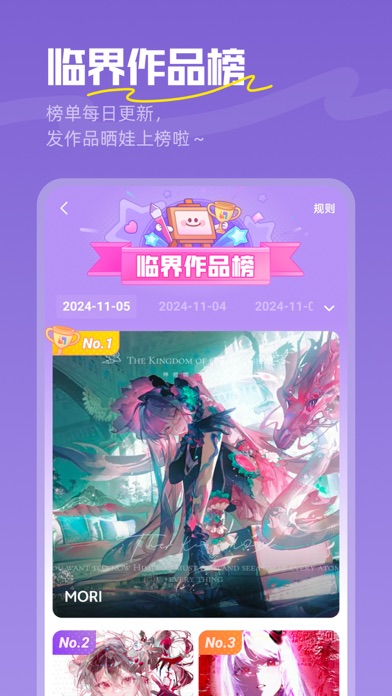
Sampled from 4 of 临界|OC二次元画师同伴都在这里's App Store screenshots — background, accent and theme, measured by LaunchShots (not something Apple publishes).
#FC944C bg
#DD8242
#FCC49C accent
#111111 text
Screenshots



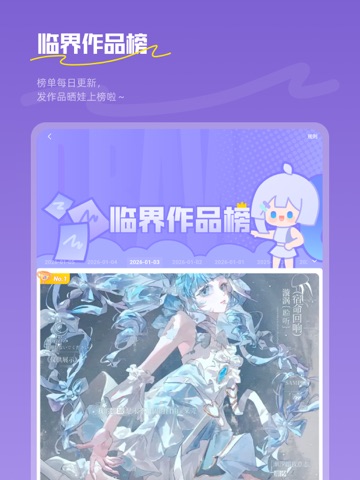
iPad screenshots


Icon palette
About this app
临界是一个专为二次元文化打造的综合性社区平台,集作品存档与创作交流于一体。我们致力于构建一个包容多元、充满活力的二次元平行世界,为OC创作、同人创作、COSPLAY、漫展文化等各类二次元创作者及爱好者提供自由表达与交流的空间。 【作品存档】 • 原图存储:完整保留作品原图文件,确保珍贵创作永不丢失 • 分类管理:通过「角色档案」实现作品有序归档,管理查询更便捷 • 版权保护:独家「相似作品」检索功能,守护每份作品的独特性与原创性 【社区交流】 • 多元内容:从OC养成、世界观构建到同人创作、漫展见闻,涵盖各类你感兴趣的二次元内容 • 同好社交:通过兴趣标签与内容互动,找到更多同频的伙伴与亲友,构建专属次元关系网 • 创作者互动:关注喜爱的创作者,互动交流、邀请创作一站式体验 在临界,我们珍视每一种创作表达,期待与您共同营造这个友善、自由、充满想象力的二次元理想国。
App details
What you can learn from 临界|OC二次元画师同伴都在这里
Every shipping app on the App Store has gone through the same decisions you're working through right now: which screenshot goes first, what caption sits over it, which device frame to show, what color the background should be. The 7 screenshots above are 临界|OC二次元画师同伴都在这里's answers to those questions — they're public, they're real, and they made it through Apple's review.
What the numbers say: 临界|OC二次元画师同伴都在这里 runs a mixed light-and-dark set where the background shifts from screenshot to screenshot (first shot #FC944C) — each image has to stand on its own, so the captions carry more of the story. The accent colour we picked up, #FCC49C, is the one to reuse for badges, arrows and highlighted words if you borrow this look. Hit Use this style to open the editor with these exact colours and drop your own screenshot in.
Notice the first screenshot in particular. It's the one users see in search results and on the product page, and it's where most apps spend their best caption and tightest design. Look at the proportion of background to phone, where the text sits, what one thing the image is trying to communicate.
Want to see how other Business apps approach the same problem? Browse more Business apps in the showcase.
Take what works into your own screenshots
Open LaunchShots and design your App Store & Google Play screenshots — pick a device frame, drop captions, ship in minutes. Free, in your browser.
Open the screenshot editor →Apps with a similar look
Closest background + accent colours among the listings we've analysed — useful when you want to see the same palette handled by a different team.