Screenshots


Icon palette
About this app
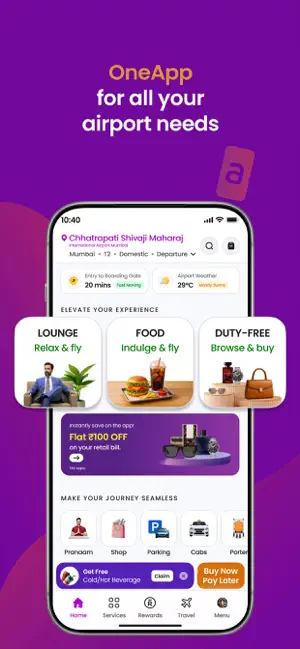
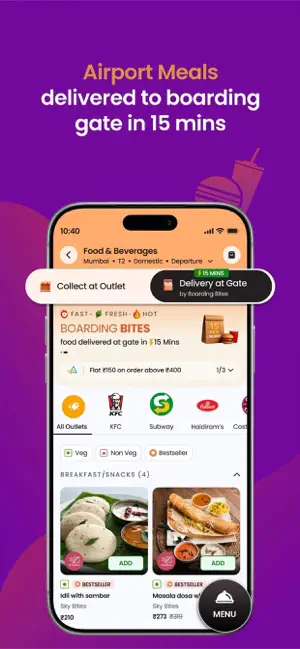
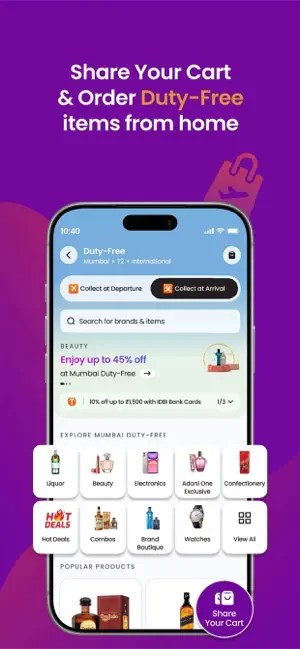
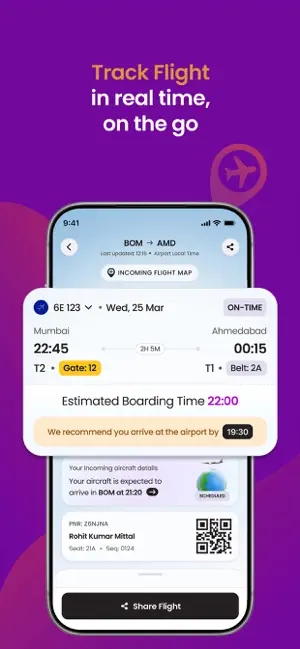
ONEApp fits all your airport needs: Book Airport Lounge: Check Card Eligibility Track Flight: Baggage Belt & Gate Number Info Pre-order Duty Free Online Pre-order Food & Beverages at Adani-managed Airports Book Airport Car Parking Adani Reward Program Book Pranaam Meet & Greet Service Book Porter Service Book Airport Cabs Apply/Manage Adani One ICICI Bank Credit Cards Book Flights and Hotels Pay Utility Bills …and much more. Download the app and take it for a spin. *Enjoy great deals and discounts on Adani OneApp* *Get assured Rewards on every eligible transaction* *Redeem 100% of the OneApp Rewards on your next transaction* Introducing Pay Later on Adani OneApp! Make purchases at the airport and pay at your own pace later. The all-new payment method will make it simple to manage purchases in easy instalments while enjoying a seamless shopping experience. Booking airport loung…
App details
What you can learn from Adani OneApp: For Smart Travel
Every shipping app on the App Store has gone through the same decisions you're working through right now: which screenshot goes first, what caption sits over it, which device frame to show, what color the background should be. The 6 screenshots above are Adani OneApp: For Smart Travel's answers to those questions — they're public, they're real, and they made it through Apple's review.
Notice the first screenshot in particular. It's the one users see in search results and on the product page, and it's where most apps spend their best caption and tightest design. Look at the proportion of background to phone, where the text sits, what one thing the image is trying to communicate.
Want to see how other Travel apps approach the same problem? Browse more Travel apps in the showcase.
Take what works into your own screenshots
Open LaunchShots and design your App Store & Google Play screenshots — pick a device frame, drop captions, ship in minutes. Free, in your browser.
Open the screenshot editor →