Screenshots

Icon palette
About this app
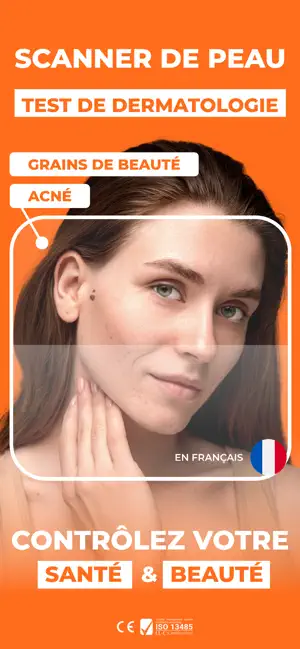
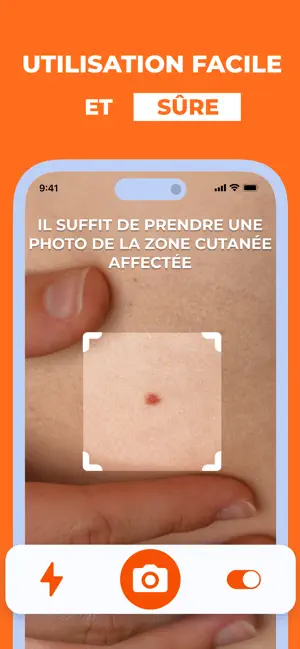
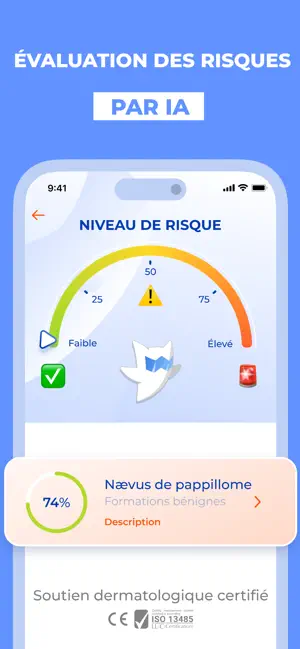
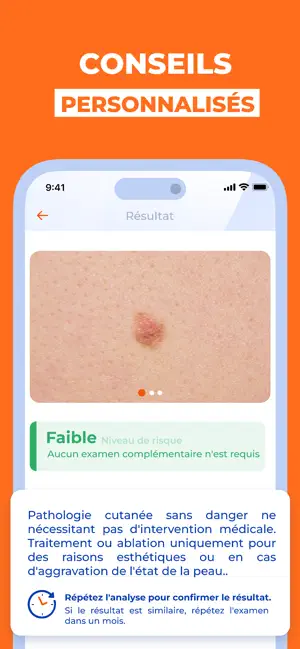
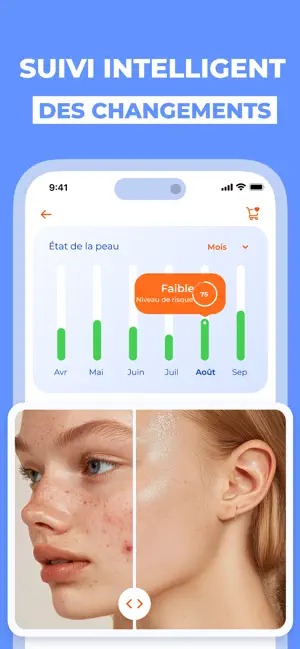
Prenez le contrôle de la santé de votre peau 24/7 avec Skinive, une application de dermatologie propulsée par l'IA. Conçue pour tous ceux qui souhaitent améliorer la santé et l’apparence de leur peau, Skinive utilise une intelligence artificielle avancée pour identifier des problèmes potentiels comme l'acné, l'eczéma, le psoriasis et les risques de cancer de la peau, notamment le mélanome. Que vous soyez préoccupé par des grains de beauté, des rougeurs, ou que vous recherchiez des conseils de soins, Skinive est une solution complète pour évaluer la santé de votre peau, identifier les risques et recevoir des recommandations personnalisées, tout cela en quelques secondes avec l’appareil photo de votre smartphone. Commencez Facilement Votre Parcours de Santé Cutanée Prenez une photo de toute zone de peau (hors visage entier), et notre algorithme IA vous fournira une évaluation des risques,…
App details
What you can learn from Scanner IA Santé de Peau
Every shipping app on the App Store has gone through the same decisions you're working through right now: which screenshot goes first, what caption sits over it, which device frame to show, what color the background should be. The 6 screenshots above are Scanner IA Santé de Peau's answers to those questions — they're public, they're real, and they made it through Apple's review.
Notice the first screenshot in particular. It's the one users see in search results and on the product page, and it's where most apps spend their best caption and tightest design. Look at the proportion of background to phone, where the text sits, what one thing the image is trying to communicate.
Want to see how other Medical apps approach the same problem? Browse more Medical apps in the showcase.
Take what works into your own screenshots
Open LaunchShots and design your App Store & Google Play screenshots — pick a device frame, drop captions, ship in minutes. Free, in your browser.
Open the screenshot editor →