Chart position — tracked daily by LaunchShots
Screenshot style breakdown
Sampled from 6 of CAD快速看图-dwg手机快速看图,设计图纸工程建筑's App Store screenshots — background, accent and theme, measured by LaunchShots (not something Apple publishes).
#040404 bg
#272727
#1CDCB4 accent
#FFFFFF text
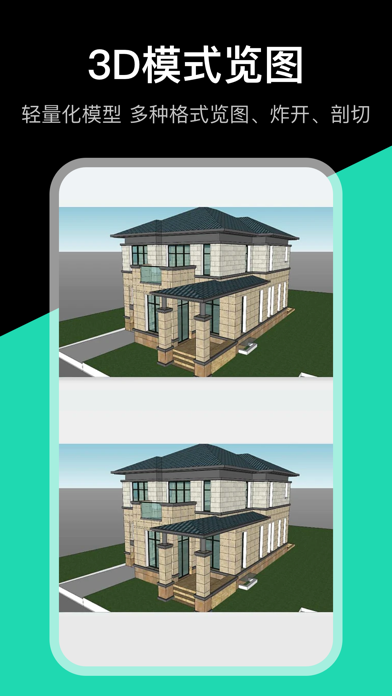
- #23D 模 式 览 图 轻 量化 模型 多 种 格式 览 图 、 诈 开 、 训 切
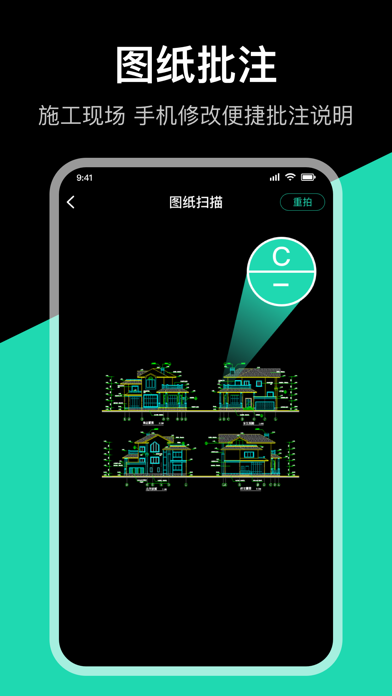
- #3图 纸 批 注 施工 现场 手机 修改 便捷 批注 说 明
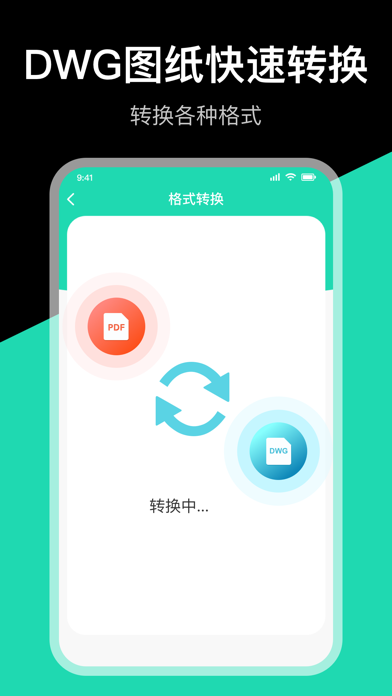
- #4转换 各 种 格式
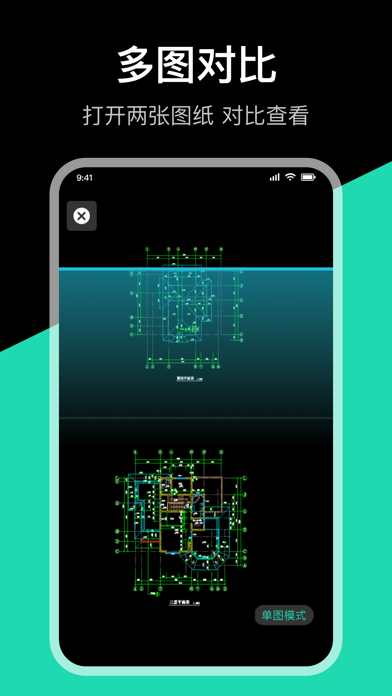
- #5多 图 对 比 打开 两 张 图 纸 对 比 查看
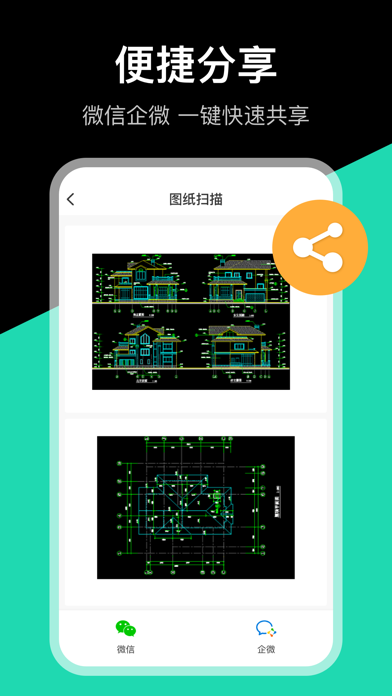
- #6便捷 分 享 微 信 企 微 一 键 快速 共享
Captions read from the screenshots (OCR, may contain small errors): 5 headlines, 11.6 words on average (longest 19).
Screenshots
Icon palette
About this app
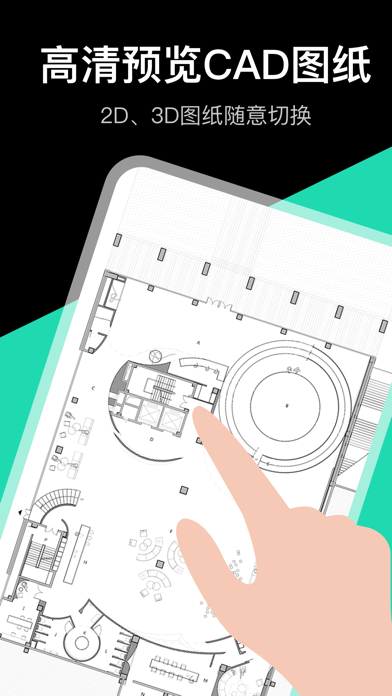
CAD快速看图,一键查看dwg图纸,2D图纸,3D图纸一键切换查看,多张图纸对比查看,PC手机文件互传 图纸标注:在设计图纸上进行文字标注、手动标注、遮盖,修改等 dwg图纸查看:CAD图纸查看,方便快捷 图纸扫描:拍摄纸质图纸生成电子文档保存 DWG格式转换:直接转换成PDF或图片格式 文件解压:直接解压包含DWG、PDF、图片格式的文件 图纸样例:多种图纸样例供您参考学习 快捷键操作:快捷键操作大全 2D图纸:2D平面模式查看 3D图纸:3D建明图纸查看,元件拆分 多图纸对比:多张CAD图纸对比查看 云盘存储:10G云盘空间 PC手机文件互传:电脑端手机端文件局域网传送 订阅: 用户确认购买后会通过iTunes账户直接扣款。 取消续订: 在当前订阅周期到期前24小时内,在iTunes的Apple ID设置管理中关闭自动续订功能。 续订: iTunes账户会在到期前24小时内扣费,扣费成功后订阅周期顺延一个订阅周期。 用户协议: http://cad.catadog.cn/pages/terms 隐私政策: http://cad.catadog.cn/pages/privacy
App details
What you can learn from CAD快速看图-dwg手机快速看图,设计图纸工程建筑
Every shipping app on the App Store has gone through the same decisions you're working through right now: which screenshot goes first, what caption sits over it, which device frame to show, what color the background should be. The 6 screenshots above are CAD快速看图-dwg手机快速看图,设计图纸工程建筑's answers to those questions — they're public, they're real, and they made it through Apple's review.
What the numbers say: CAD快速看图-dwg手机快速看图,设计图纸工程建筑 runs a mixed light-and-dark set where the background shifts from screenshot to screenshot (first shot #040404) — each image has to stand on its own, so the captions carry more of the story. The accent colour we picked up, #1CDCB4, is the one to reuse for badges, arrows and highlighted words if you borrow this look. Hit Use this style to open the editor with these exact colours and drop your own screenshot in.
Notice the first screenshot in particular. It's the one users see in search results and on the product page, and it's where most apps spend their best caption and tightest design. Look at the proportion of background to phone, where the text sits, what one thing the image is trying to communicate.
Want to see how other Productivity apps approach the same problem? Browse more Productivity apps in the showcase.
Take what works into your own screenshots
Open LaunchShots and design your App Store & Google Play screenshots — pick a device frame, drop captions, ship in minutes. Free, in your browser.
Open the screenshot editor →Apps with a similar look
Closest background + accent colours among the listings we've analysed — useful when you want to see the same palette handled by a different team.