Screenshots

Icon palette
About this app
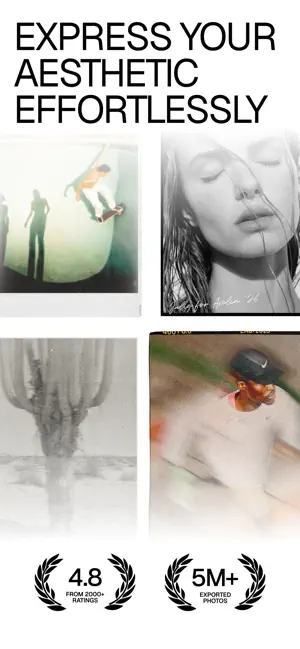
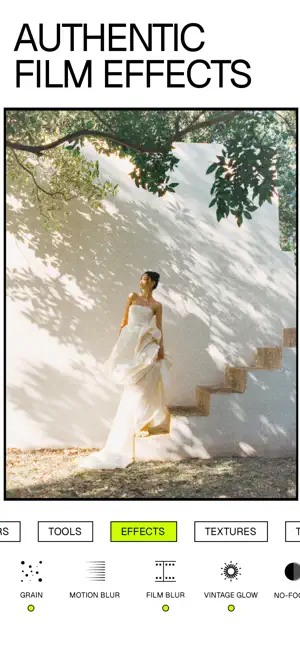
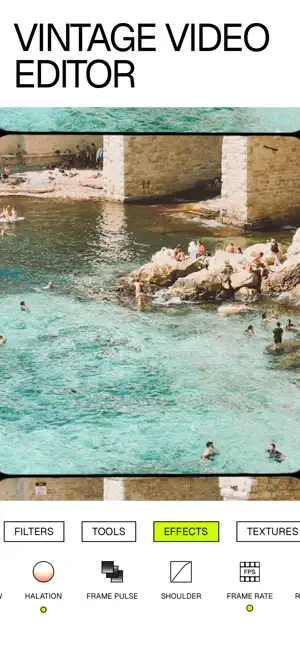
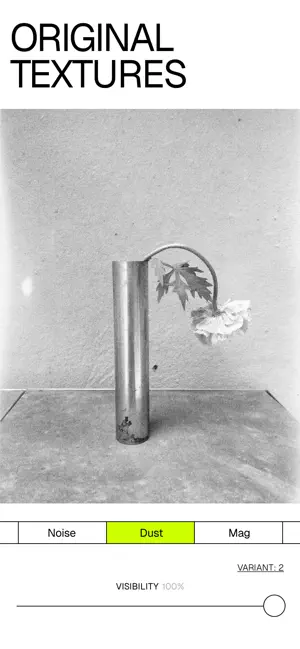
5M+ EXPORTED PHOTOS. NOW SUPPORTING VIDEO. Labbet is a creative lab for film‑inspired, beautifully nostalgic images and video that feel personal, not polished. Rated 4.8 from thousands of reviews and trusted by a community that has exported over 5 million photos, it's a photo and video editing app for creators with an analog soul who value texture, mood, grain, and honest expression over glossy perfection. WHAT LABBET DOES Labbet combines simple, precise tools with film‑inspired looks, grain, dust, and borders so you can create timeless visuals fast — in photo and video. Effects like authentic textures, glow, motion blur, and soft vignettes give your work a tactile, film‑like presence that stands apart from standard mobile edits. FILM‑INSPIRED TOOLS Shape light, color, and depth with clean, focused editing controls that keep you in your creative flow — whether you're working on a stil…
App details
What you can learn from Labbet: Vintage Photo Editor
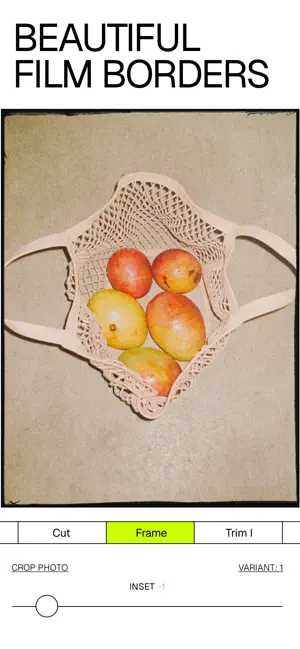
Every shipping app on the App Store has gone through the same decisions you're working through right now: which screenshot goes first, what caption sits over it, which device frame to show, what color the background should be. The 6 screenshots above are Labbet: Vintage Photo Editor's answers to those questions — they're public, they're real, and they made it through Apple's review.
Notice the first screenshot in particular. It's the one users see in search results and on the product page, and it's where most apps spend their best caption and tightest design. Look at the proportion of background to phone, where the text sits, what one thing the image is trying to communicate.
Want to see how other Photo & Video apps approach the same problem? Browse more Photo & Video apps in the showcase.
Take what works into your own screenshots
Open LaunchShots and design your App Store & Google Play screenshots — pick a device frame, drop captions, ship in minutes. Free, in your browser.
Open the screenshot editor →